09 Creating your own voices | 101
• LFO TVA: Amount of LFO on the amplifier.
• LFO RATE: Oscillator frequency.
At the bottom of the screen of all pages are the buttons:
• FACTORY OVERWRITE: Before pressing the SAVE button on the panel, press this
button to open a window in which you can confirm the desire to save the original
factory Voice preset.
• FACTORY RESTORE: If you have made some changes or modifications to a preset
item and now you want to return to the original factory setting, before pressing
the SAVE button on the panel, press this button to open a window in which to
confirm the desire to restoration of the original factory preset entry.
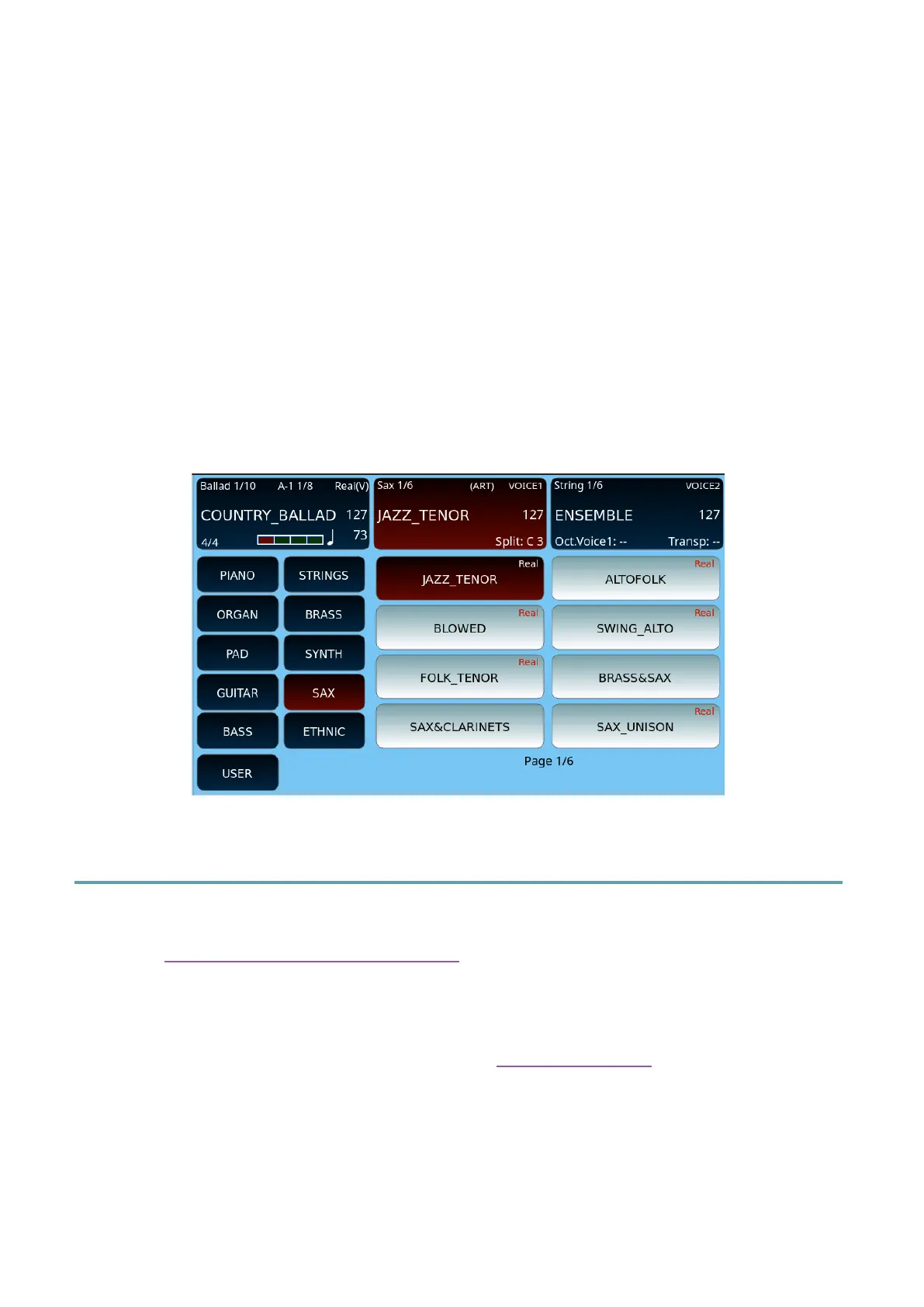
It is now possible to save a User Voice so that the word ‘Real’ appears in the corresponding
box: after pressing SAVE AS, prefix the name with the symbol ‘&’ (e.g., &MY_SAX).
Effects Editor
Here we take care of the effects management function recalled by pressing the EFX EDIT
button on page 1 of 7 of customization entries. In fact, the parameters managed in these
pages are saved within the VOICE preset.
Expert advice
A wider effects management is possible behind the DSP Effect Control where there are many
more parameters and each effect has its own page. You can recognize the environment,
thanks to the writing at the top right: here we are in VOICE mode, in the other mode we will
see CHAIN.



 To Next Page