13 Global menus and settings | 147
13 Global menus and settings
How to customize EVM
EVM is an open and customizable workstation instrument. The customization options according to your
specific needs are endless. Professionals will be able to work with a fast a reliable instrument in all their
live or studio performances.
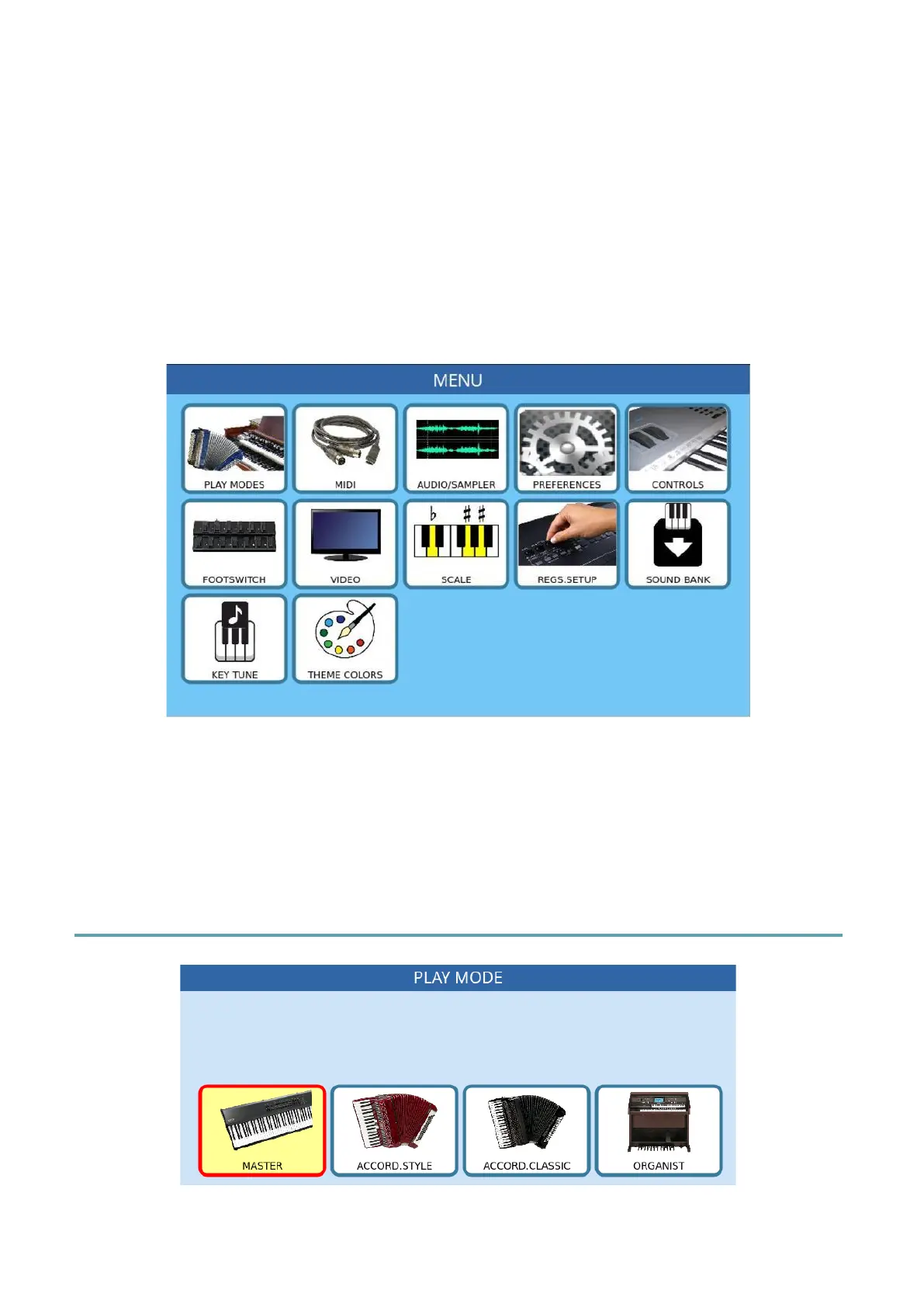
Most customization parameters are configurable in MENU mode.
Press the MENU button on the panel to open the following page.
Each icon on the screen refers to a configuration page let us see them together.
Warning! When MENU mode is active, the instrument is dedicated to configurations only
and other features are disabled. To return to using EVM in full functionality, press the MENU
button again.
Play Mode
MASTER



 To Next Page