07 Registration, Playbox, Performance | 77
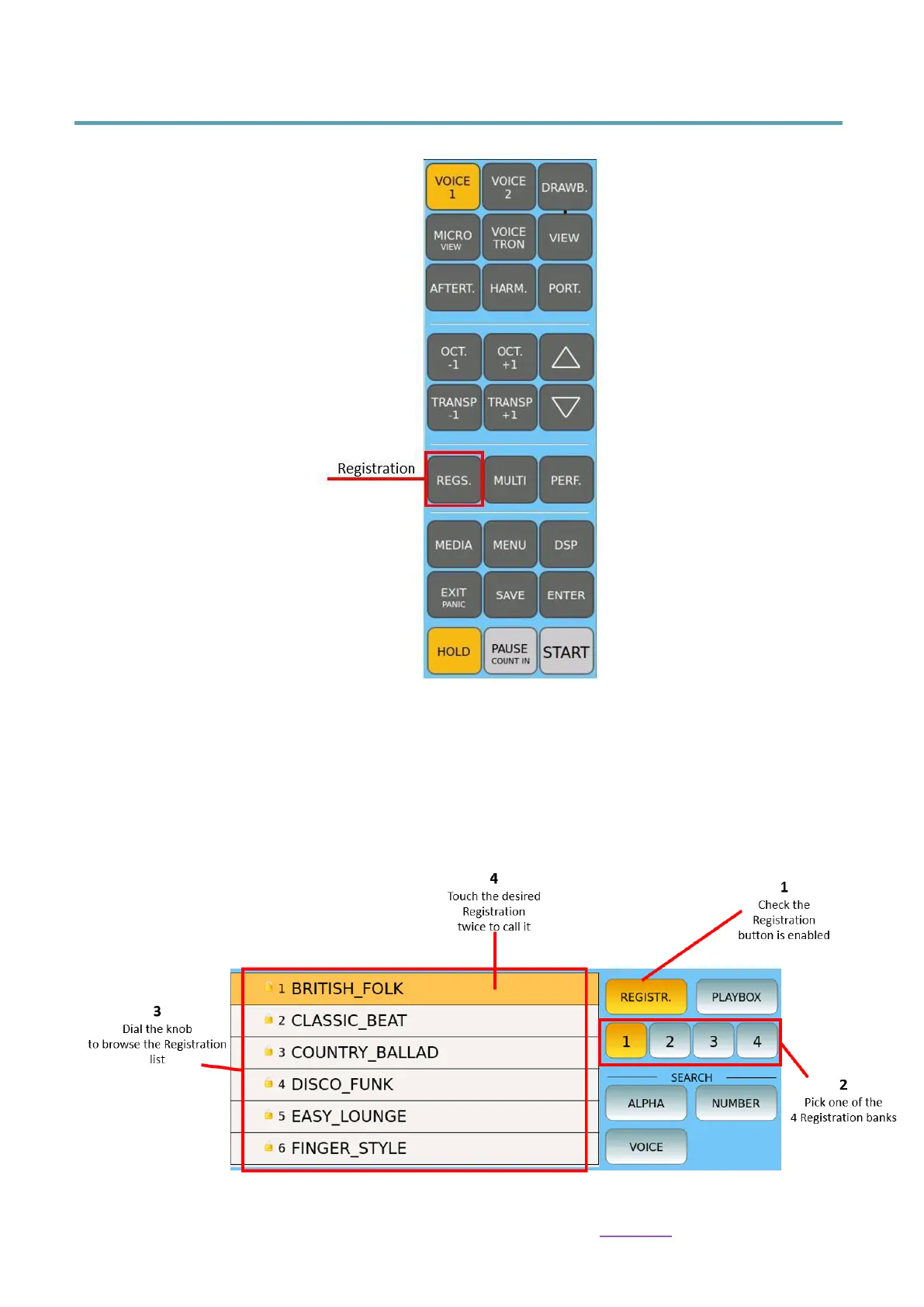
Recalling a Registration
1. Press the REGS. button on the panel.
2. On the touch screen, select one of the four available banks where your registration
resides.
3. Touch the desired Registration from the list displayed on the screen.
The sorting of the Registration list follows the same Alphabetic/Numeric and Dir
Position (On Top/On Bottom) settings stored in the PLAYER’s File View.



 To Next Page