40 | 03 Playing with the styles
Options explained below:
• MANUAL (VIEW): Set the Bass to manual mode in orde to manually play the bass
notes individually with the left hand, while playing the style.
• LOWEST: Assign the bass the lowest note of the chord regardless of the
fundamental. In this way the Bass can play the inversion of the chord.
• ROOT: Give the bass the keynote of the chord. It is the alternative to LOWEST.
• BASSIST (VIEW): Press the BASSIST button on the panel to allow the performance
of loose bass on a chord performed with the right hand: the part to the left of the
split point is available to play the bass part in real time.
You can do more through the Walking Bass function, which can be activated on the SETTING
page of the Bass in VIEW & MODELING.
In BASSIST mode, you can change the program you play with:
1. Touch BASS control frame on the screen in the centre towards the bottom of the
screen.
2. Scroll through the list by pressing UP/DOWN buttons.
3. You can also change the instrumentation by tapping one of the 12 sound banks
on the screen: PIANO, CHROM, ORGAN, ACCORDION, GUITAR, STRING CHOIR,
BRASS, SAX FLUTE, PAD, SYNTH, ETHNIC and BASS-FX.
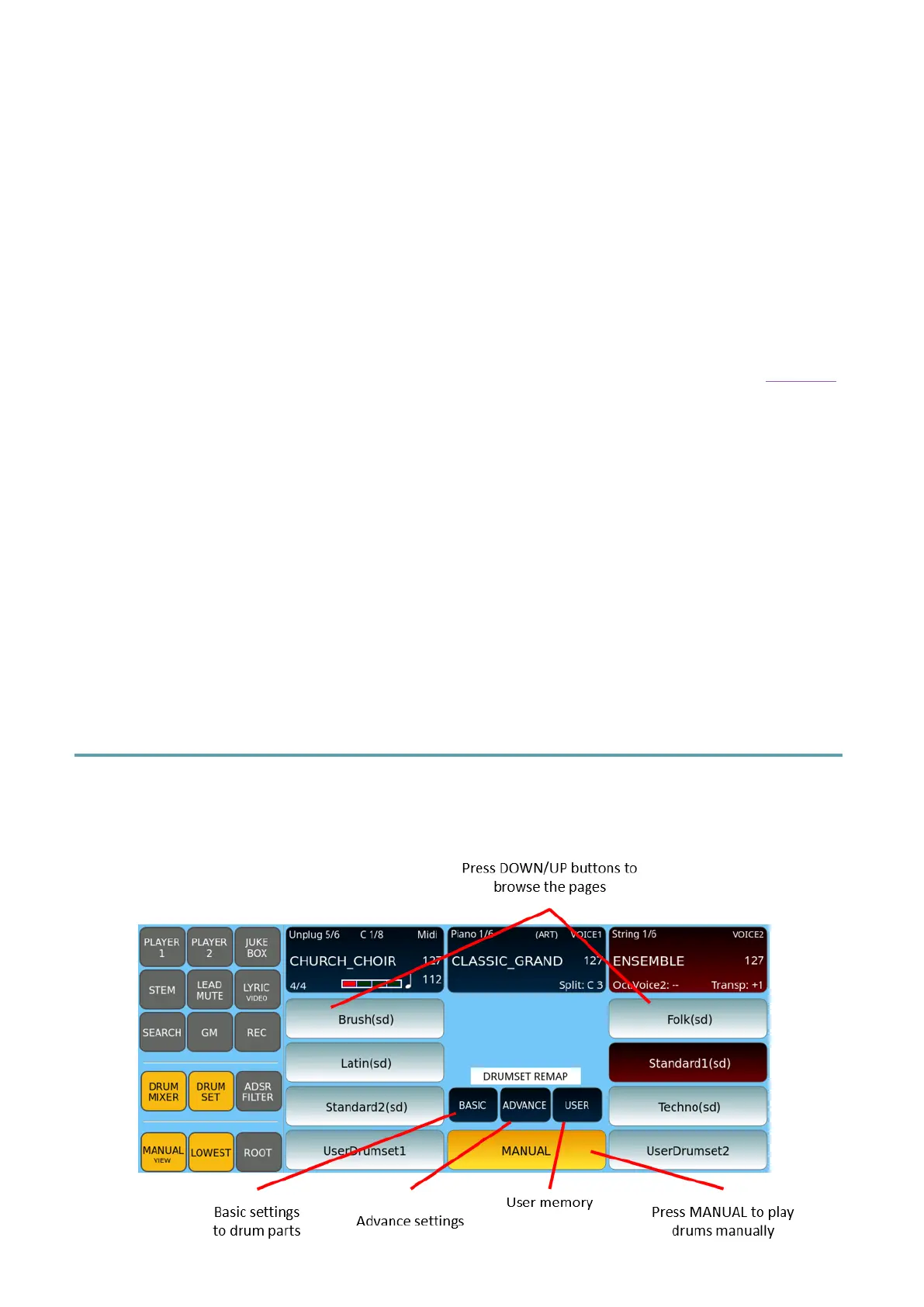
Playing percussion with Drum Set
You can access the manual percussive kit control page by pressing the DRUM SET button on
the panel.



 To Next Page