118 | 10 Creating your own styles
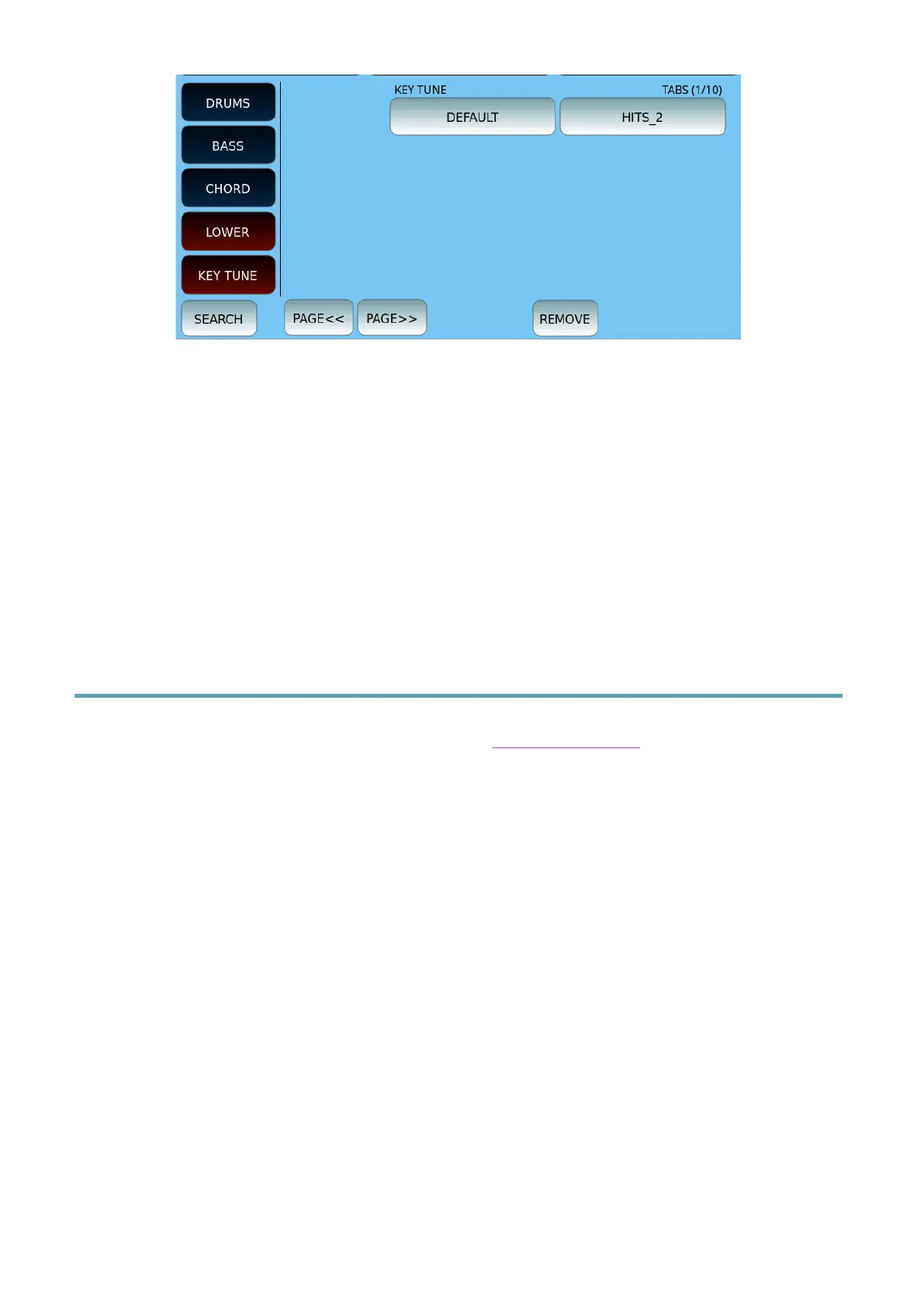
To associate a Key Tune file (with all associated audio files) with a style:
1. Press the VIEW & MODELING button.
2. Then press KEY TUNE.
3. Select the Key Tune file from the list.
4. Press the SAVE button on the panel to save the style as a USER STYLE.
5. Press REMOVE to remove the hue from the USER STYLE.
Style Editor: creating your styles from scratch
The STYLE EDIT functionality is available from the View & Modelling page described above:
this is where you can record and program your styles from scratch or more detailed editing
on existing styles. Before starting, we advise you to precisely plan the style structure,
considering the length and Time Signature parameters, which are the basic settings of a
style, to obtain correct programming.
How to create or record a new style or pattern
Once we open the STYLE EDITOR page, let us start by clearing the memory and starting
from a clean situation. Be careful - since this function will erase all the memory areas of the
current style to make room for creating a new style from scratch.



 To Next Page