03 Playing with the styles | 37
chord, the BPM decreases by the set quantity from 1 to 5, while by beating the
highest note, the time increases by the same amount. This choice can be saved in
the Registration. If TEMPO ON CHORD is active, the Tempo variation is displayed
in the main menu.
• KEY START AUTOCRASH:
o GLOBAL: The parameter can be saved in CUSTOM STARTUP.
o LOCAL: The parameter can be saved in a USER STYLE or in a Registration.
• REMAP TAB: Enables/disables TO END-> REINTRO. This function allows you to
book the REINTRO. In other words, if the style is running, instead of invoking the
Ending, the tool executes the INTRO again. The reservation is visible in the Top Bar
dedicated to style through the words REINTRO. Once REINTRO has been
performed, the function is deactivated, so you must press TO END again to close.
• SECTION CHANGE: determines when the next Variation selected ABCD is actually
activated:
o BAR: If this is set, the next variation starts immediately it is pressed - at the
end of the current bar.
o BEAT: This is the default setting in which the variation seleted starts at the
end of the current measure.
Attention! As explained above, if you want to keep the changed or modified settings,
remember to save in a USER STYLE all the changes made on this page. So, each style governs
its own parameters as set above.
Expert advice
On the View &Modelling EFX Edit page, you can assign Insert effects to BASS, CHORD (MIDI),
and REAL CHORD tracks, with the ability to edit all effects parameters.
Customizing the use of styles: USER TAB
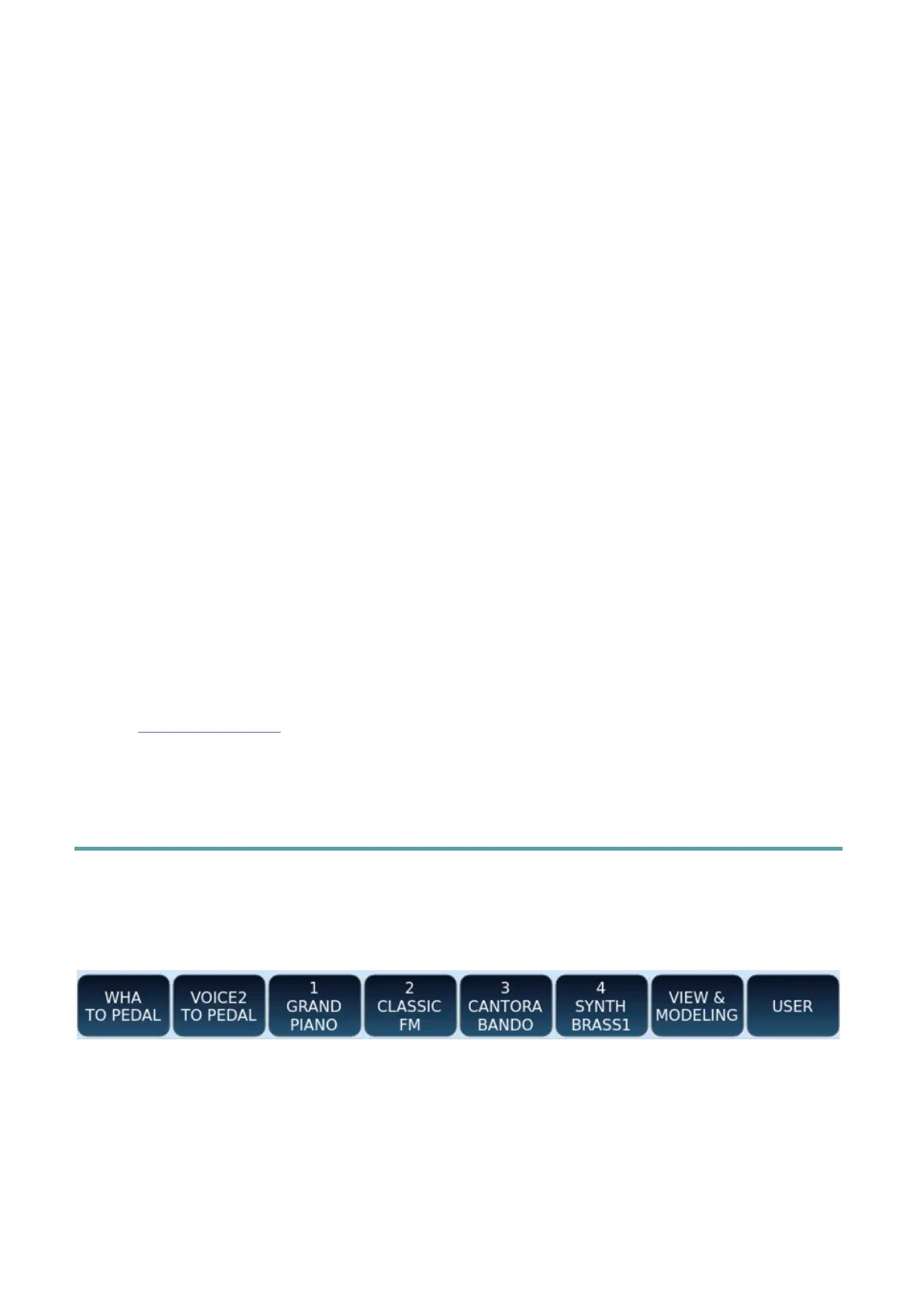
In the bar at the bottom of the screen, EVM features a set of standard style control icons.
Pressing the USER TAB button on the panel brings up a second set of buttons as shown
below.
Some buttons are ready for your immediate use.
You can configure a second set of buttons that is displayed in the same positions at the
bottom of the HOME page by pressing the USER TAB button.



 To Next Page