03 Playing with the styles | 33
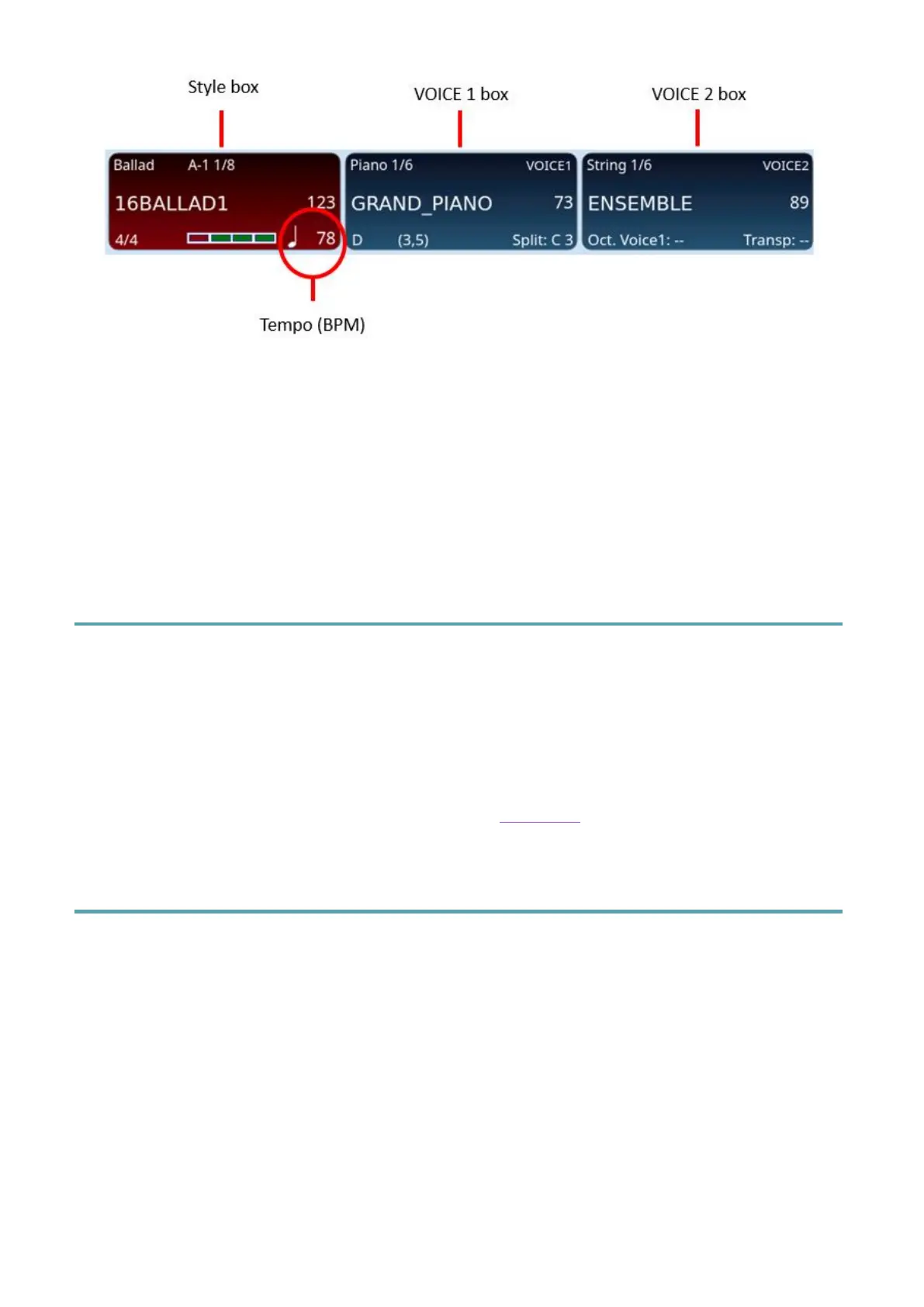
To increase or decrease the number of BPMs of a style, simply use the buttons UP/DOWN
or press one of the TEMPO –/+ buttons on the panel.
Alternatively, you can touch the screen in the style box, in the time display area: a pop up
opens that allows you to change the tempo without using the UP/DOWN buttons, simply by
entering the numerical value of the BPM.
EVM allows you to set the Tempo in beats per minute (BPM), from 65 to 250.
Harmony with Sounds
By activating the HARMONY function via the dedicated panel button, the instrument adds
harmonic parts to the notes played with the right hand, based upon the chord played in the
LOWER part (left of the split point). The result is a more full-bodied sound thanks to a series
of harmonic intervals within the sound that you are using in the VOICE1 or VOICE 2 parts.
This option has no effect for sounds that have not been configured. Several types of
harmonization are available: it's all explained in the Harmony paragraph of this manual.
Customizing how styles are used: Mode page
In the bar at the bottom of the screen, the MODE command opens the configuration page
of the current style.
The changes you make are effective immediately, but you must save them in the style if
these settings need to be used in the future associated with the style. Factory styles cannot
be edited, but should you start off with a factory style, you can then save the modified style
in the USER STYLE area. There is no actual limit to the number of custom styles you can
create and store since these styles are stored as files in the internal SSD drive, so the
limitation is really set by the size of the SSD drive.



 To Next Page