07 Registration, Playbox, Performance | 79
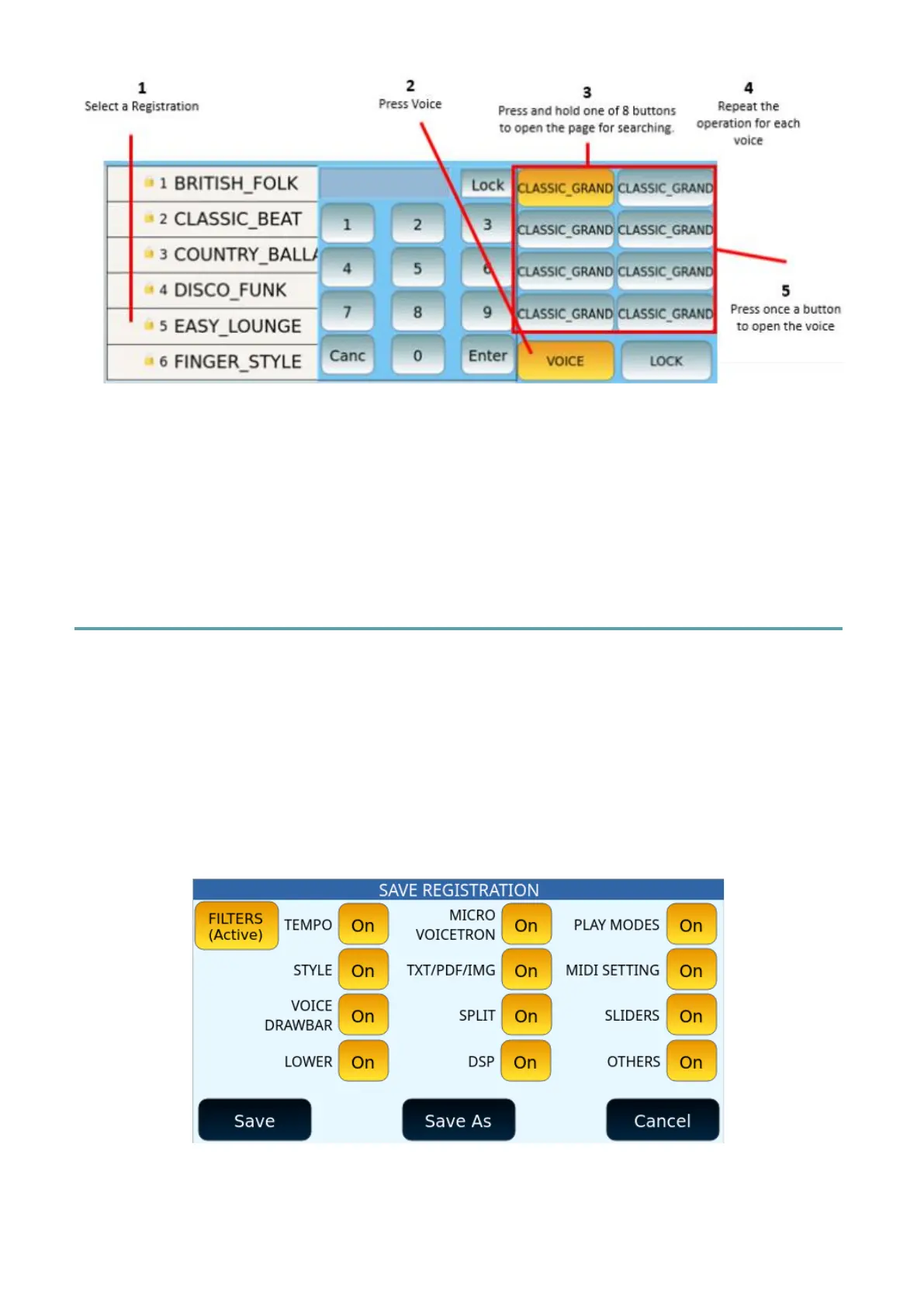
The Voice button in Registration is useful for having up to four voices to play on the
keyboard to accompany a song or style (any resource you have associated with that
Registration memory.
If you activate LOCK, the eight on-screen items are not affected when you change
Registration. This option is only valid for Voice 1, as it excludes Voice 2 and Drawbar.
Creating/Saving a Registration
As we have seen above, once you have set the style, sounds, effects, and all other
configuration parameters needed to perform a song, do not forget to save the Registration
to be able to open it in the future, at the appropriate time.
1. Press the SAVE button on the panel.
2. If you want to exclude some features from the Registration, press FILTERS to
appear (Active) and then act on the individual parameters.
Options:



 To Next Page