84 | 08 GM and Drum Restyle
08 GM and Drum Restyle
Fine-tuning of songs and adding Live Drums to songs
MIDI file users often need to improve, customize, and adapt standard songs to sound as expected.
Sometimes it is a matter of rearranging a piece by renewing the instrumental assignments. Each
musician has their sensitivity, taste, and artistic attitude. The GM and Drum Restyle features allow you
to pick up your MIDI files, refresh them, and play according to your musical style.
GM: MIDI file edit
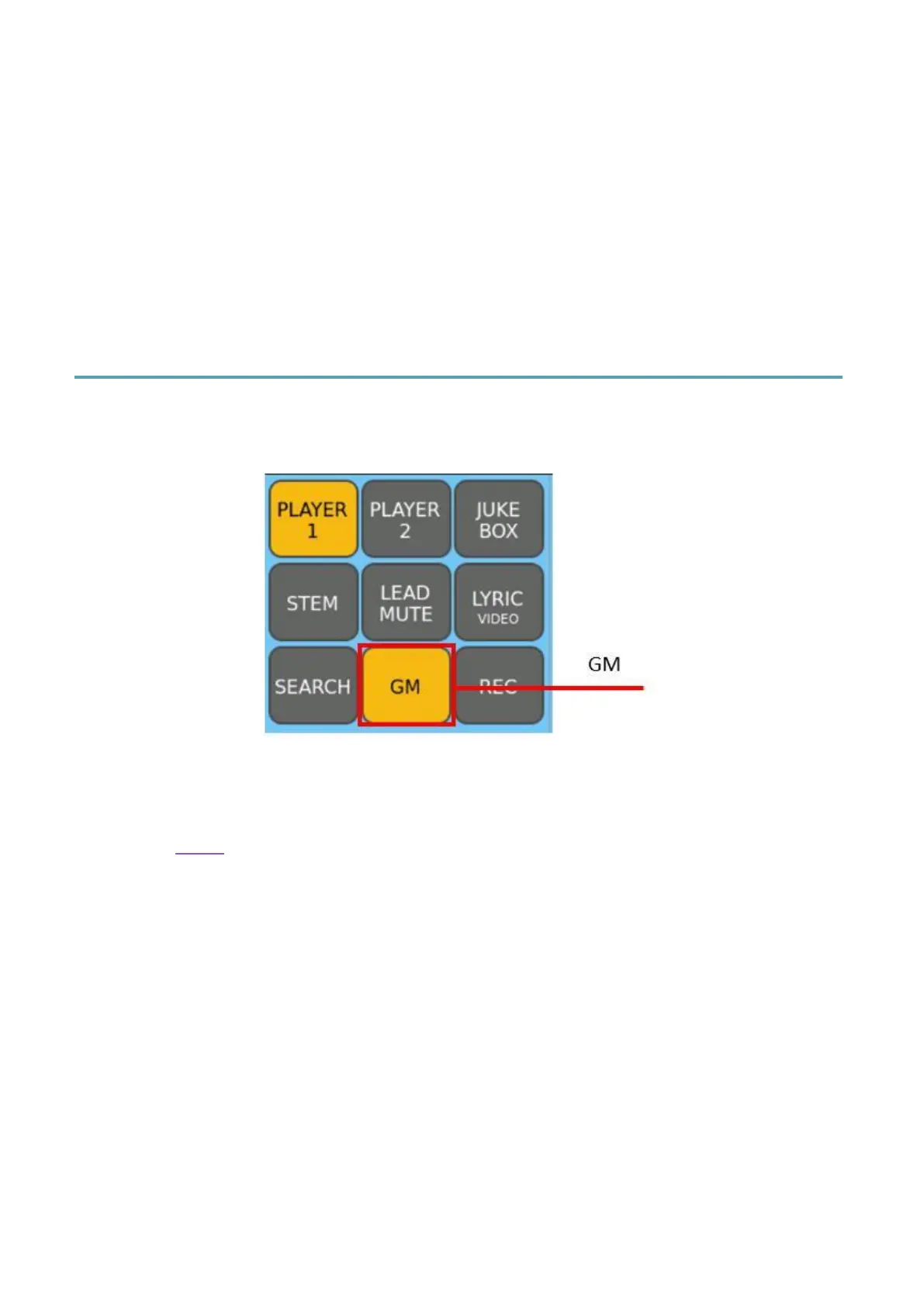
After opening a MIDI file in the PLAYER, press the GM button on the left area of the panel
to open the EVM MIDI sequencer editor.
In GM mode, you can manage all 16 MIDI tracks: you can change the sound, volume level,
pan, effects and reverb and chorus send of each track. The GM sound module can be used
by the PLAYER to play MIDI files or by an external MIDI device connected to the MIDI PORT
IN GM (see MIDI).
16 MIDI tracks
All 16 MIDI tracks are displayed on a grid, and blank tracks are blank. A red dot at the top
right of each track's slot will monitor MIDI activity on the corresponding channel. A blue bar
indicates the value of the currently selected control.



 To Next Page