202 | 15 Media
Remove the index lock:
1. Press the ASSIGN NUMBER button on the screen.
2. Then press the REMOVE NUMBER button.
3. Finally, confirm the operation. All files in the current folders will be listed
alphabetically again.
4. Please Note! You can search for a file by its index, read the paragraph Search for
songs.
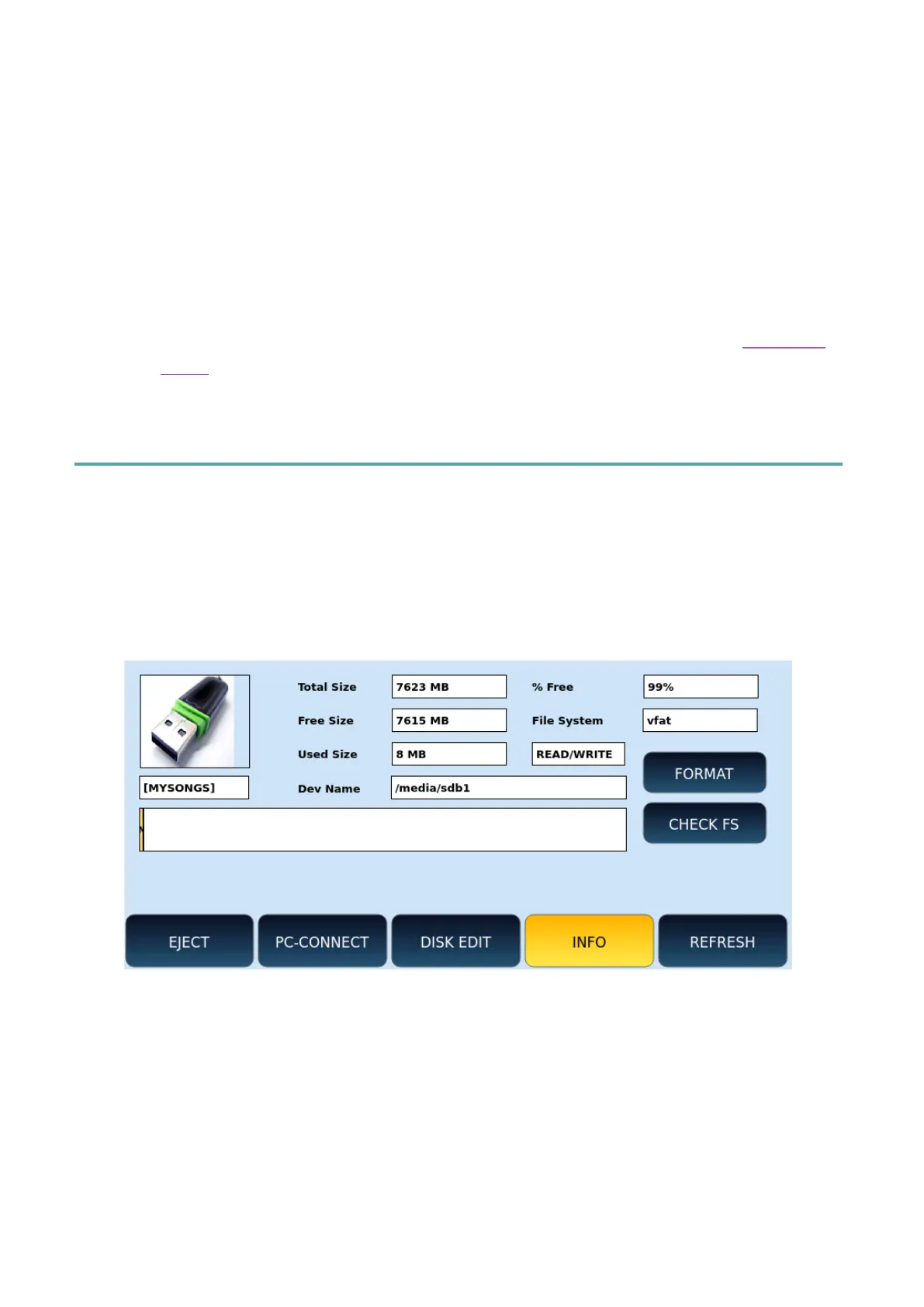
Internal disk information
With INFO you can check the technical data of storage devices such as total space, free and
occupied space, file system and device name.
1. Press the MEDIA button on the panel.
2. Touch the INFO icon on the screen.
Options:
• FORMAT: Press this button to format the disk. Attention! All the contents of the
disc will be erased forever.
• CHECK FS: Scans the selected memory device for errors. Perform this check in
suspected cases of anomalies or errors in file access. If a problem is detected in
the file system, these steps will attempt to correct it. Attention! Damaged files will
be deleted.



 To Next Page