15 Media | 201
Deleting files and folders (including User styles, User Voices, Songs…)
Step by step:
1. Select by tapping on the screen the items you want to delete; they will be
highlighted.
2. Press the DELETE button on the screen and a warning pop-up window will appear.
3. Touch CONFIRM button to proceed with the copy or tap CANCEL to cancel the
operation.
Number assign
Usually, EVM lists the files on the screen in alphabetical order. An index next to the file name
indicates the file location of the current file in the folder. Each time a new file is added to the
folder, the index table is updated, and the file indexes may change. For example, consider
the following folder:
You can prevent indexes from being changed by permanently assigning an index to the file
with the number assignment feature. To lock location information in the file itself, follow
these steps:
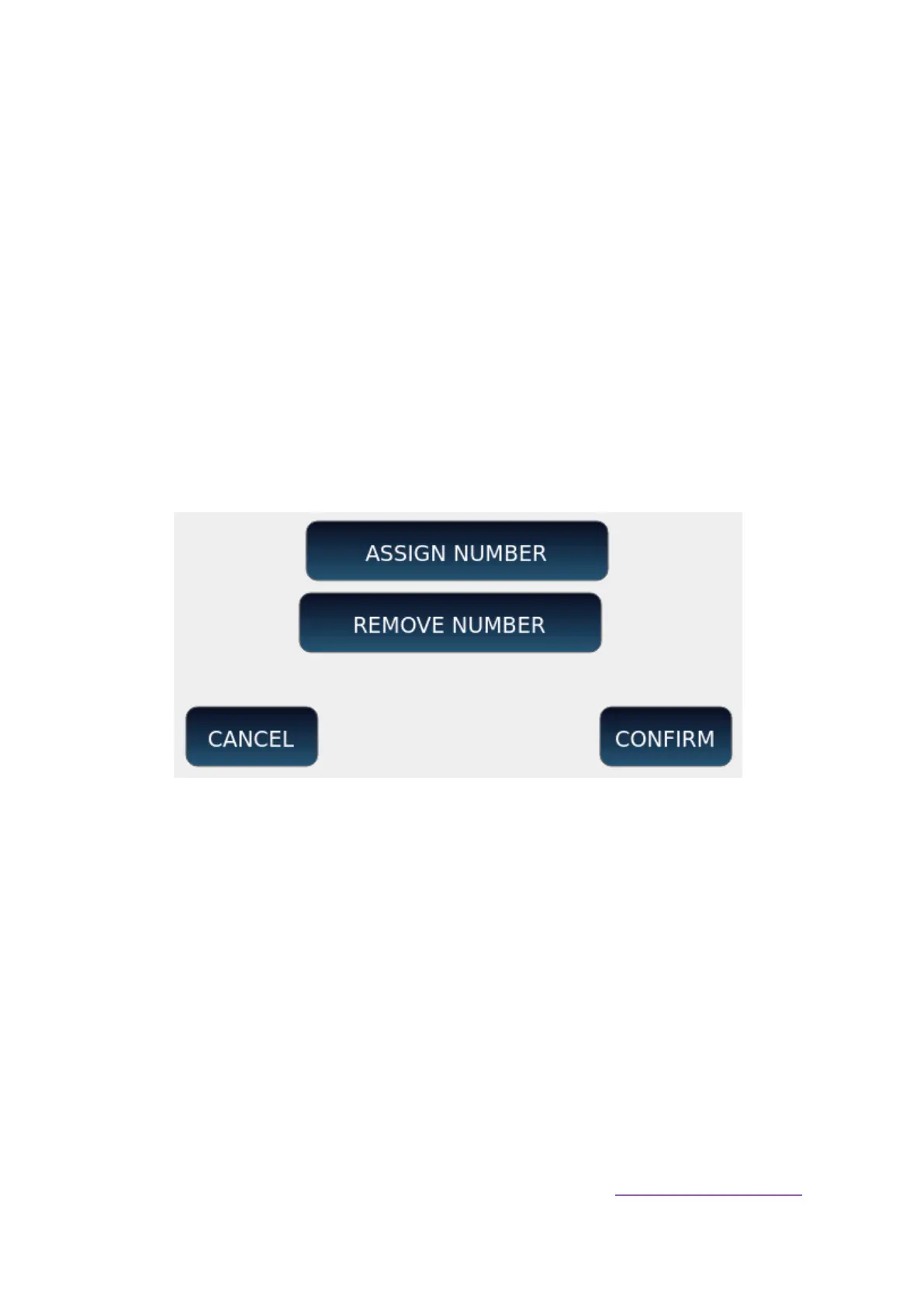
1. Press the NUMBER ASSIGN button on the screen: an information pop-up window
appears.
2. Press the ASSIGN NUMBER button and then touch ENTER button on the panel to
permanently assign the current index to all files in the folder.
o This adds a suffix (such as "[0023]") to the file name.
o A small lock icon will appear next to each file's index.
o When a new file is copied to the folder, it will have an index equal to the
maximum locked index plus one.
o Files can be displayed again in alphabetical order by removing the index
block or enabling ALPHABETICAL ORDER on the Settings of the PLAYER
pages.



 To Next Page