200 | 15 Media
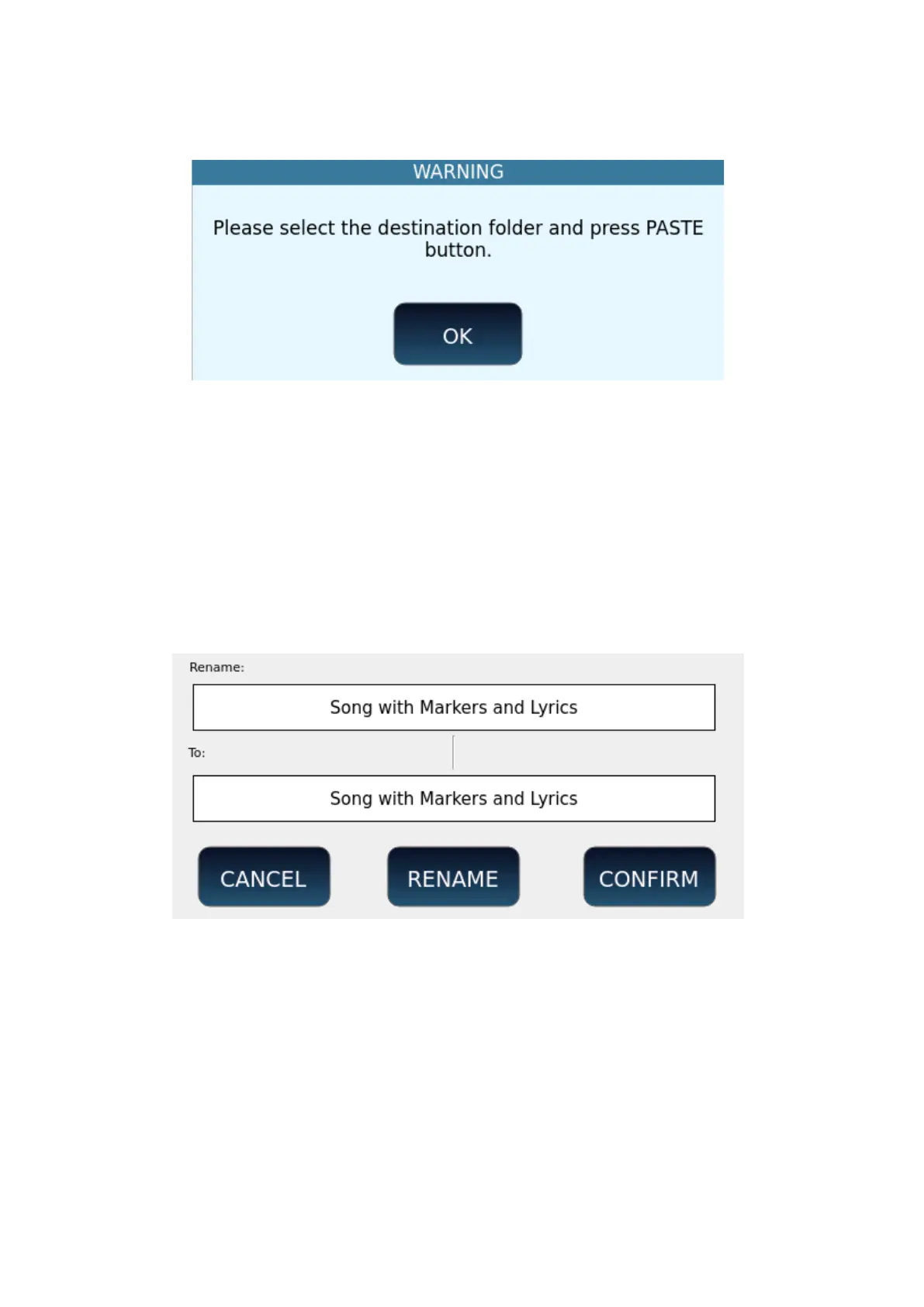
3. Press the OK button on the screen to close the message window. The COPY
button will be replaced by the PASTE button.
4. Navigate to the destination folder (the folder where you want to copy the files).
5. Touch the PASTE icon.
6. Press the ENTER button to proceed with copying or tap CANCEL to cancel the
operation.
7. Copying multiple files and folders may take a few minutes.
Renaming files and folders (including styles, songs, user voices ... etc)
Operational steps:
1. Select by tapping the item you want to rename on the screen: it will be
highlighted.
2. Touch the RENAME icon on the screen: an information window appears.
3. Touch the RENAME icon on the window again: a virtual alphanumeric keyboard
will appear on the screen.
4. Type the new name, and then press the ENTER key on the panel.



 To Next Page