108 | 09 Creating your own voices
o PAN: Determine the position of the instrument on the stereo panorama. At
0 it is all on the left, at 8 it is in the centre and 15 all on the right.
o PITCH: Establish the pitch. From -128 to +127.
o VEIL COMPR. : the compressor allows you to act on the response speed of
the selected percussion.
3. Adjust the value of the selected parameter. You have three different modes
available:
o Activate the ASSIGN TO FADER button and then act on the 9 physical
sliders in the left area of the panel.
o Slide your finger over the slider on the touch screen.
o Touch one of the 9 buttons at the bottom of the screen and move the
UP/DOWN buttons.
4. DEFAULT: Resets the Drum Set to system defaults.
5. MANUAL: In real time, you may use the sound as it was just adjusted (MANUAL)
or as it was by default.
6. SINGLE/GLOBAL: In Global mode, the trades carried out affect the four variations
of the Arranger. In Single mode, you act on the single variation.
Scale
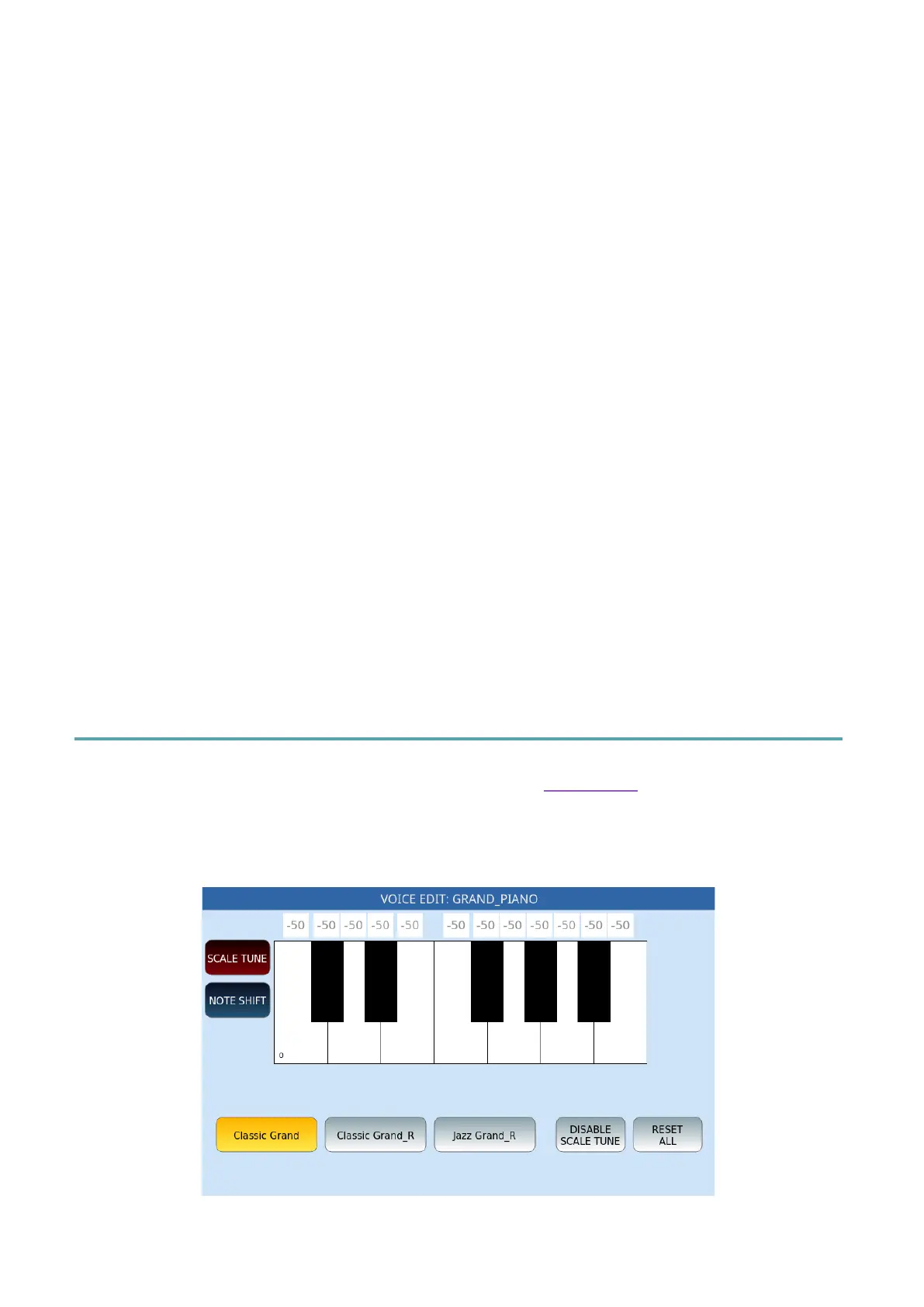
This page is called up by touching the SCALE icon in the VOICE EDIT function page. The
screen displays in the centre a virtual keyboard for changing the pitch of individual notes.
This is particularly interesting for those who play Middle Eastern, Turkish music or similar
which requires different scaling.
Options:



 To Next Page