11 Recording | 131
At the end, press the SAVE button on the panel and confirm the request to save the WAV
file. A request to name the audio file appears on the screen.
The saved WAV file can be used in the PLAYER or Stem.
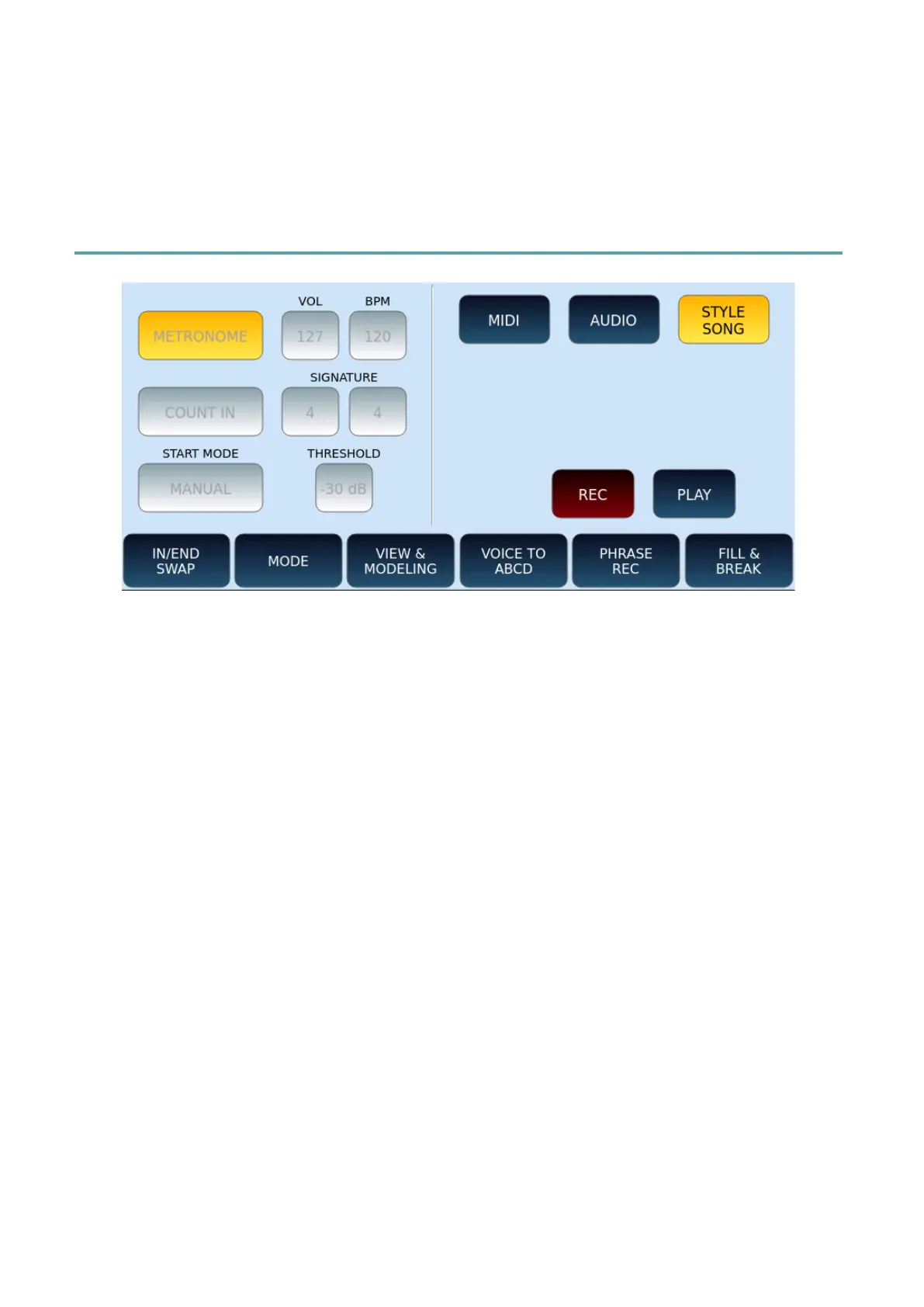
STYLE SONG recording
To record a STYLE SONG:
• Make sure you are NOT in PLAYER mode.
• Now press the RECORD button on the panel.
• Touch STYLE SONG button on the screen.
• Compared to the previous choices, all buttons on the left side of the screen are
disabled.
• Turn on the METRONOME or not, adjust its volume (VOL) and time (BPM). All via
the three buttons on the screen.
• COUNT IN: Enable the initial count measure.
• SIGNATURE: Define the time signature in key (4/4, 3/4, 12/8, and so on).
• START MODE: Determine how you start recording, in the same way as shown
above for MIDI recording.
• Set the VOICE1: voice, volume, controller.
• Touch REC button on the screen and start recording according to the selected
START MODE.
• All style patterns, backing parts and chord changes are stored in MIDI format.
• Attention! Whatever music notes are played on the keyboard during this time
(VOICE 1, VOICE 2, Drawbar) are NOT RECORDED. Only the events with the style
are (as you push the style buttons – Arranger A-D, Fill, break etc.
• When you are done, press REC again to stop recording.
• Make sure the PAUSE button on the panel is not active and press the PLAY button
on the screen to listen to your recording.



 To Next Page