13 Global menus and settings | 169
• IMPORT SETTINGS: You can reload the configuration file after exporting it (see
button above).
• SYSTEM UPDATE: Use this button to select a new version of the operating system
(downloadable from the www.ketron.it website) and update your system.
SAVE RESTART
Press this button to immediately shut down and restart it: it can be a necessary operation to
apply the changes made to the EVM configuration.
However, be careful to press this button: the shutdown is immediate.
Expert advice
The instrument uses different areas and specific techniques to store your customizations on
the general parameters of the instrument, depending on the context:
• Naturally, there are the general values saved in the PREFERENCE page, as seen
above.
• In some functionalities, the system asks if you want to save your choice as
GLOBAL: this acts as a valid parameter regardless of the resource you are working
on. A similar concept is that of CUSTOM STARTUP, which corresponds to the
parameters set at the startup of the instrument according to your customizations:
in some functionalities, you are asked if you want to save the parameter as
SINGLE (sometimes LOCAL) or as GLOBAL (sometimes CUSTOM STARTUP).
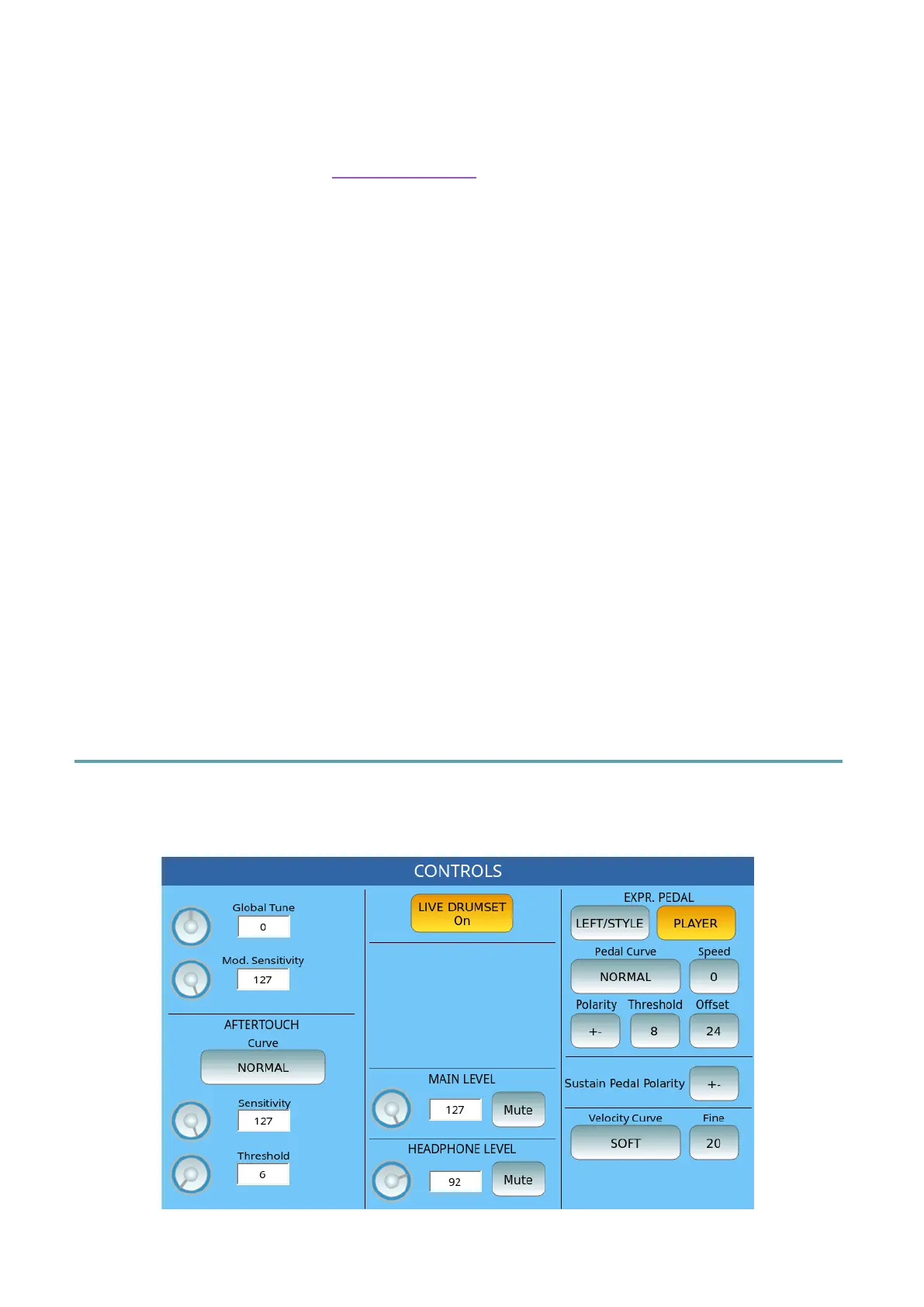
Controls
Press the CONTROLS button on the MENU page to open the page where you want to
manage all settings that affect the behaviour of the instrument.



 To Next Page