168 | 13 Global menus and settings
o FREE RUN:enables the metronome independently of MIDI files and
accompaniment styles, as if it were an external metronome. activates the
metronome independently of MIDI files and accompaniment styles, as if it
were an external metronome.
o MIDIFILE: connects the metronome to the MIDI file being played, that is,
synchronizes the time of the metronome with that of the song.
o STYLE:Synchronizes the metronome with the tempo of the accompanying
style
• OUT: Choose metronome output:
o SOLO: Outputs only the metronome to the headphones, excluding music
and other resources generated by the instrument.
o ALL: Inputs sends both the metronome and the music generated by the
instrument to the headphones.
• TYPE: It allows you to assign different tones to the metronomic click: Click 1, Click
2, Click 3.
• BPM: Set, using the data knob, the metronome speed.
• VOL: Turn the knob to adjust the volume of the metronome, from 0 to 127.
• ENABLE/DISABLE: Press this button to enable or disable metronome clicking.
Press this button to enable or disable metronome clicking.
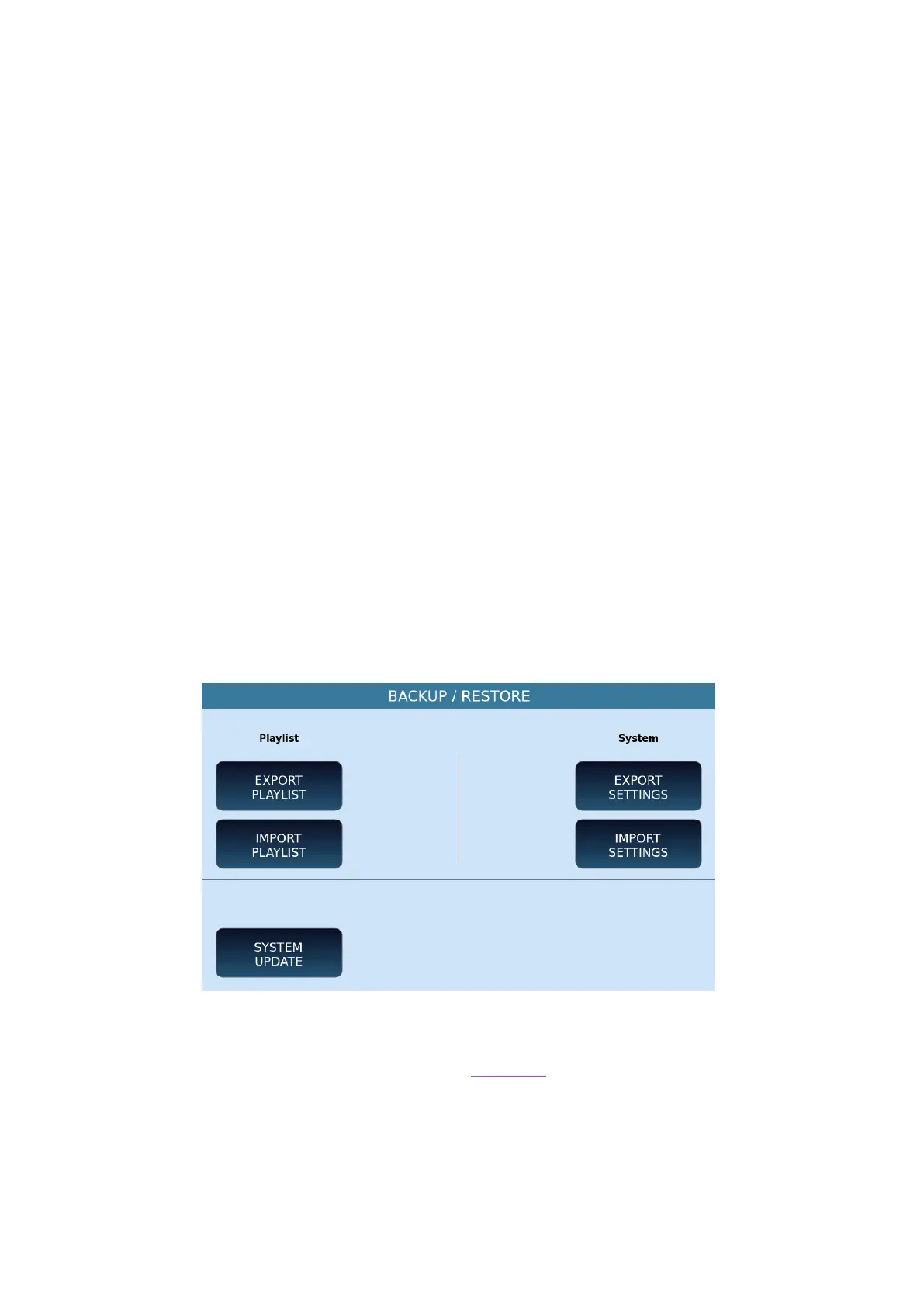
UPDATE BACKUP
This page offers several utility features.
Options:
• EXPORT PLAYLIST: You can export a PLAYLIST to a file to reload it later on this or
another KETRON model.The system asks you where to save.
• IMPORT PLAYLIST: After exporting a PLAYLIST, use this button to upload it to
EVM.
• EXPORT SETTINGS: The system asks you in which folder to save the configuration
file.



 To Next Page