22 | 02 Playing the voices
How to use the Transpose to change the key
EVM allows you to transpose the instrument's pitch by ±24 notes, semitone by semitone.
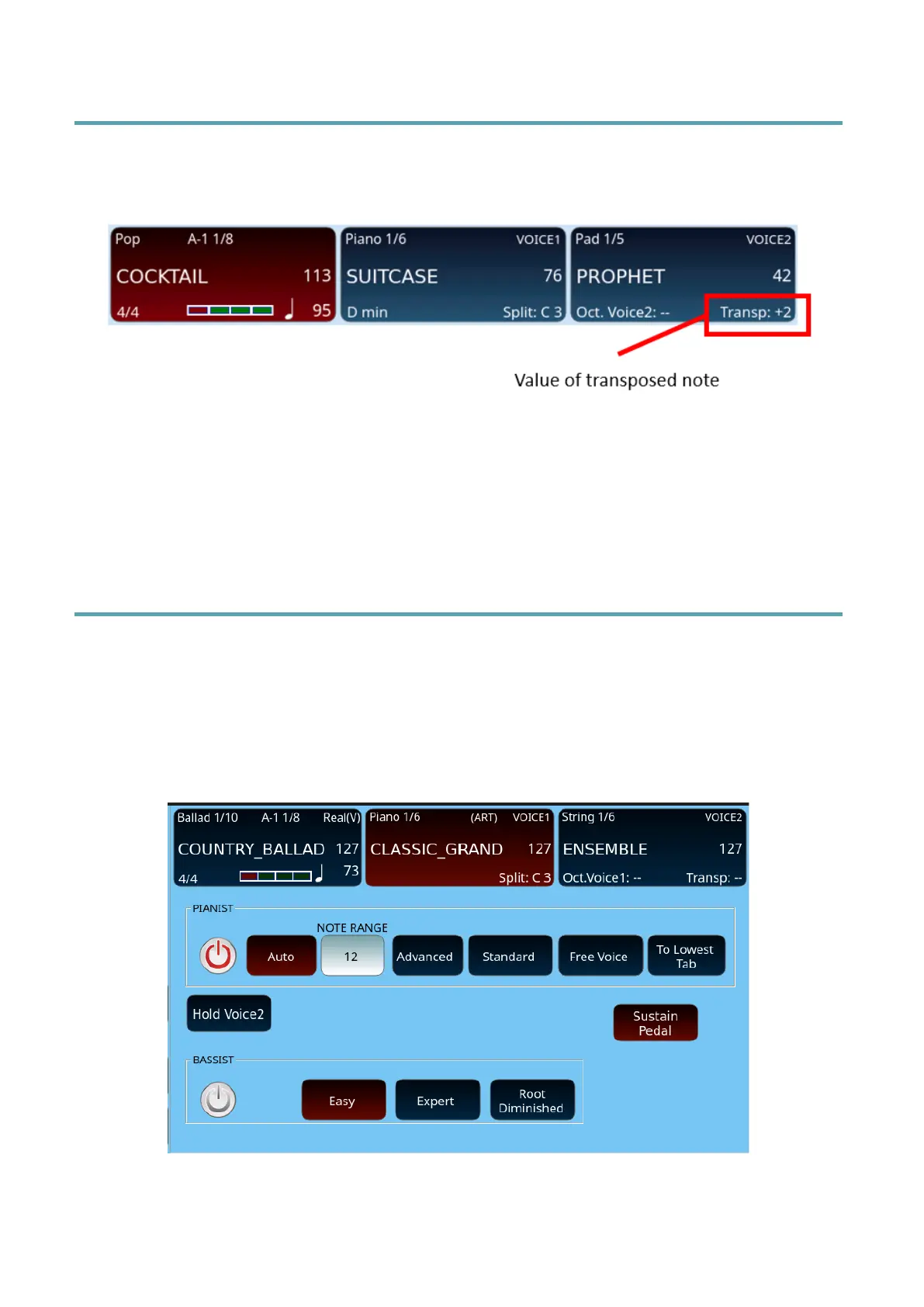
The value of any key transposition is visible in the VOICE 2 frame of the display.
Options:
• Press the TRANSP. +1 and/or TRANSP -1 button on the panel as many
times as you want to change the pitch.
You can save transpose metadata in the MIDI file.
How to set the mode PIANIST and BASSIST
The panel PIANIST button allows to leave the SPLIT mode and assign the active voices to
the entire extension of the external keyboard, while the BASSIST button allows to play the
free bass notes of a chord played with the right hand.
When you press longer the PIANIST or BASSIST button, the screen displays the settings page
as follows.



 To Next Page