58 | 05 Player
Other options:
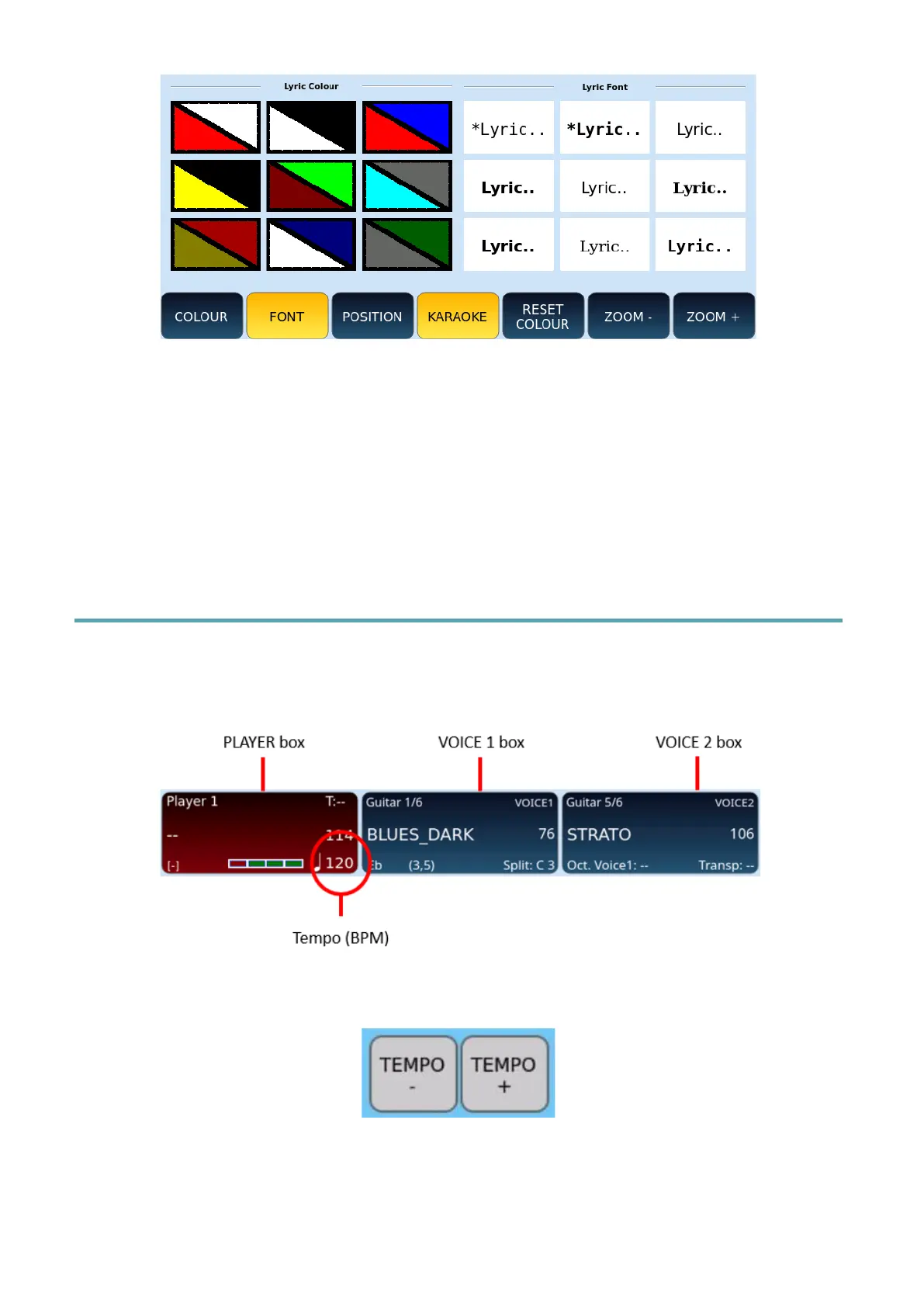
• POSITION: Press to left-align or centre the text KARAOKE.
• KARAOKE: Press to return to the display of the main page of the PLAYER.
• RESET COLOUR: Press this button to restore the colours to the factory standard.
• ZOOM –/+: Press one of the two ZOOM buttons to zoom in or out of the font size
of the displayed KARAOKE text.
Setting the Tempo for Songs
This is applicable to all file formats: MIDI, Wave and MP3.
The current Tempo is displayed in the PLAYER frame.
To increase or decrease the number of the BPM in a song, simply press one of the TEMPO –
/+ buttons on the panel.
EVM allows you to set the Tempo in BPM value ranging from 65 to 250 for MIDI files, while
for audio files the value is expressed in % (-49/+49).



 To Next Page