13 Global menus and settings | 171
• PEDAL SPEED: It allows you to set the decimation of volume pedal events.
• Polarity: Reverse the polarity in the pedal.
• Threshold: Value between 0 and 32 (factory setting is 8).
• Offset: Manage the parameters of the expression pedal curve.
Keyboard dynamics options:
• Velocity Curve: Choose how to generate MIDI dynamics messages when you press
one of the 76 keys to play. Different speed curves generate different MIDI speed
values for the same force applied to the keyboard. Note: if you have enabled
ACCORDION CLASSIC mode, this curve is replaced by the one defined on the
ACCORDION CLASSIC pageYou can choose from the following curves (default is
SOFT):
o SOFT: makes it harder to play higher speeds.
o MEDIUM: balanced curve follows a linear response.
o HARD: makes it easier to play the higher speeds.
o FIXED: regardless of the force applied to the key, the Velocity MIDI value
generated is always the same.
• Fine: Precisely adjust the slope of the speed curve. Positive values make it easier to
play higher speeds, negative values make it harder to play higher speeds. The
default value is 20, and allowed values range from -32 to +32.
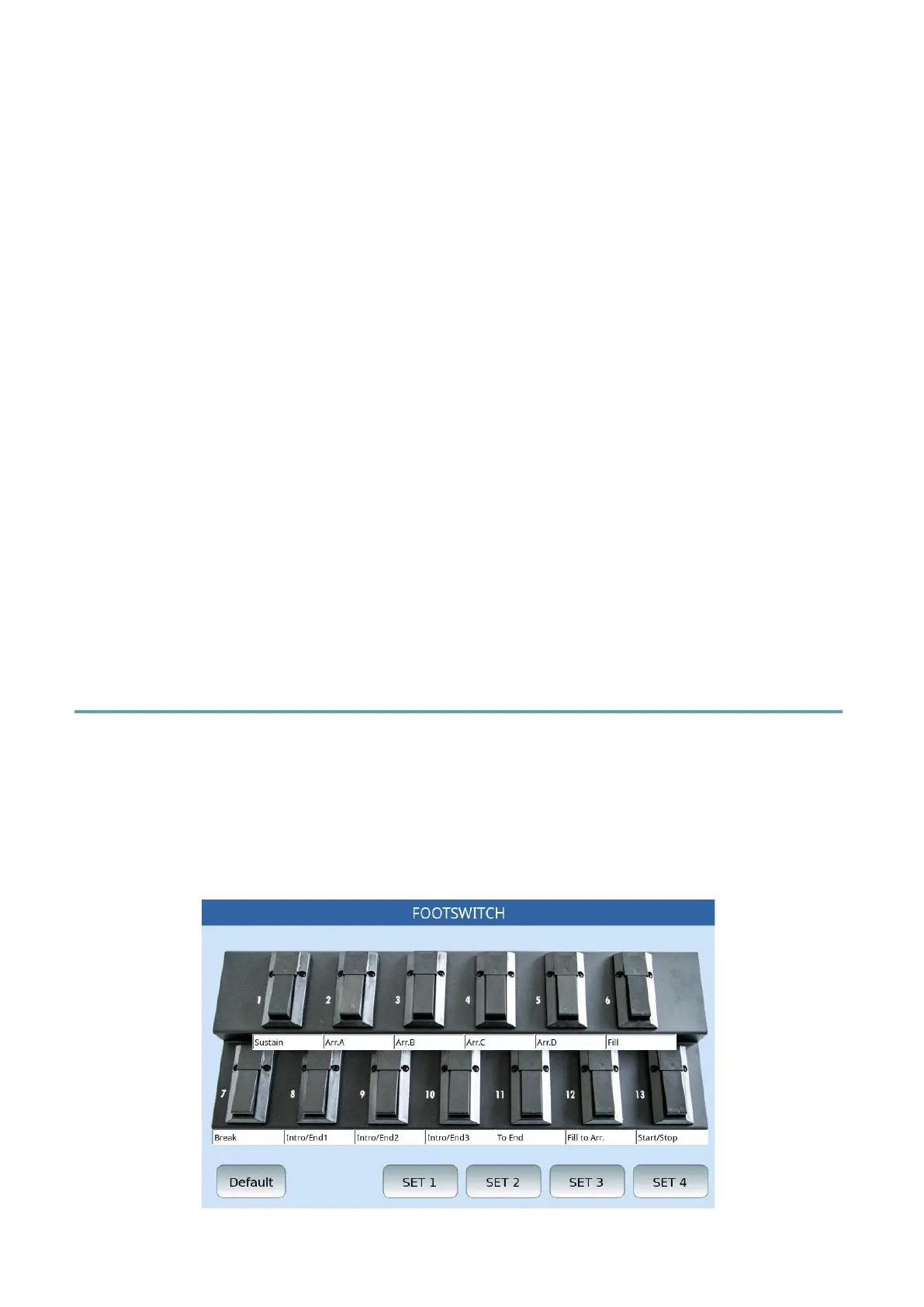
Footswitch
Select the panel MENU button and then tap FOOTSWITCH to access the configuration
functions of the optional foot pedal set with FS6 (6 switches) and FS13 (13 switches)
footswitches.
You can assign specific functions to each switch. This feature gives you access to numerous
features while keeping your hands free to perform your music.
Programming the Footswitch - How to assign function to the switches



 To Next Page