10 Creating your own styles | 127
Save the style to a USER location
If you have changed one or more elements of the style, you must press the SAVE button on
the panel to save the updated version of the accompaniment. In any case, if you try to exit
the STYLE EDIT mode with changes made and not yet saved, EVM reminds you that – if you
do not confirm the saving – all changes will be lost.
User Audio Drum
EVM allows importing Audio files related to Live Drums, Real and Real Chords into the
instrument.
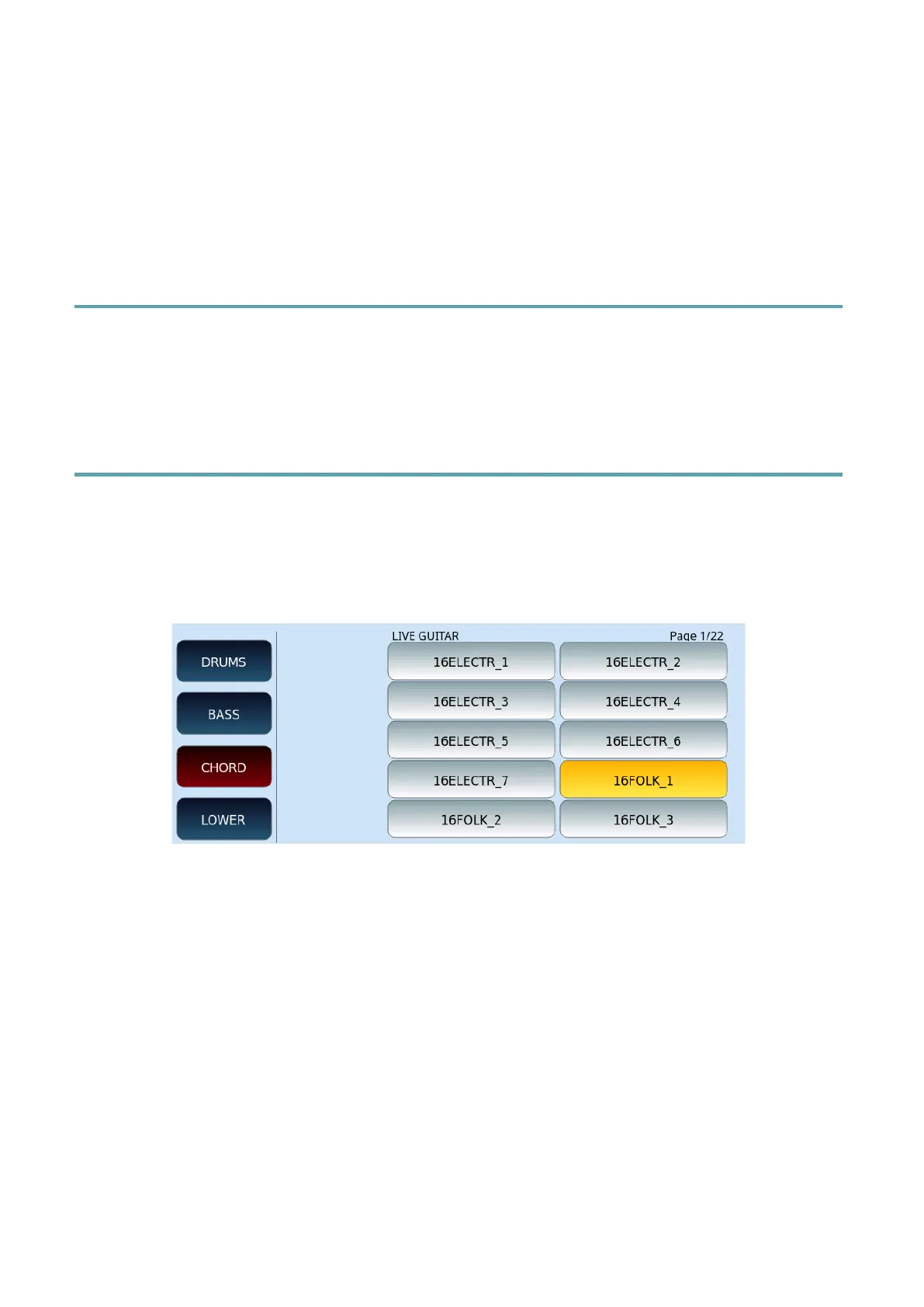
Live Guitar
The Live Guitar environment allows you to select from the database available in the
instrument a series of Audio Guitar templates to be applied to the accompaniment styles.
The database offers Folk, Electric, Country, Classic sounds and so on, in different musical
rhythms.
The Live Guitar can be assigned differently for each ABCD variation and can store its relative
Volume, located to the right of the selection icon on the Arranger Setting page.



 To Next Page