126 | 10 Creating your own styles
• TO ->: This is the style you have selected before starting such operations. It will be
the destination of your copy.
• SECTION: Select the pattern to be copied (ABCD: ARR, FILL and BREAK; 1-2-3:
INTRO and ENDING)
• PART:Select which part to be copied (ALL, DRUM, BASS, CHORD 1-2-3-4-5).
• EXECUTE: Confirm your copy.
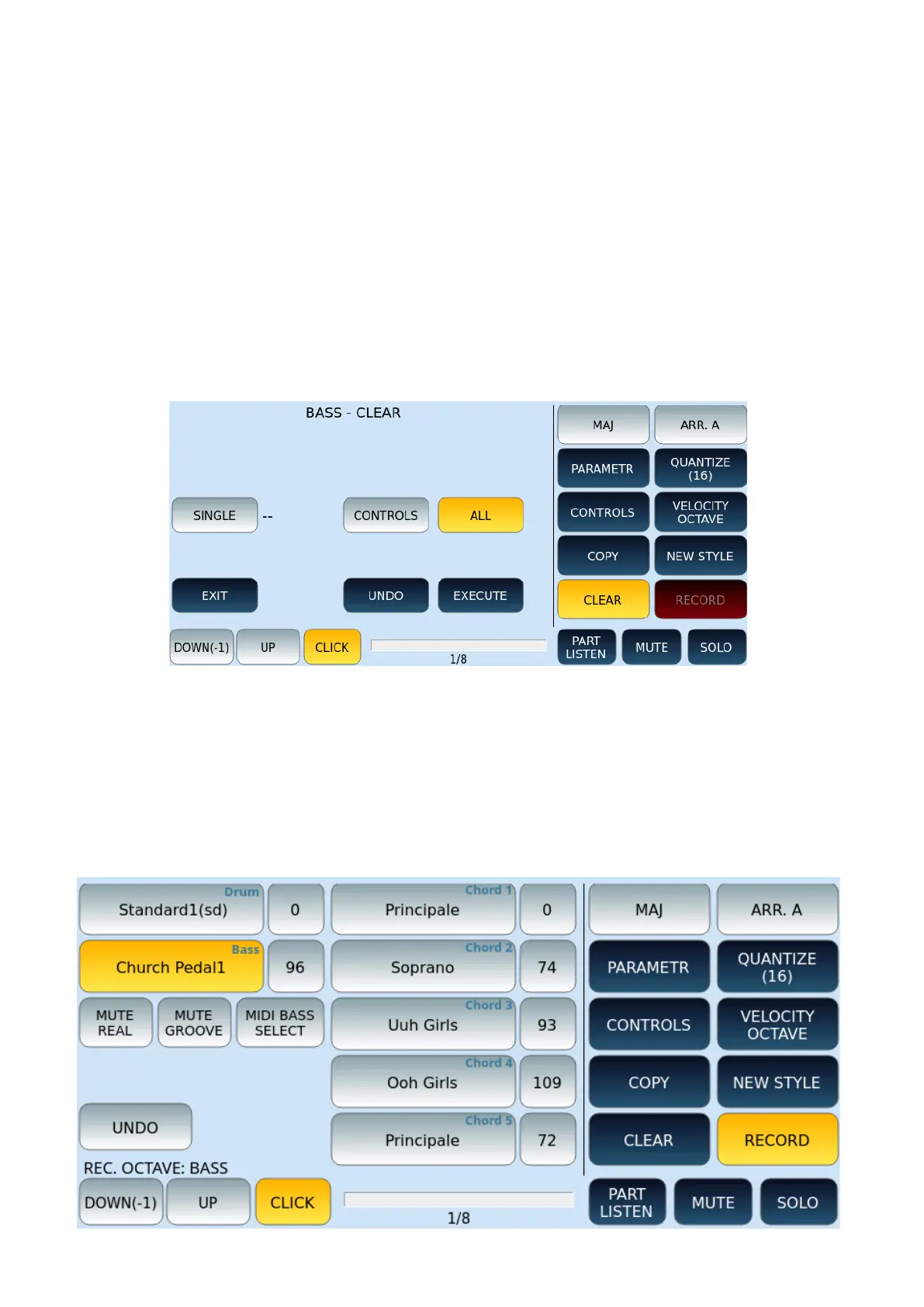
CLEARING GLOBAL TRACKS OR SINGLE NOTES IN STYLE PARTS
This feature allows you to erase the separate (or global) parts of the accompanying style.
Before pressing the CLEAR button on the screen, make sure that you have selected the
section of the style you want to act on.
RECORDING STYLE PARTS
This command enables recording the various parts that build the accompanying style.
The RECORD mode intervenes on all available sections of the PATTERN. The only exception is
made for the track AUDIO DRUM: programming is not allowed since it is precisely an audio
part. You can still use that section to place a conventional Drum Set in the MIDI domain
instead of the Audio Drums.



 To Next Page