10 Creating your own styles | 119
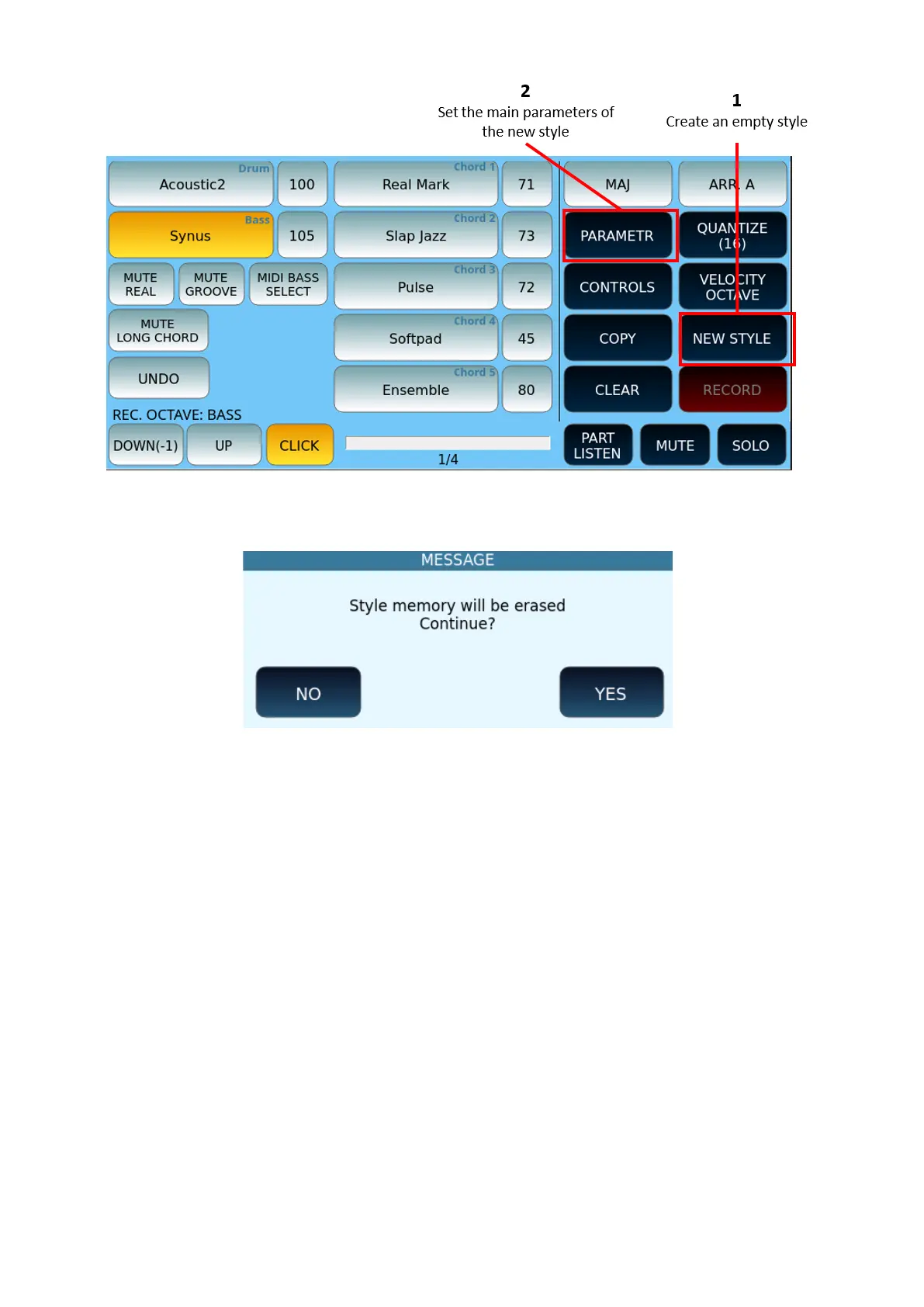
Press the NEW STYLE button on the screen: the system will ask you to confirm the memory
clearing. Answer YES.
Now press the PARAMETER button to set the main parameters of the style.
PARAMETER
On the PARAMETER page, you can configure:
• GLOBAL/SINGLE: Determines whether the setting applies to all sections of the style
or to just one.
• Tempo: BPM.
• Time Signature: time in key.
• Bar: number of measures in the pattern.
• GLOBAL SETUP provides Loop Off/On, Click ON/Ogg and duration, pitch.



 To Next Page