6 | 01 Getting started
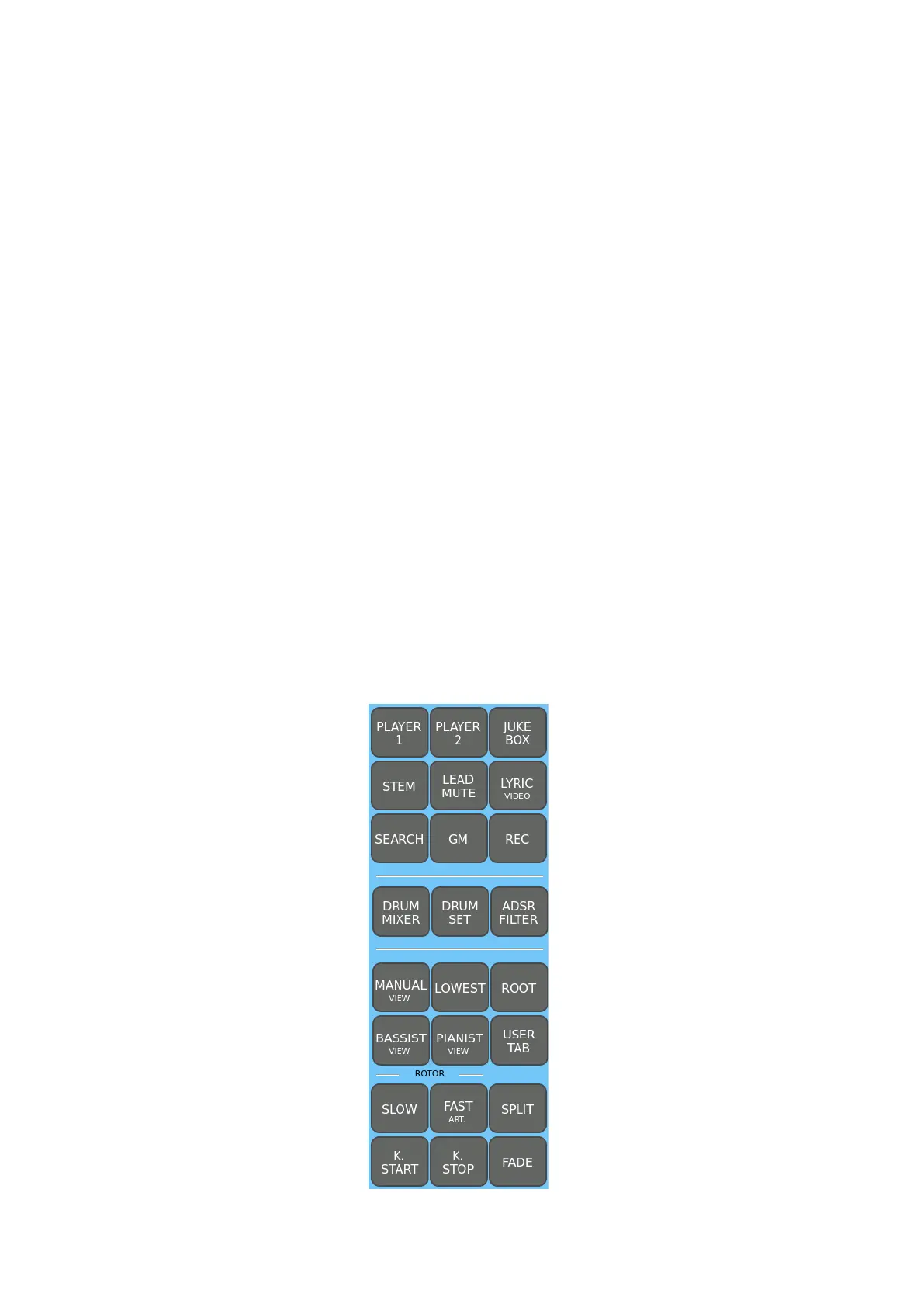
1. On the left, there is an area dedicated to the controls of the PLAYERS, Stem,
DRUM part, ADSR filters, BASS and PIANIST modes, and, further down, the
ROTOR controls.
2. In the top center, there is the functional area corresponding to the physical screen
of other models in the EVENT family. All the operational information of the
instrument is visible here. To the right and left are two small areas for direct
control of the ARRANGER tracks and the voices you can play from the keyboard.
Below, there are the essential buttons for the general usability control of the
instrument.
3. The area on the right is oriented towards the control of the voices to be played
from the keyboard. Two UP/DOWN buttons perform the classic role of the knob,
which, of course, is not present on the EVM. Below, you will find the main controls
for global functions.
4. Further down, there are sliders available to mix the volume of the different tracks.
If you are looking for the master volume, you will find it on the panel of the EVM
sound module.
5. At the bottom, the interactive buttons of EVM are lined up to enable you to
control the accompaniment styles and tempo.
1. Top left control area
From left to right and top to bottom:



 To Next Page