144 | 12 Effects
• Voicetron To Arrange: Touch check box to enable the feature that allows you to
assign a different Voicetron preset for each of the Arranger ABCD arrangements.
Pressing the specific button opens the ABCD variation selection window ; the STOP
option allows you to stop the harmonizer when the accompanying style is not
running. Current settings include:
o OFF
o CURRENT (default value)
o RIGHT MANUAL
o LEFT MANUAL
o UNISON
o MIDI MODE
• MIDI Octave: This button changes the octave of harmonization (only works with
MIDI preset).
• LOCK: If you enable this button, you prevent MIDI files from changing the preset
values of Voicetron.
Press the buttons that follow:
• ADVANCED to open the advanced parameters page (see below).
• FACTORY RESTORE to factory reset your Voicetron.
• FACTORY OVERWRITE to overwrite the factory settings with the current ones.
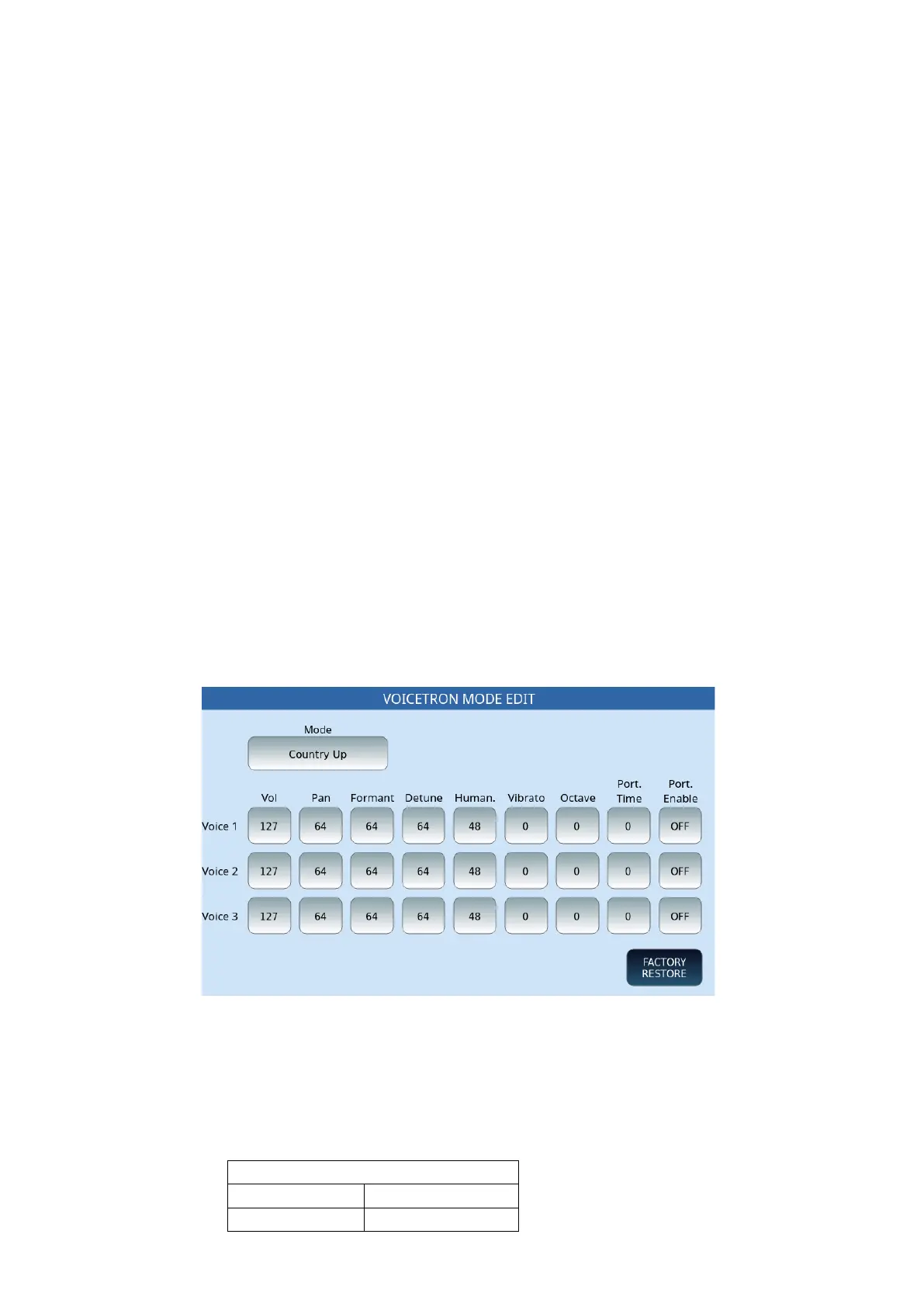
VOICETRON ADVANCED page
Options:
• Mode: The Voicetron effect includes a number of preset modes that you can use
to output vocal sound with yourfavouritecolours: the list of 24 available modes is
in the table below.



 To Next Page