13 Global menus and settings | 159
AUDIO EDIT
Step by step procedure on how to use the AUDIO EDITOR:
1. Press the PLAYER button on the panel.
2. Select an MP3 or WAV file, as we saw in the PLAYER chapter.
3. Make sure the song is not playing (if it is started, press the START button to stop
it).
4. Press the MENU button on the panel.
5. Select AUDIO/SAMPLER.
6. Press the AUDIO EDIT button.
7. The system starts decoding the selected file. It may take a minute or so,
depending on the size of the audio file.
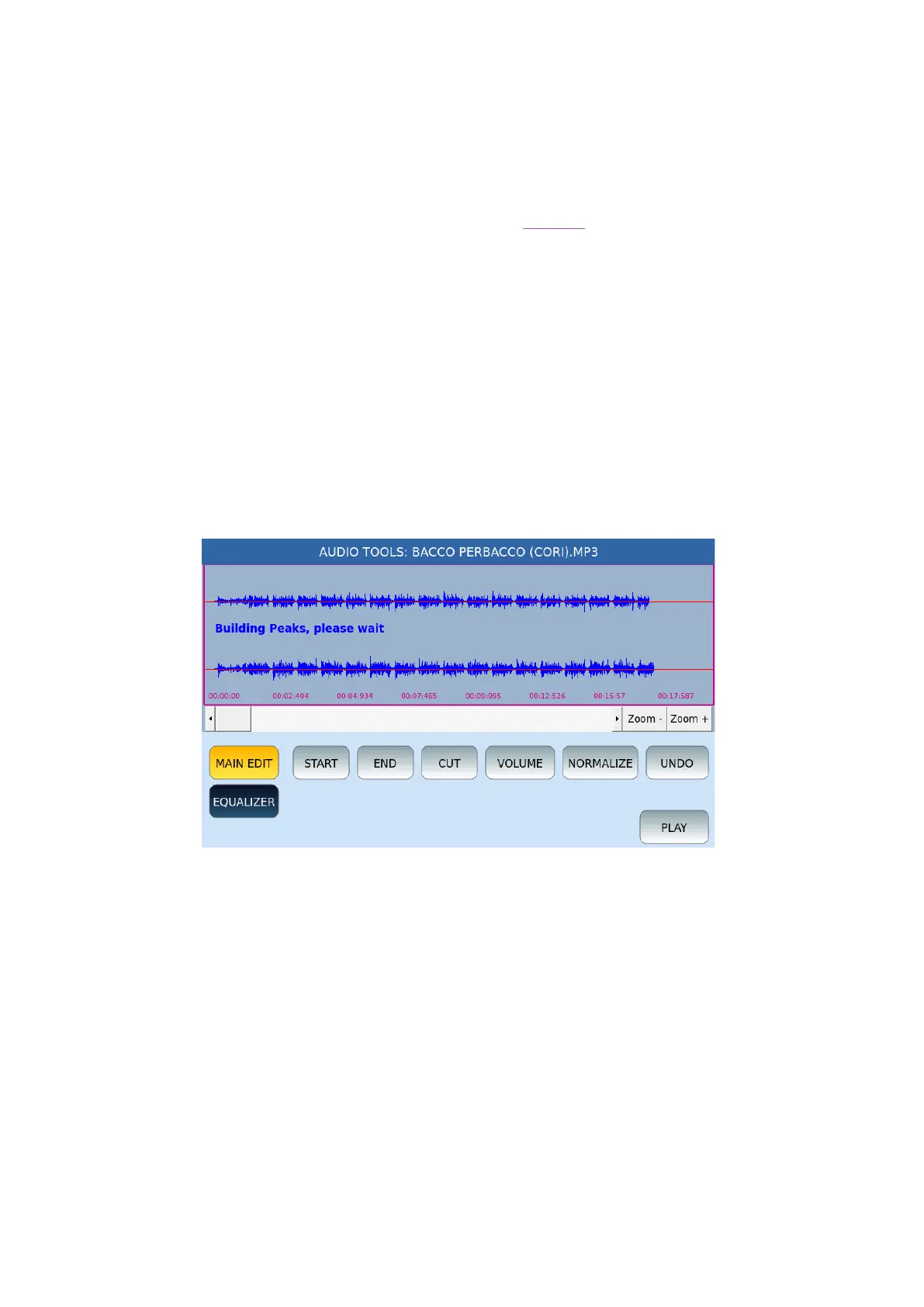
Once loaded, the AUDIO TOOLS functions are available:
• A horizontal scroll bar allows you to move along the audio sample from start to
finish.
• ZOOM +/ZOOM-: Touch these two buttons to zoom in or out of the graphic
representation of the sample.
• MAIN EDIT and EQUALIZE: These two buttons allow you to view and manage the
buttons that follow.
In MAIN EDIT mode, the buttons on the screen are:
• START: This button allows you to set the selection start point and places the cursor
at the beginning of the sample.
• END: This button allows you to set the selection start point and places the cursor
at the end of the sample.



 To Next Page