176 | 13 Global menus and settings
contained in the Registration. In contrast, all other values - which are still saved with the
Registration - will be ignored. For example, if an Arabic scale was selected before calling the
Registration, it will remain unchanged when you choose a new Registration because the
SCALE parameter is inactive. If you want to make sure that other functions can also be called
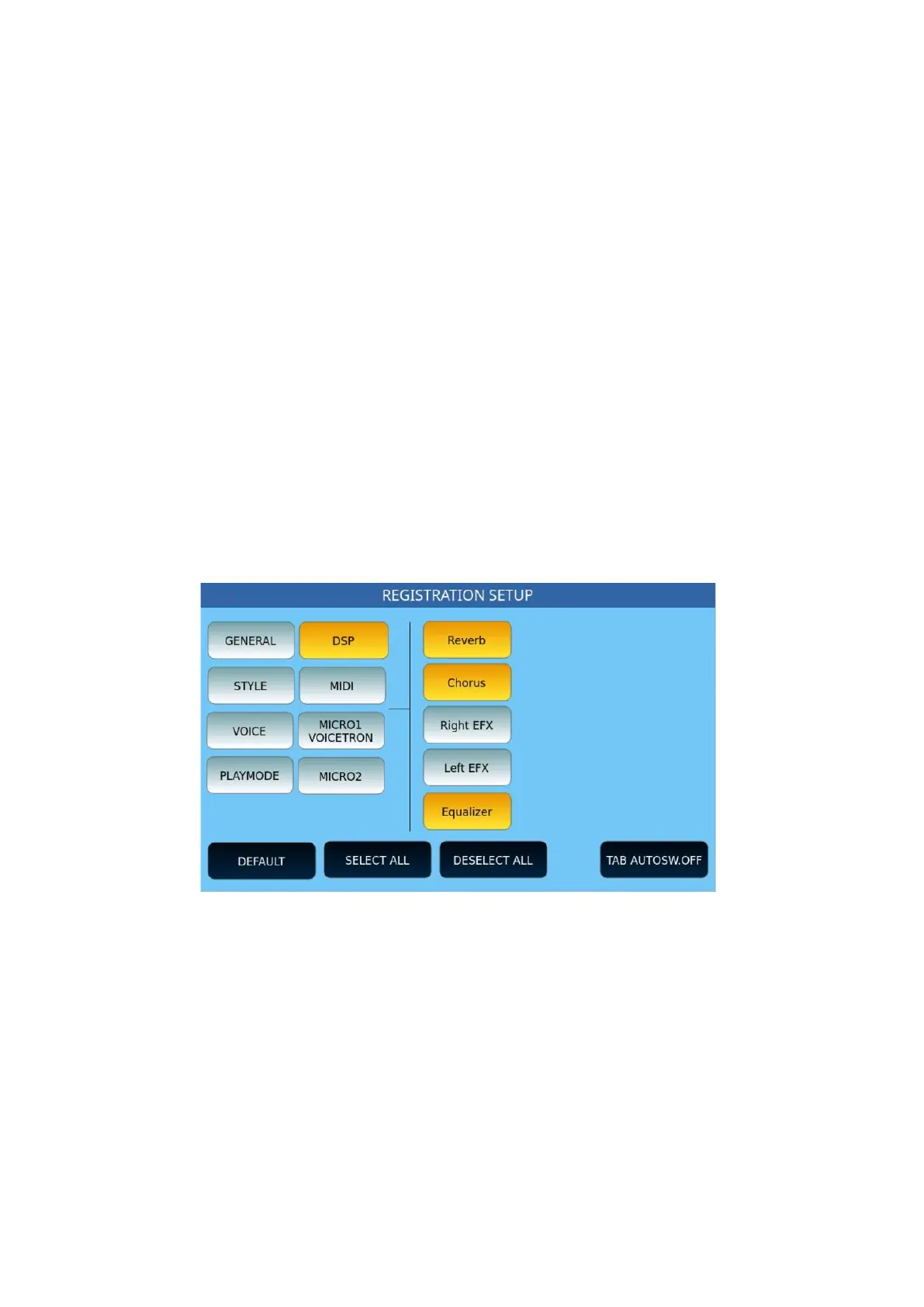
with Registration, activate the button for the function by highlighting it in yellow. The next
time you tap, the key turns blue again, and the function will be inactive again.
At the bottom, there are four buttons common to all pages in the Registration Setup
environment:
• DEFAULT: Press this button to select factory settings.
• SELECT ALL: Select all parameters of the selected category.
• DESELECT ALL: Deselect all parameters of the selected category.
• TAB AUTOSW. OFF: This setting, if active, turns off the REGISTRATION button on
the panel of the instrument, when a Registration is loaded.
Below, you can see the pages that show the parameters contained in all categories: for each
page, determine which parameters should be called by the Registration.
Registration Setup | DSP
Registration Setup | Style



 To Next Page