62 | 05 Player
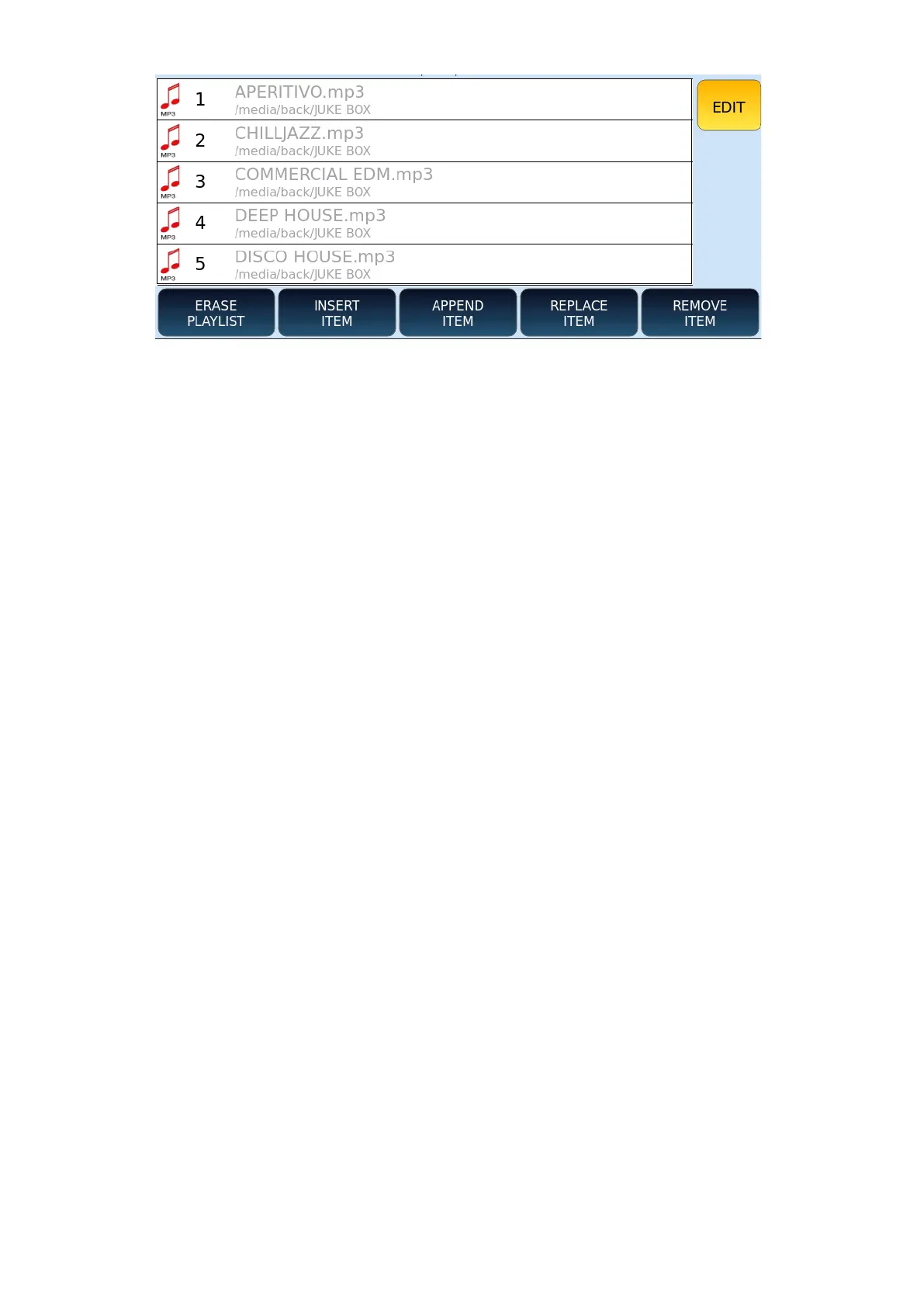
Options available are as follows:
• ERASE PLAYLIST: Press this button to clear the entire list.
• INSERT ITEM: This button allows you to add new songs to the list.
o Use the UP/DOWN, EXIT and ENTER buttons on the panel to navigate
through folders.
o Select the song you want to insert.
o Press INSERT ITEM on the screen to add it to the list or press ABORT to
cancel the operation.
• APPEND ITEM: this button allows you to add new songs directly to the bottom of
the list.
• REPLACE ITEM: this button allows you to replace one item in the list with another
in the same position.
Next steps:
1. Press the REPLACE ITEM button.
2. Select the song you want to replace.
3. Use the UP/DOWN buttons and the EXIT/ENTER keys on the panel to navigate
through folders.
4. Select the new song.
5. Press the ENTER button on the panel to replace the old one or press ABORT to
cancel the operation.
6. Press the REMOVE ITEM button to remove an item from the list.
7. Select the item you want to remove.
8. Press YES to confirm or NO to cancel the operation.
9. To change the order of the songs, use Drag & Drop, i.e., select an element by
pressing on the screen and drag it to the desired position.



 To Next Page