05 Player | 69
• FAST PLAY: speeds up the loading process of a MIDI file, processing first
measurements faster (which generally contain CC MIDI messages, program
changes, sysex and so on).
• SAVE MIX SLIDER: If you enable this option, in the procedure of saving a MIDI file,
the system also saves the value of the volume sliders for each part within the file.
• CHORD ON LYRIC: shows chords (if any) below the LYRICS lines, instead of at the
bottom of the screen.
• MIDI LEAD CHANNEL: the MIDI channel that usually records the lead song or main
melody.
• MIDI MIX: This setting is useful for taking into account the positions of the panel
sliders at the time in which a MIDI File is started. If you disable this control, the
slider layers are ignored when the song starts.
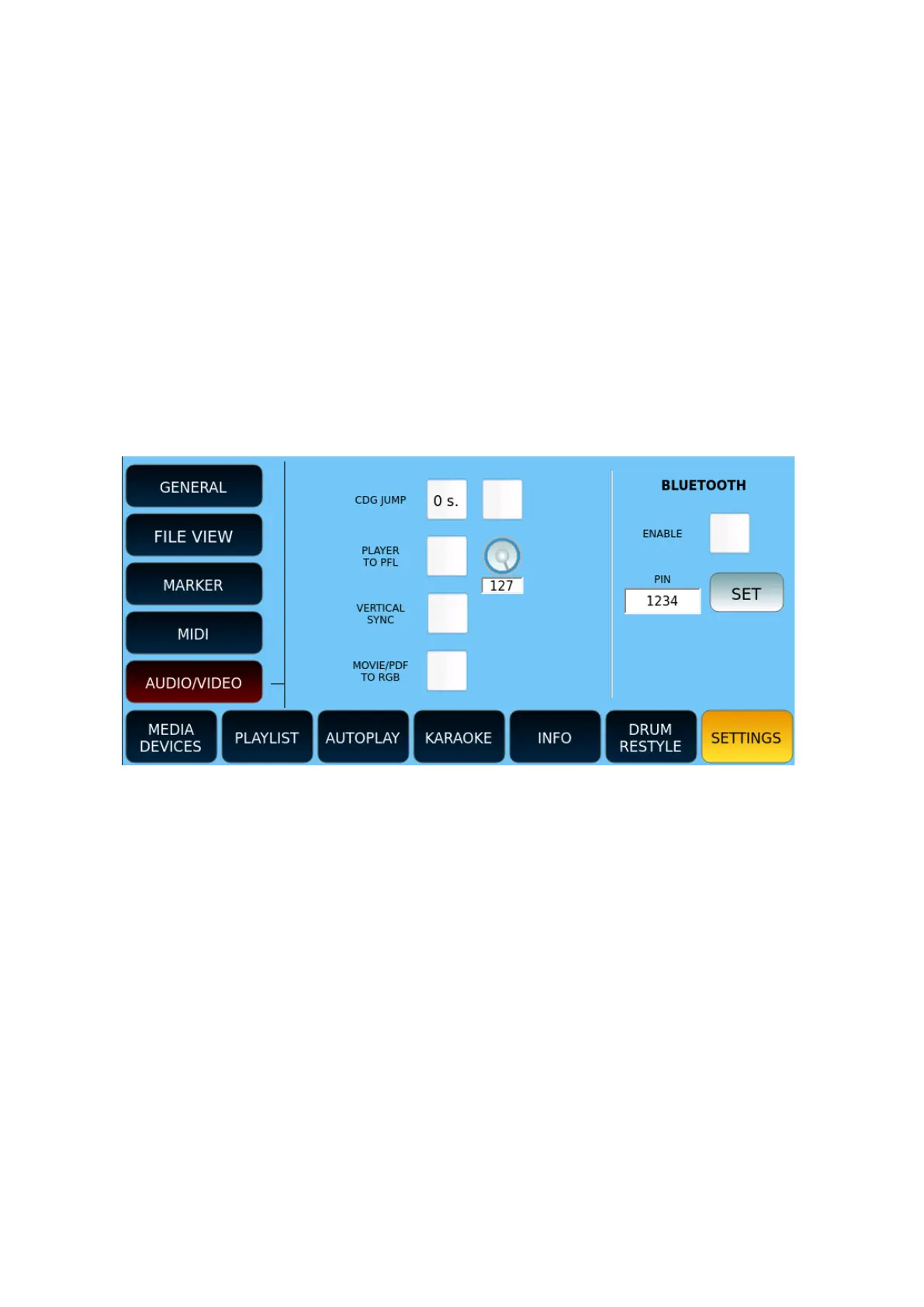
AUDIO/VIDEO
Options:
• CDG JUMP:
o The first field defines the initial skip time of the CDG file. Values range from
0 to 30 seconds.
o The second is a check frame that, if marked, skips the initial part of CDG
files (often used for informational purposes).
• PLAYER TO PFL: enables PFL playback. When the volume slider of one of the two
players reaches zero, the audio output will be heard on the headphones, but not
on the main outputs. The knob next to it adjusts the volume of the pre-listening
on headphones.
• VERTICAL SYNC: Enable Vertical Sync for video playback. It may be necessary with
some display monitor models.
• MOVIE/PDF TO RGB: Displays the contents of PDF files, images and videos on the
external monitor. This option is not available if the control screen is connected via
HDMI connection.



 To Next Page