Section 5 AutoCAD Driver
5-2
1.0 Overview and Features
The KIP AutoCAD HDI has been designed to quickly and effectively print to the KIP printer
directly from the AutoCAD application when using the Microsoft Windows operating system.
The KIP driver is supported with these versions of AutoCAD from AutoDesk:
2004 / 2005 / 2006 / 2007
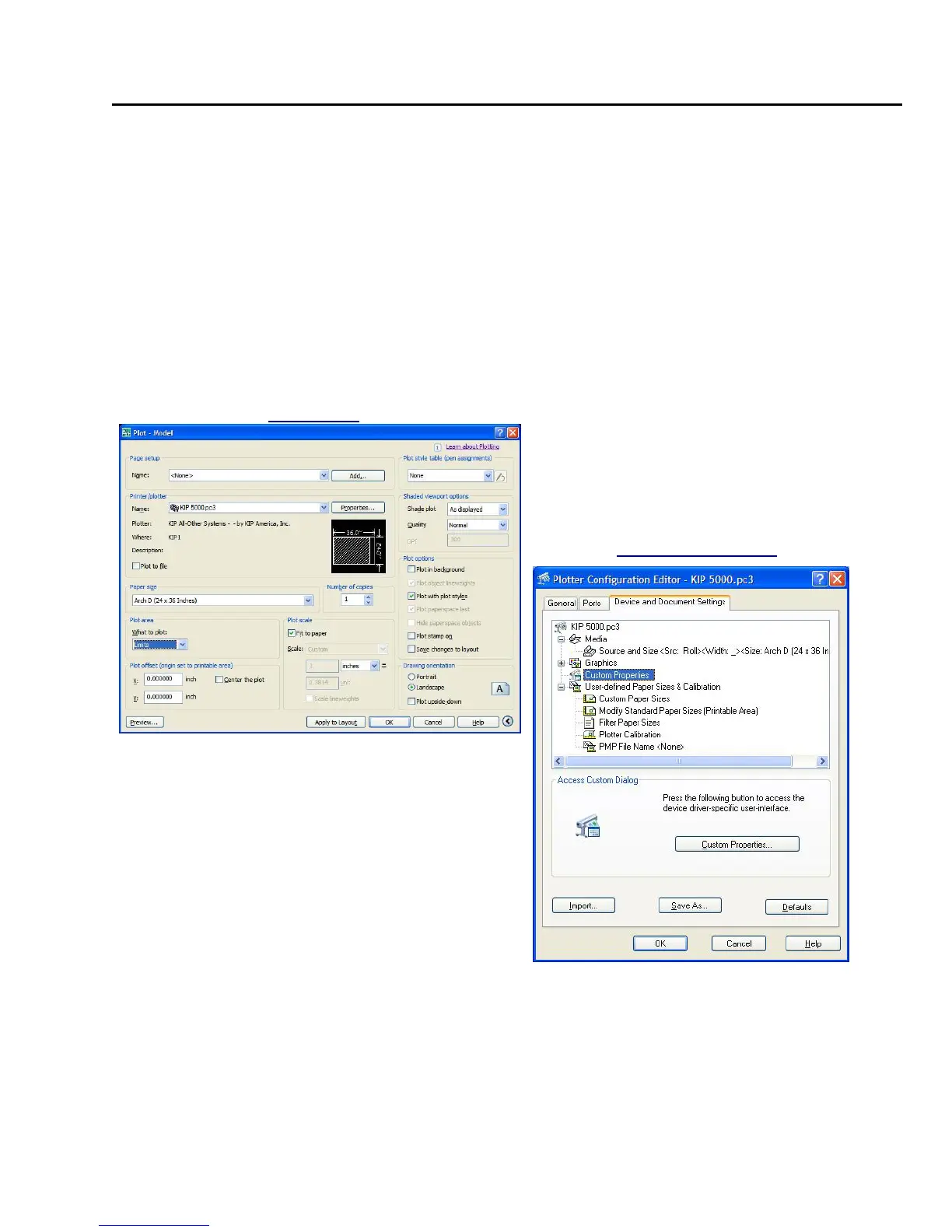
The following two screens are general to AutoCAD and are not detailed within this User
Guide. They select the print to device, media size, pen configurations, and shading to list a
few of their functions. Please refer to the AutoCAD User Guides for more details on these
screens features and functions.
Plot Screen
Plotter Configuration
Advanced features and functionality of this driver
can work in tandem with KIP Request software for
added power and flexibility, or as a stand-alone
entity. Features when linked to KIP Request
include stamping, folding, headers, advanced
raster image controls, media type selections, real
time printer status and job accounting all from
within the AutoCAD application.



 To Next Page