7-10 Section 7 KIP Print Net
Edit Job
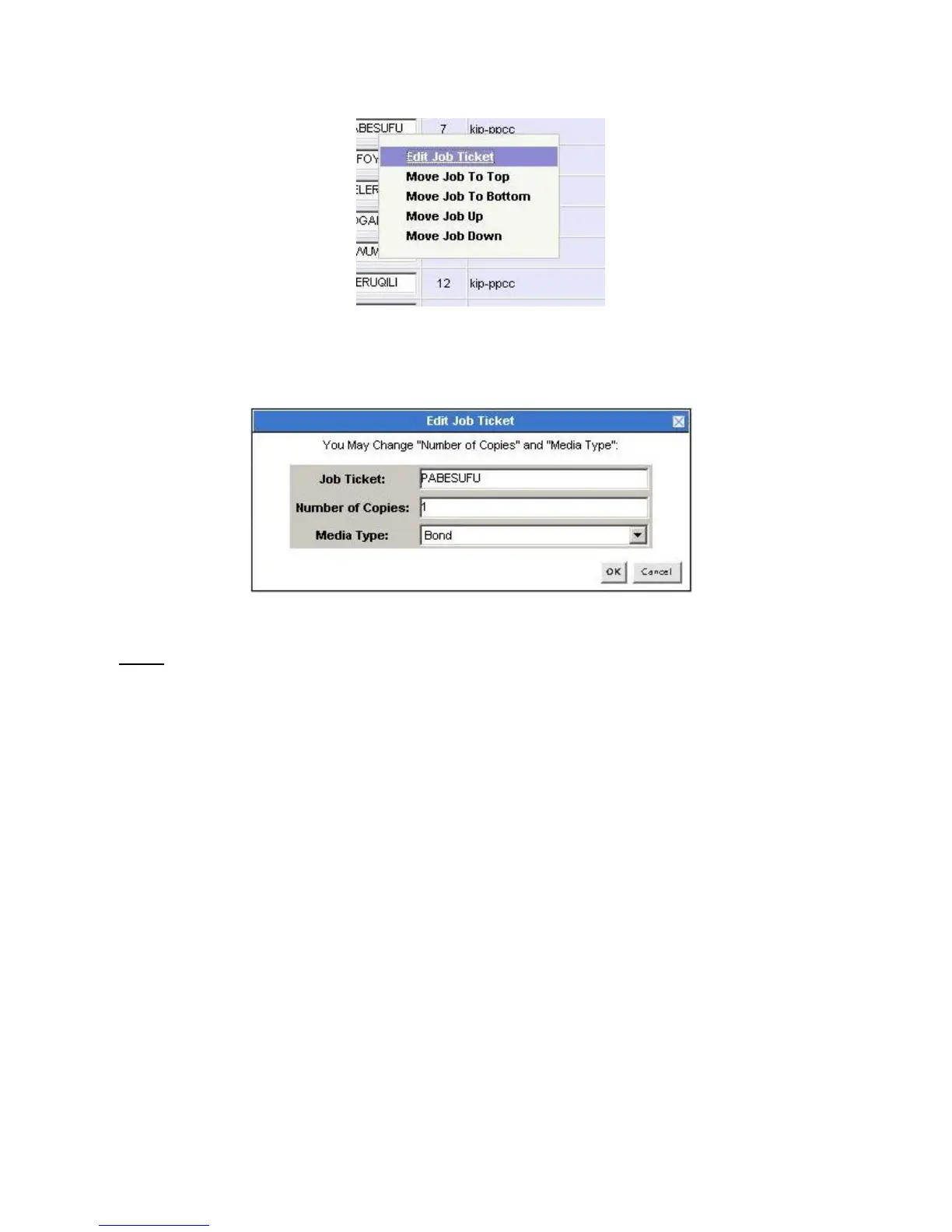
To edit a job, right click on the JOB TICKET name and select Edit Job Ticket.
A window will come on the screen allowing you to change the Number of Copies and Media
Type. Select OK when done.
Note:
Queue Management will work only if connected directly to the IPS on the KIP 5000.



 To Next Page