7-19 Section 7 KIP Print Net
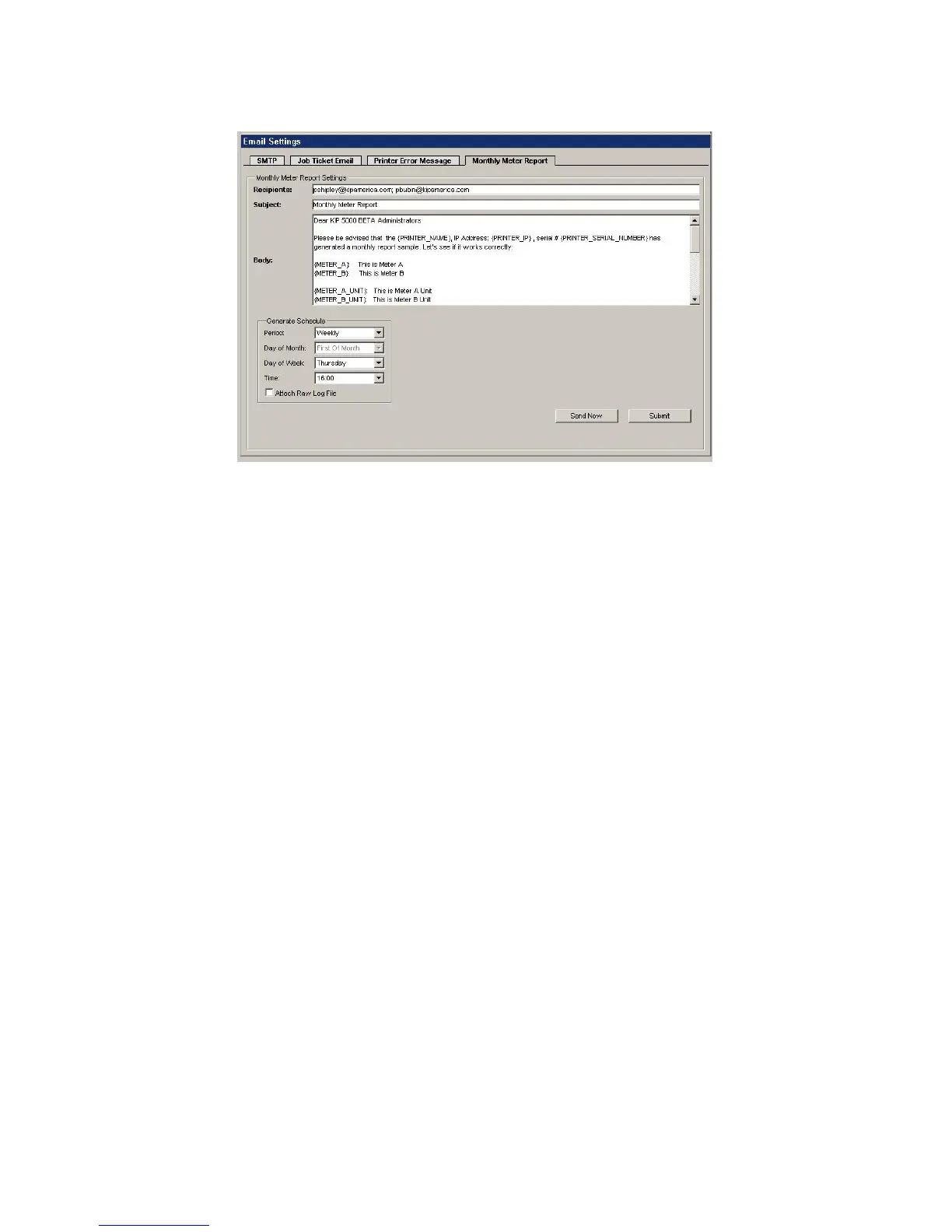
Monthly Meter Report
E-Mail sent for meter reports. This can be scheduled Weekly or Monthly.
Recipients: Email address that will be set to. You can put multiple address in separated by
a semicolon “;”.
Subject: Subject of the Email.
Body: Body of Email.
NOTE: You can right click in the Subject or Body sections and select a macro to be
automatically filled in when message is sent. You can choose from Printer Name, Printer
Serial Number, IP Address, Meter Reading Date, Meter Reading Time, Meter A, Meter A
Unit, Meter B, Meter B Unit, Copy, Network Print, Scan, and Total Run.



 To Next Page