7-20 Section 7 KIP Print Net
5.3 Printer Configuration
NOTE: Undesired output might occur if settings are changed.
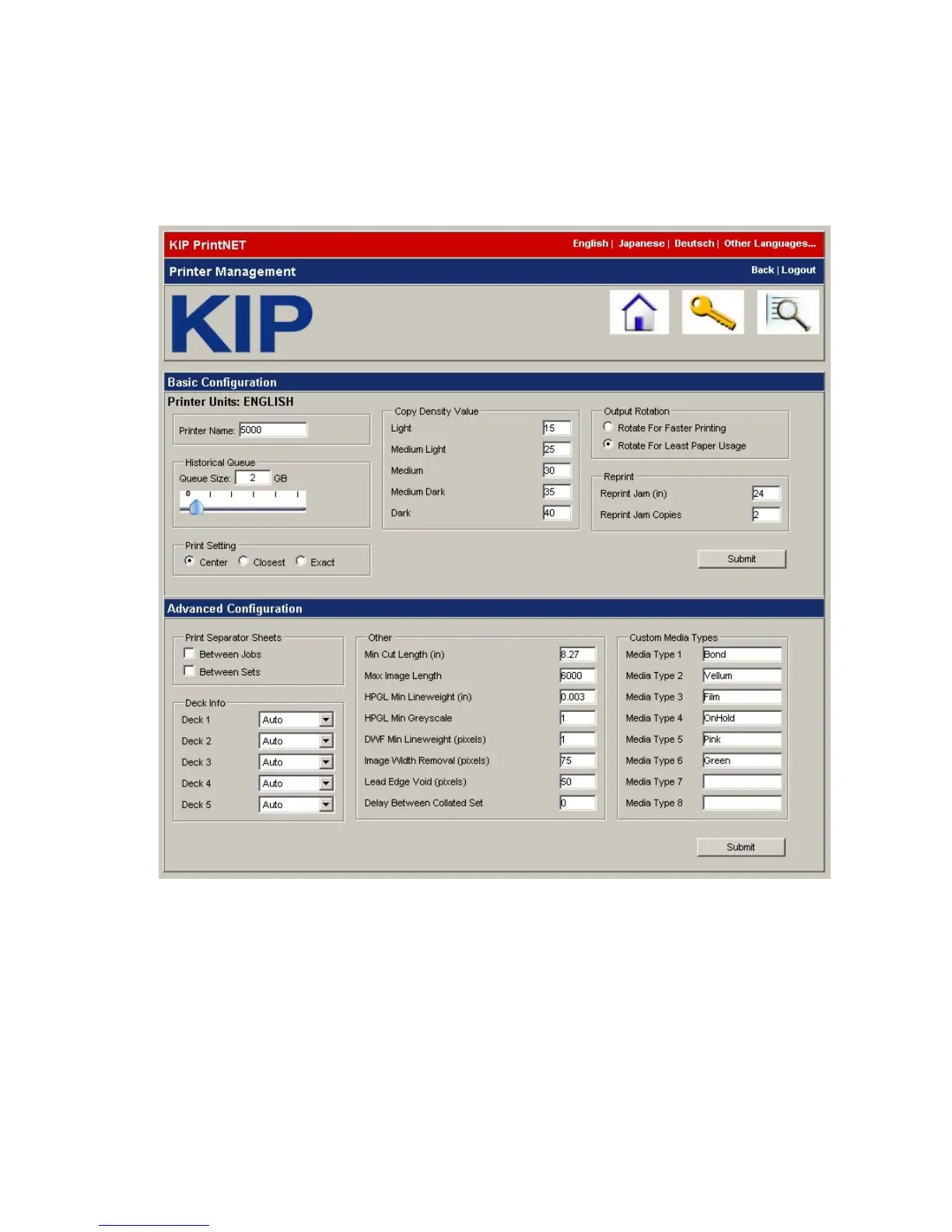
This section is for configuring the printer. After making necessary changes click on submit.
Changes will be sent to the printer and after 20 seconds the new settings will be displayed.
Basic Configuration
• Printer Name
The name of this printer.
• Historical Queue
Sets size limit of the historical queue. A “0” (Zero) setting will turn off.
Measured in Gigabytes. The range can be set from “0” (Disabled) to “25”.
• Print Setting
Sets selection for paper size.
• Copy Density Value
Sets density values for prints.
• Output rotation
Rotates landscape/portrait based on selection.



 To Next Page