Section 8 Productivity Reports 8-3
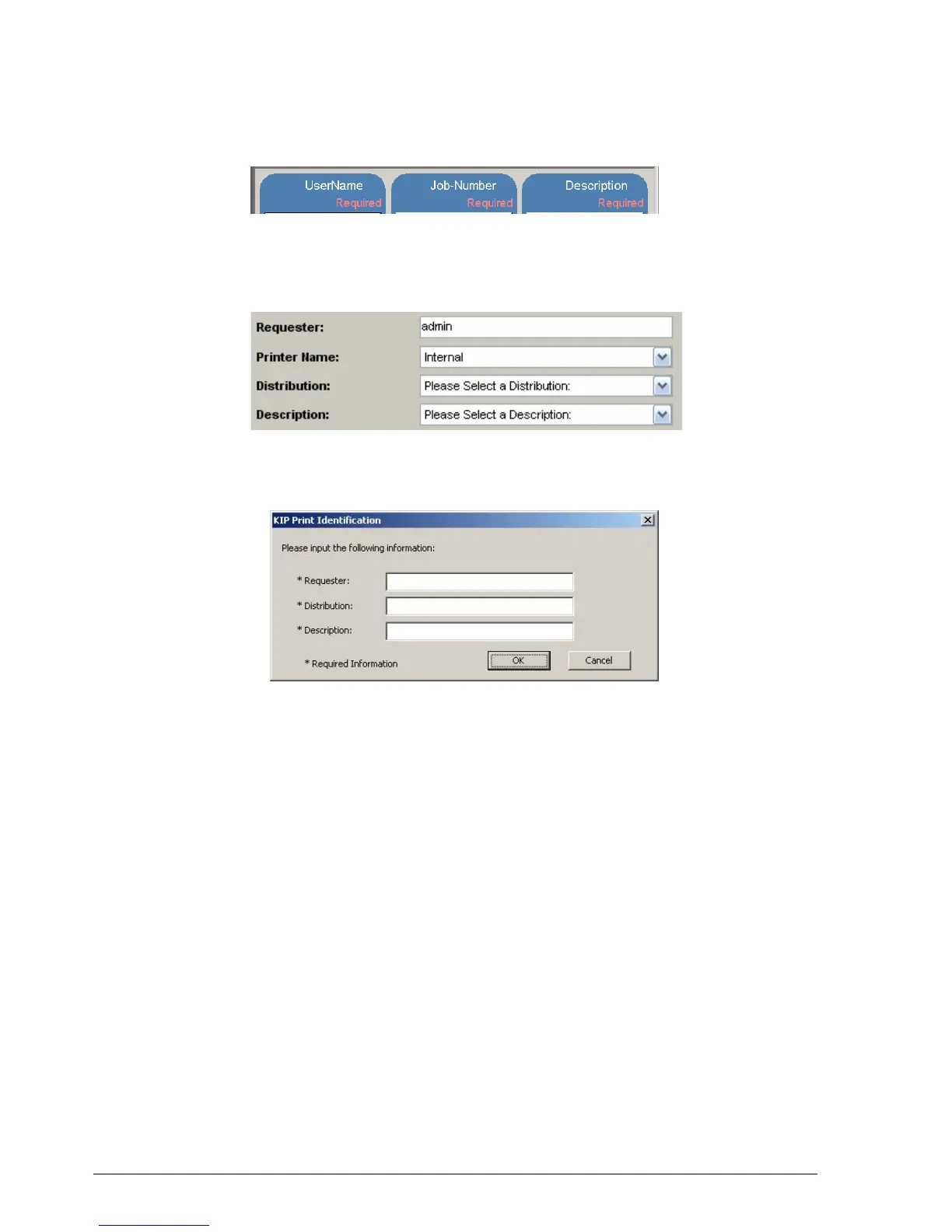
KIP 5000 User Log on Screen
On the Copy / Scan screen if accounting enabled
PrintNet
Accounting fields entered into the Request software installed on the Web server host
pc being utilized by KIP PrintNet will also be transferred to the to users accessing the
PrintNet via the intranet or internet.
KIP Windows Printer Driver
The KIP Windows driver will retrieve the accounting list and rules from the KIP IPS.



 To Next Page