Section 1 Basic Printer Functions
1-37
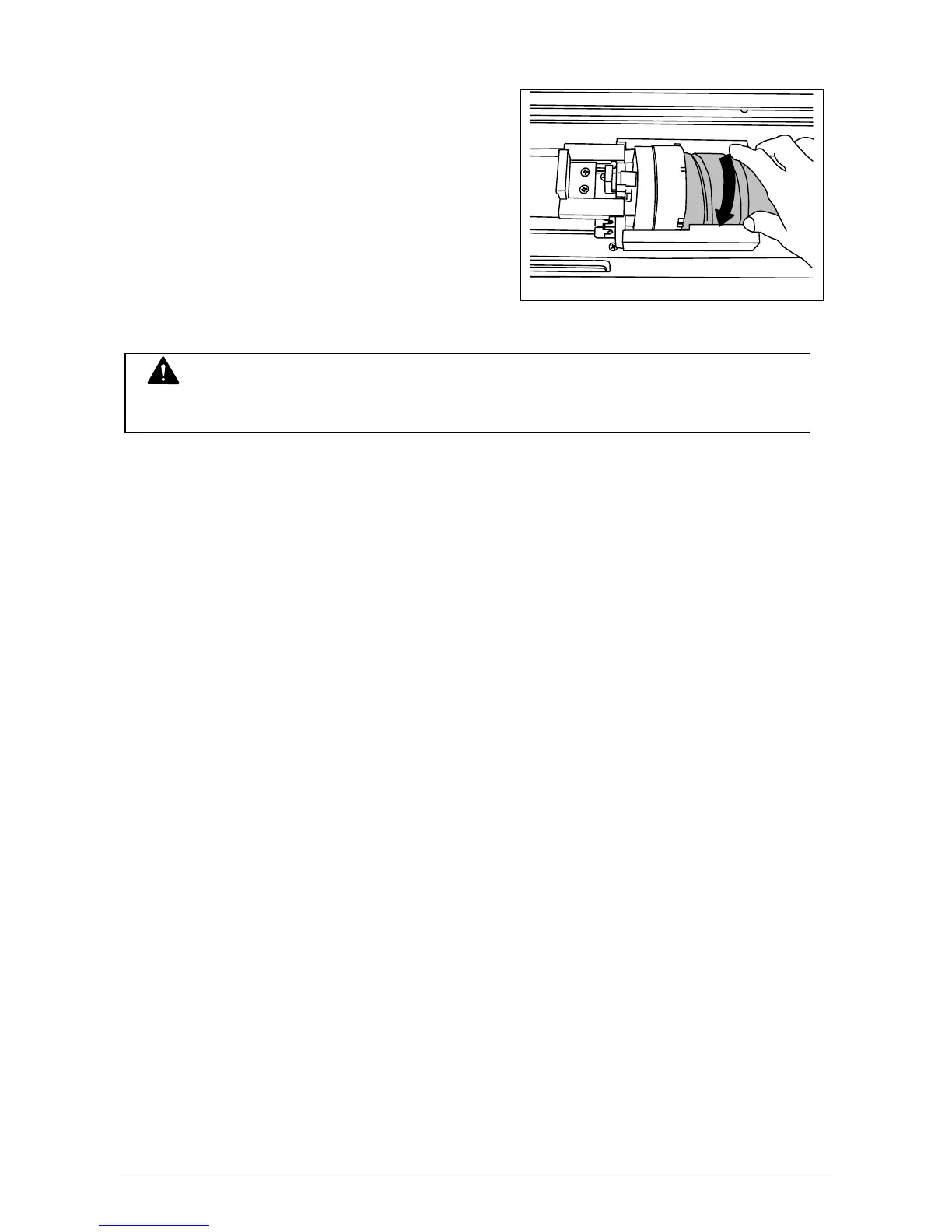
8) Rotate the Toner Cartridge to
backward (in the direction
indicated by the arrow) a minimum
of 90 degrees. (The new Toner
Cartridge is tightly closed during
shipment)
9) Close the Toner Cover, then close the Manual Table.
NOTE
Do not fit the joint into the Toner Cartridge. When the machine is turned on, it automatically
fits the joint.



 To Next Page