Video
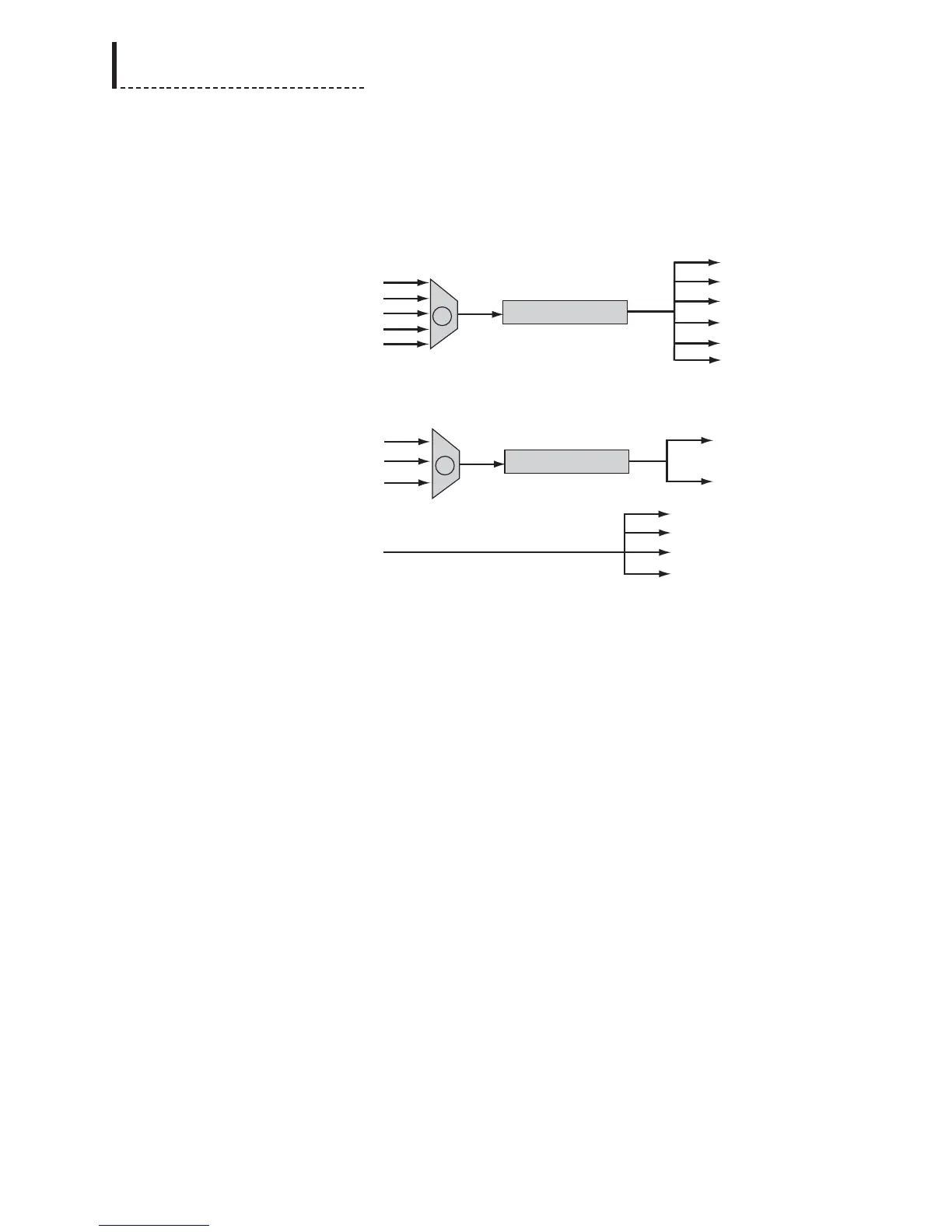
The video signal path is as follows:
With DigiDuplex mode disabled, the video input selection front-panel controls or
Input Source option of the Video Setup menu are used to select the desired video
input (A), which will be synchronized and sent to all video outputs.
With DigiDuplex mode enabled, the video input selection front-panel controls or
Input Source option of the Video Setup menu are used to select the analog video input
(A) which will be synchronized and sent to the SDI output (and the DV output if the
optional DV I/O module is installed). The SDI input is transcoded and sent to all
analog video outputs. Note that DV input is not available in DigiDuplex mode.
210
DPS-475/575 Service Manual



 To Next Page