Device Control
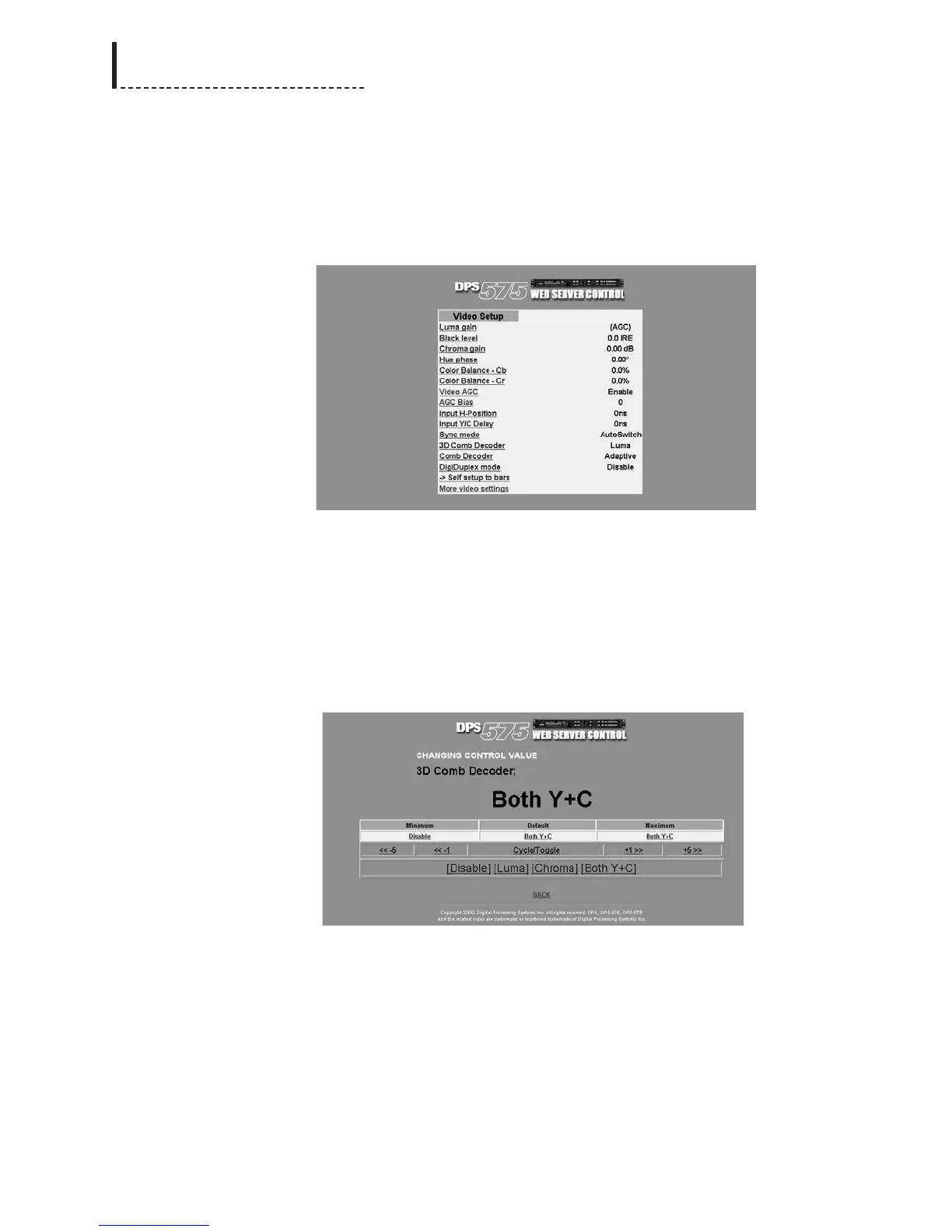
Clicking Device Control from the main Web Server Control interface will present the
DPS-475/575 menu structure for selecting and setting options. These menus mirror
those accessible through the front panel of the unit.
The menu listings will display available options, and their current settings.
Clicking on a menu item brings up the Changing Control Value screen for modifying
the value of the option.
The Changing Control Value screen shows the minimum, maximum, and default
values for the selected option; clicking on any of these three values will set the option
accordingly.
For options with discrete values, such as 3D Comb Decoder in the Video Setup menu,
all of the discrete values will be displayed; clicking on one of them sets the option to
that value.
Clicking the Cycle/Toggle button will cycle through the valid values, or in the case
where there are only two possible values (eg. Disable and Enable), will toggle
between them.
For options with a numerical range of valid values (eg. Luma Gain in the Video Setup
menu), numeric adjustment buttons allow the value to be increased or decreased in
fine or coarse increments.
216
DPS-475/575 Service Manual



 To Next Page