Appendix E
Audio
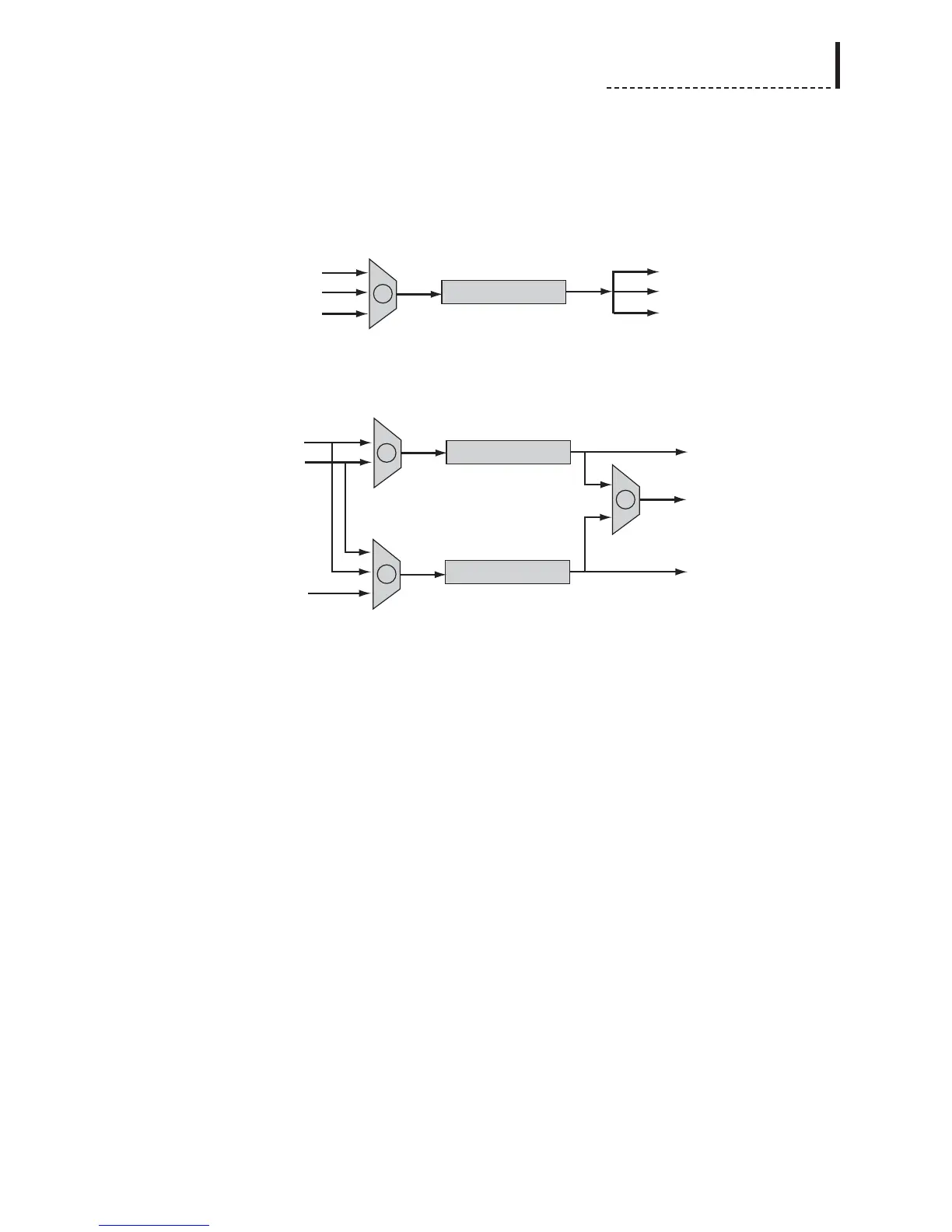
The audio signal path is as follows:
With DigiDuplex mode disabled, the audio input selection front-panel controls or
Input option of the Audio Setup menu are used to select the desired audio input (B),
which will be synchronized and sent to all audio outputs. In addition to the input
formats, Test Tones and Mute are valid selections as the audio input source.
With DigiDuplex mode enabled, the audio input selection front-panel controls or
Input option of the Audio Setup menu are used to select the audio input (B) which
will be synchronized and sent to the SDI output. In addition to the input formats, Test
Tones and Mute are valid selections as the audio input source. Note that in
DigiDuplex mode, audio input selections for channels 1 and 2 are locked
together, and must have the same input format. DV audio is not supported in
DigiDuplex mode.
The DigiDuplex Input option (C) of the Audio Setup menu selects which digital audio
input source (SDI Embedded or AES/EBU) will be transcoded to the analog audio
outputs. The DDPlex AES/EBU Out option (D) of the Audio Setup menu determines
whether the AES/EBU Audio Output is fed from the synchronizer or transcoder.
*CAUTION: If the SDI Embedding option of the Audio Setup menu is disabled,
SDI audio output will not be available. Thus, if SDI Embedding is disabled, and the
DDPlex AES/EBU Out option is set to use the transcoder as the source, the output of
the audio synchronizer will not be present on any of the outputs; only the transcoded
digital audio will be available (at the analog and AES/EBU audio outputs).
211



 To Next Page