CHAPTER 3: OPERATION - FRONT PANEL
C
ONTROLS
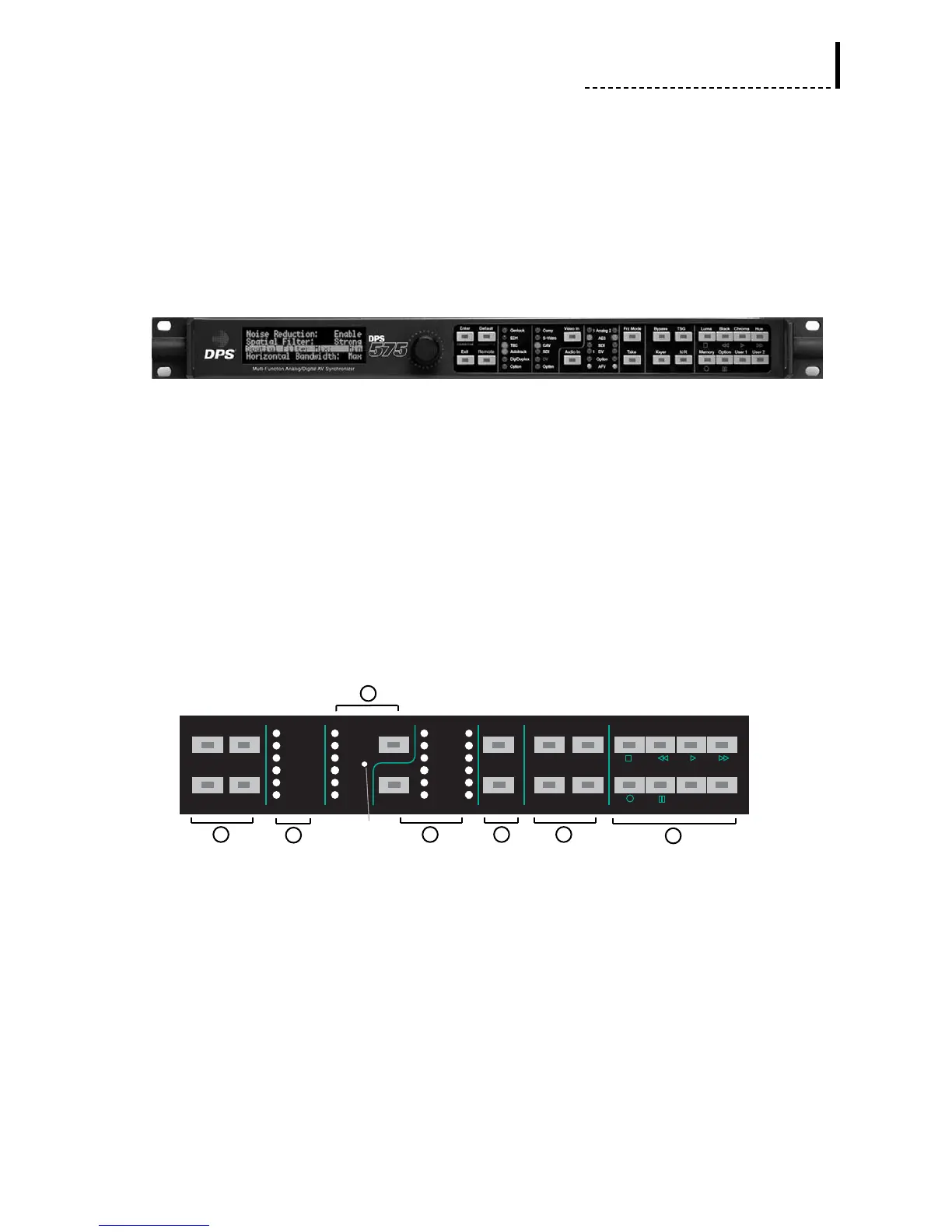
DPS-575: Front Panel
The front panel controls of the DPS-475/575 are organized into seven main functional
areas:
1. Menu Controls
2. Status Indicators
3. Video Input Selection
4. Audio Input Selection
5. Freeze Controls
6. Mode Selection
7. Proc Amp Controls and User Keys
DPS-475/575: Front Panel Control Area
In addition, while in DV Control mode (selected from the Main Menu), the control
knob and specific keys become dedicated to device control of a DV deck or
camcorder (see the “DV Control Mode” section of this chapter).
Certain keys on the front panel can be user-programmed to specific functions (see the
“User-Programmable Keys” section of this chapter), and some keys activate special
functions when they are held down during power-up of the unit (see the “Power-Up
Keys” section of this chapter).



 To Next Page