The User Interface
92
System Setup
Purpose
The System Setup screen is displayed by tapping on the "Go To“ button
in the Main Run screen.
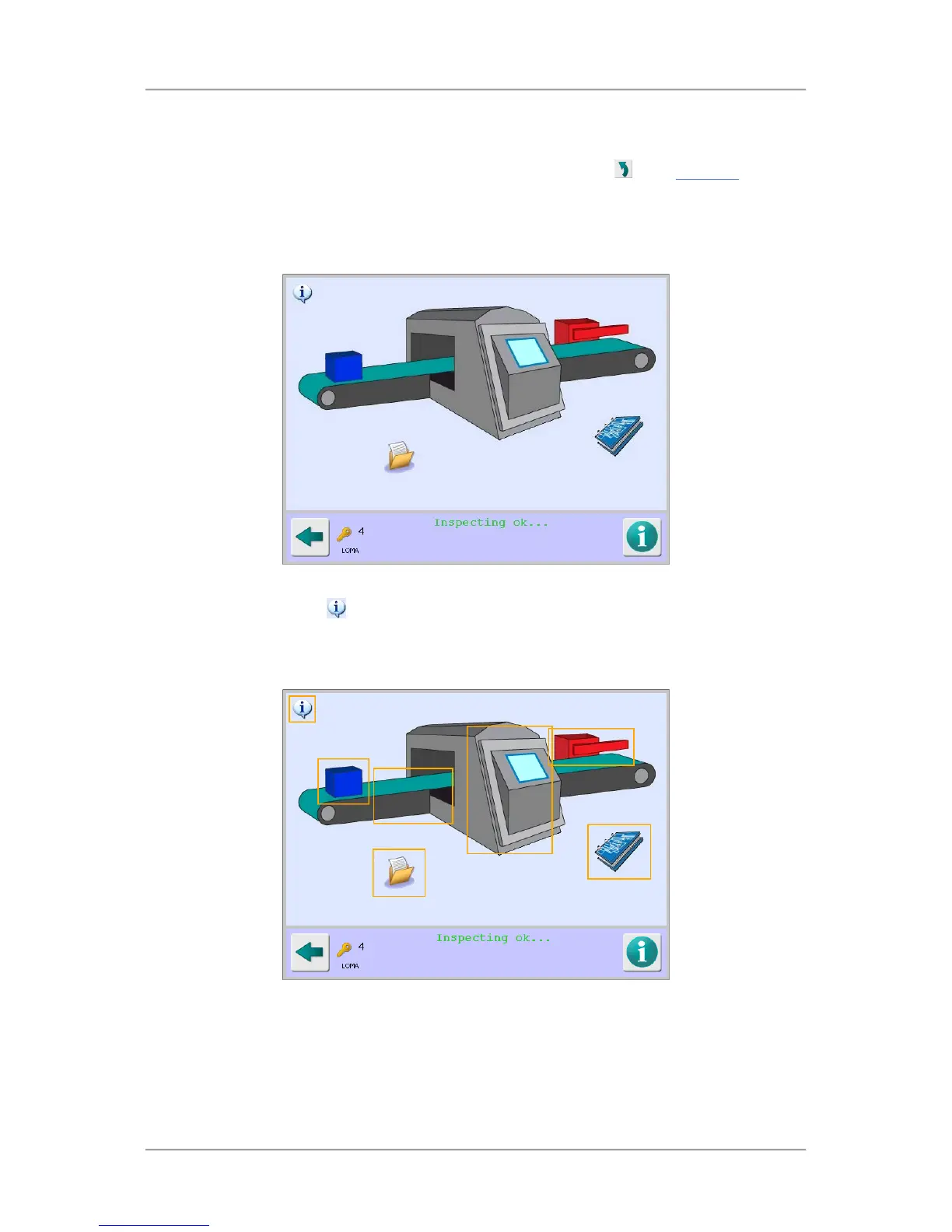
It displays a mimic of the metal detector and contains a number of hotspots which provide quick
access to other screens through which all the parameters for setting up and operating the metal
detector can be configured.
Screen Contents
Tap on the information icon
in the top left corner of the screen to display the available hotspot
areas on the screen as shown in the screen shot below. These are shown as rectangular boxes with
an orange border.



 To Next Page