all system parameters.
Displays the Select Product to Setup screen through which you can add, edit
and remove products and their settings.
Displays the Conveyor Setup screen through which you can view the current
conveyor settings.
Displays the Rejects Setup screen through which you can adjust reject timings
and select various options.
Displays the Logs/Reports screen which displays a list of available logs and
reports for selection.
Displays the Help Manual which provides product information.
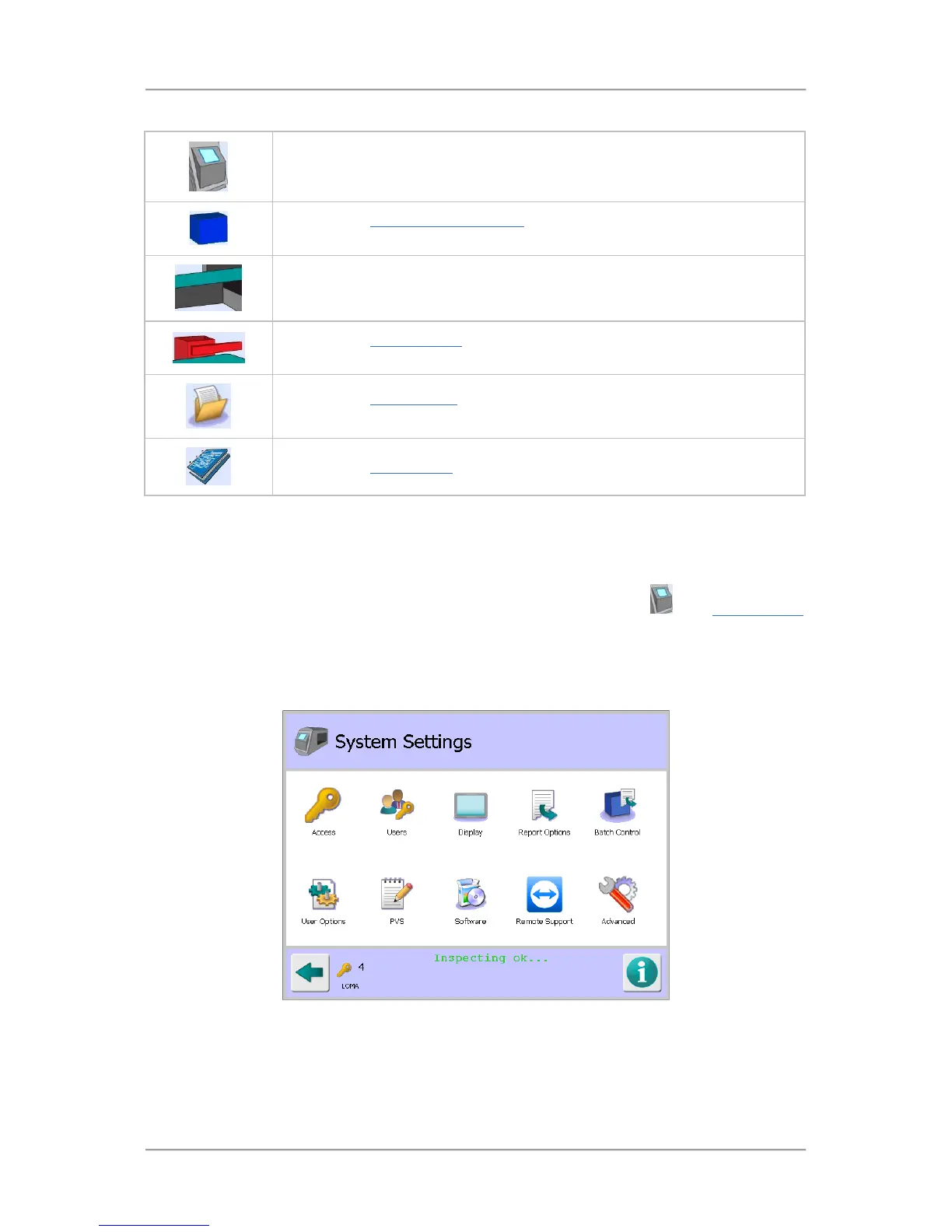
System Settings
Purpose
The System Settings screen is displayed by tapping on the control panel area
in the System Setup
screen.
The purpose of the screen is to provide access to all areas of the system so that their related settings
can be configured as required.
Screen Contents
The screen contains a number of icons described in the table below which when selected provide
access to other screens.



 To Next Page