The User Interface
99
Calendar
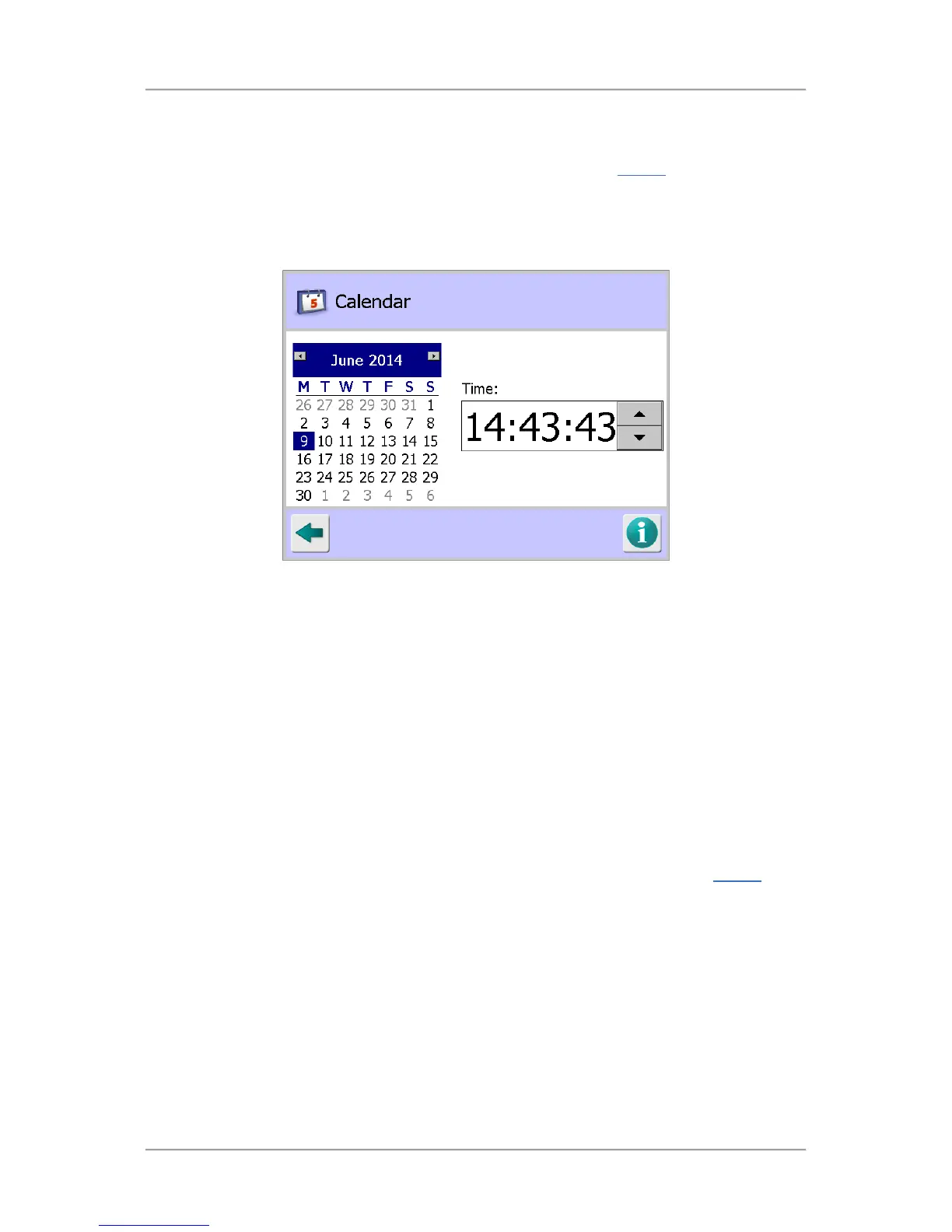
Purpose
The Calendar screen is displayed by tapping on the Calendar icon in the Display
screen.
The purpose of the screen is to allow you to change the time and date used by the metal detector,
useful where your local time is different to GMT.
You may also wish to change the time and date to synchronise with other equipment for operational
reasons.
Screen Contents
The screen contains the following controls for setting the time and date:
■
Calendar Control
Use the left and right arrows at the top of the control to change the month displayed and then
select the applicable day by tapping on it.
■
Time Control
Click on the hours, minutes and seconds values in turn and use the up and down arrows
provided to increase or decrease each value as required.
Appearance Settings
Purpose
The Appearance Settings screen is displayed by tapping on the Appearance icon in the Display
screen.
The purpose of the screen is to allow you to personalise the Main Run screen by selecting the colours
to be used in various areas of the screen. You can also change the way that data is displayed in the
Main Run screen.



 To Next Page