Logs and Reports
219
Screen Contents
The screen displays a list of PVS testing information under the following column headings:
■
Date – Displays the PVS test date.
■
Time – Displays the PVS test time.
■
Number – Displays the product number.
■
Operator – Displays the entered identity of the test operator.
■
Fe – Displays the number of passes and the Ferrous test piece used.
■
NFe – Displays the number of passes and the Non-Ferrous test piece used.
■
SS – Displays the number of passes and the Stainless Steel test piece used.
■
Threshold – Displays the working threshold limit for the product tested.
■
False – Displays the false threshold used for the test.
■
Results – Displays values of Success, Not actioned or No samples depending on the test
outcome.
PVS report.
The log can hold up to 20 system fault records. If this number is exceeded and the log has not been
sent as a report, then the oldest record is deleted to provide space for a new record.
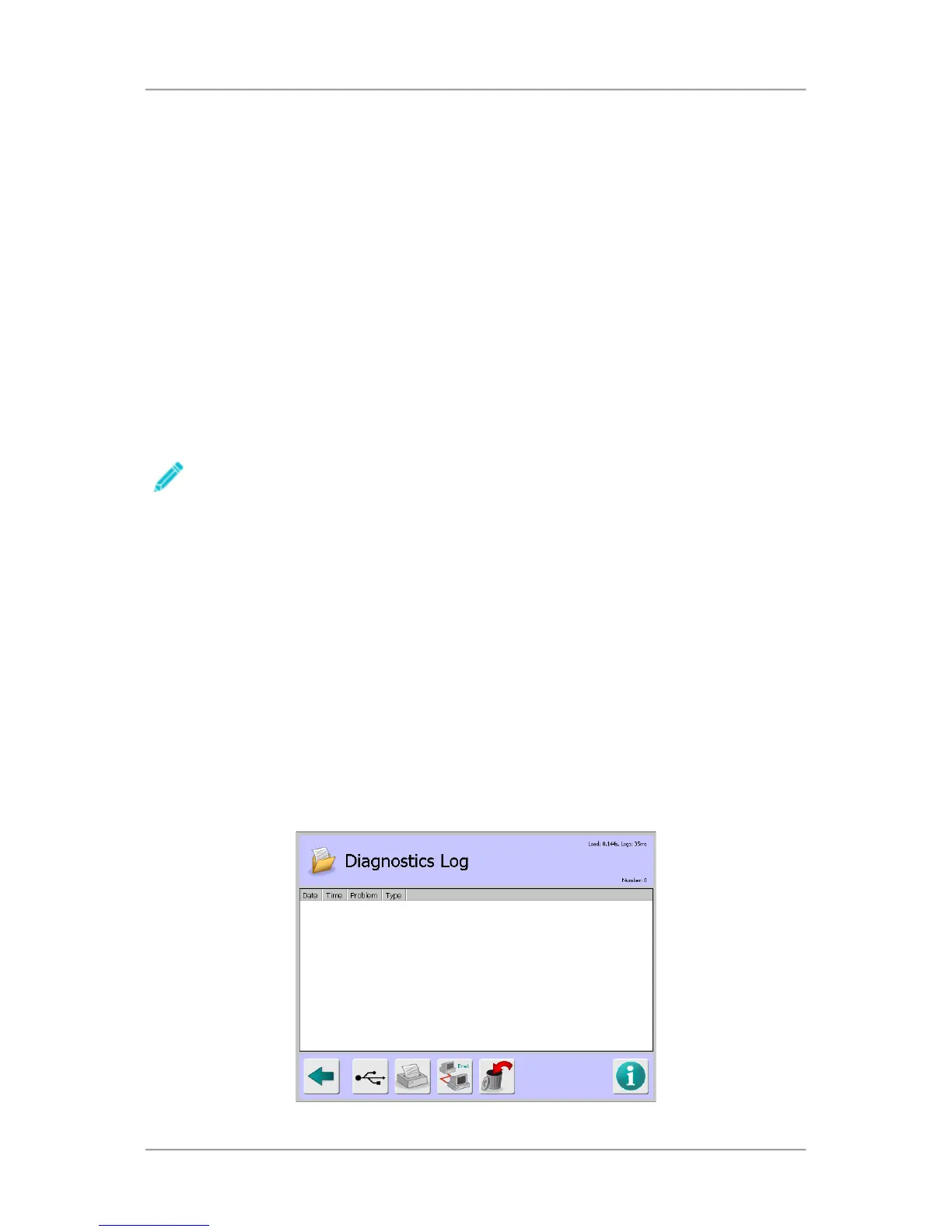
Diagnostics Log
Purpose
Whilst the metal detector is operational, some self-monitoring of the electronics is carried out and
when an issue with one of the monitored functions is detected then an appropriate diagnostic
message is generated and captured in the Diagnostics Log to aid rectification.
It should be noted that a number of the messages associated with the IQ
3
+ metal detector are only
logged once the Diagnostics Log itself is displayed.
Generally a message is generated because there is an internal failure within the electronics that has
affected the correct operation of the detector and should be dealt with promptly.
It is therefore advised that you contact your local Loma Service Centre for assistance in the event any
of the messages listed in the Example Messages section below are recorded.



 To Next Page