menu).
- Rejects: Number of rejected products.
Note: An accept count is only present if a product registration photo-eye is fitted.
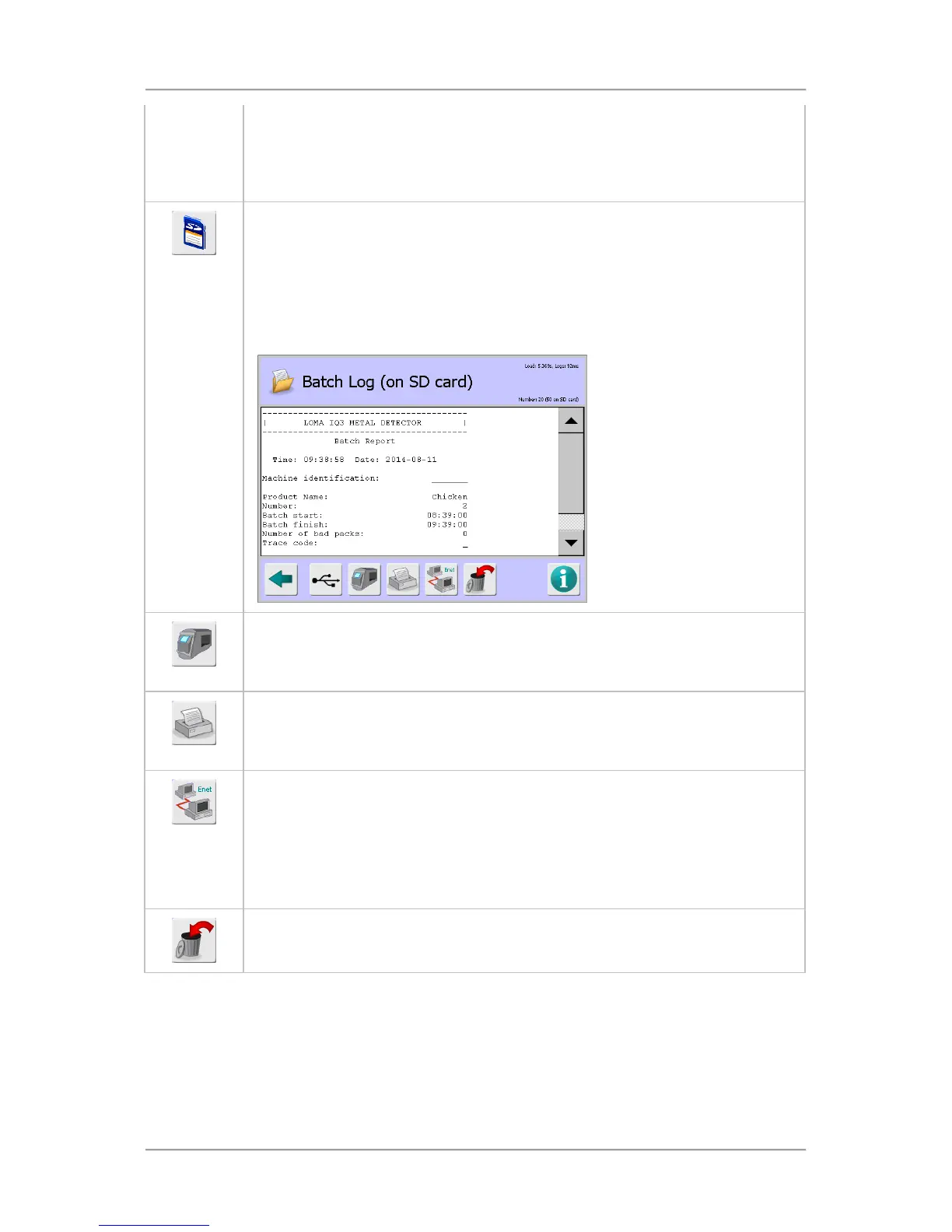
This icon is displayed if an SD Card is fitted on the display board in the search head.
Up to 500 reports can be saved to the SD card. If this number is exceeded, then the
oldest report is deleted. Therefore it is advised to observe a strict download regime
to avoid loss of data.
Tapping on the icon displays the Batch Log (on SD card) screen which provides a
list of reports generated in chronological order. Tapping on a report then displays it
on the screen.
This icon is displayed after tapping on the SD Card icon.
Tapping on the icon changes the screen back to the Batch Log screen and the icon
changes back to the SD Card icon.
This icon is displayed if the Reports option has been selected in the Usage field
when setting up the serial connection in the Serial Comms Setup screen.
Tapping on the icon automatically downloads the report to the connected device.
This icon is displayed if the LomaEnet Capture application has been installed onto a
dedicated networked server and a communication connection configured in the
LomaEnet Capture screen.
Some reports such as the batch and PVS reports, can be set up to be sent to the
server automatically.
Tapping on the icon will manually send the latest report to the server.
Tapping on this icon will delete all reports. An Are you sure message is displayed to
help avoid accidental deletion. Individual reports cannot be deleted.
Report Languages
Reports are generated in the currently selected operating language and saved to the SD memory
card. If another operating language is subsequently selected, new reports are generated in that
language and saved to the SD card.
Reports generated in the previously selected language can still be viewed but will obviously be in the
previous language.



 To Next Page