The User Interface
152
VF Drive
Purpose
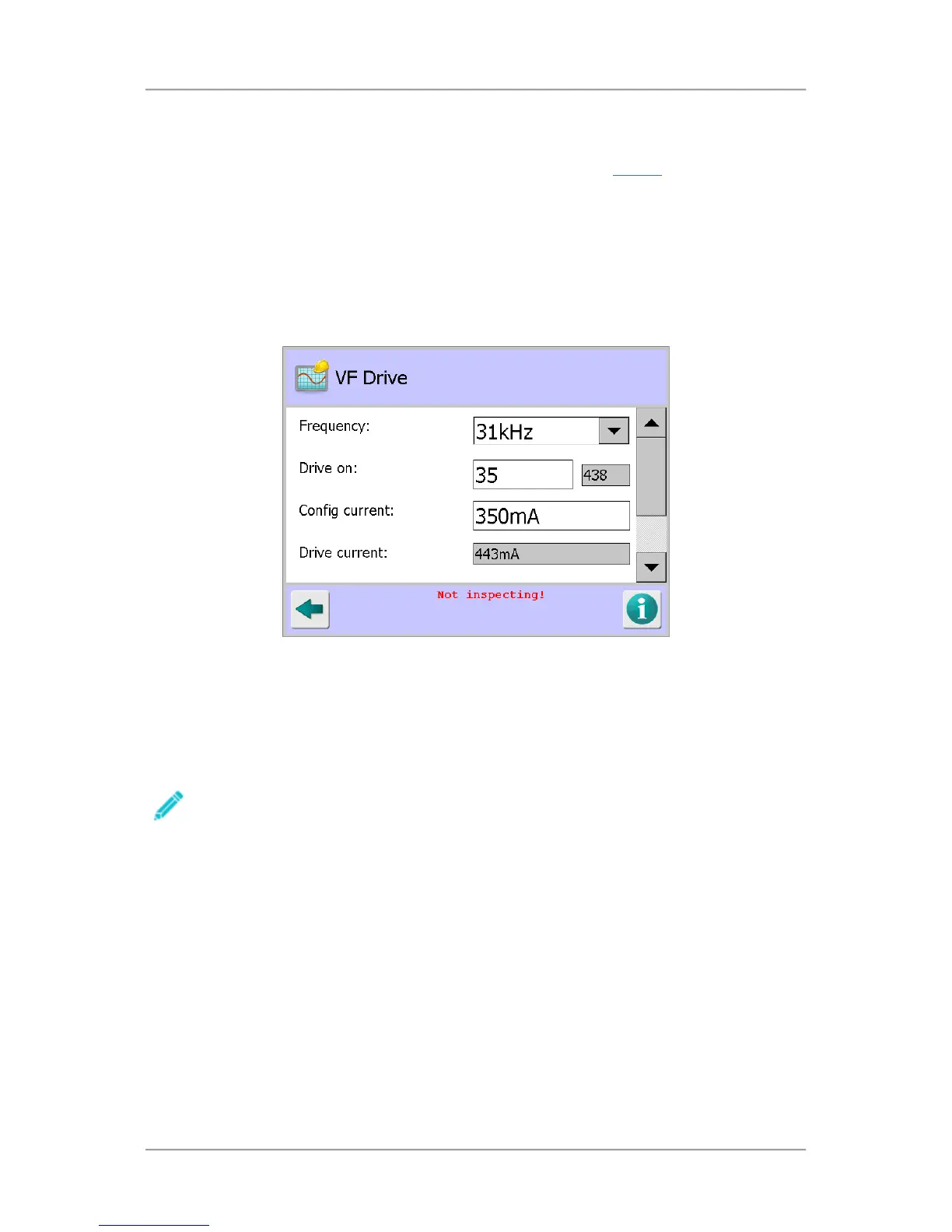
The VF Drive screen is displayed by tapping on the VF Drive icon in the Service
screen.
Within this screen the the transmitter drive for all available operating frequencies are set up to
maximise sensitivity of the detector. This is carried out during the manufacturing process so should
not need adjustment under normal operating conditions.
However, if any of the electronics are replaced it is recommended that the setup is repeated. This is
normally done using the AutoBalance feature by selecting the Auto configure option which
automatically makes any P and Q channel balance adjustments necessary for each of the available
frequencies.
Manual adjustment is also possible and this is carried out by Loma Service Engineers when required.
Screen Contents
The screen contains the following options and parameters for setting up the VF Drive:
■
Frequency
The IQ
3
+ has seventy (70) different operating frequencies ranging from 31kHz up to 882kHz.
Each of the available frequencies can be selected from the drop down list.
Note that the frequency selected in this screen is independent of the frequency for the
currently running product.
Tap on the arrow to the right of the field to display a list of frequencies and select the required
frequency from the list.
■
Drive on
The drive on time for the selected operating frequency of the transmitter is shown here. It can
be manually adjusted within this menu, though this is not recommended.
Next to the Drive on field, the Drive off time for the selected operating frequency of the
transmitter is shown. This value is read-only and cannot be changed.
Tap in the field to display a pop-up numeric keypad and enter the required value for the drive on
time.



 To Next Page