The User Interface
151
The potentiometers are used to select the signal size that is injected into each channel to
balance them out.
These values are automatically set for the selected frequency by the software when the
AutoBalance feature is used.
The potentiometer positions can be manually adjusted within this screen, but this is not
recommended.
■
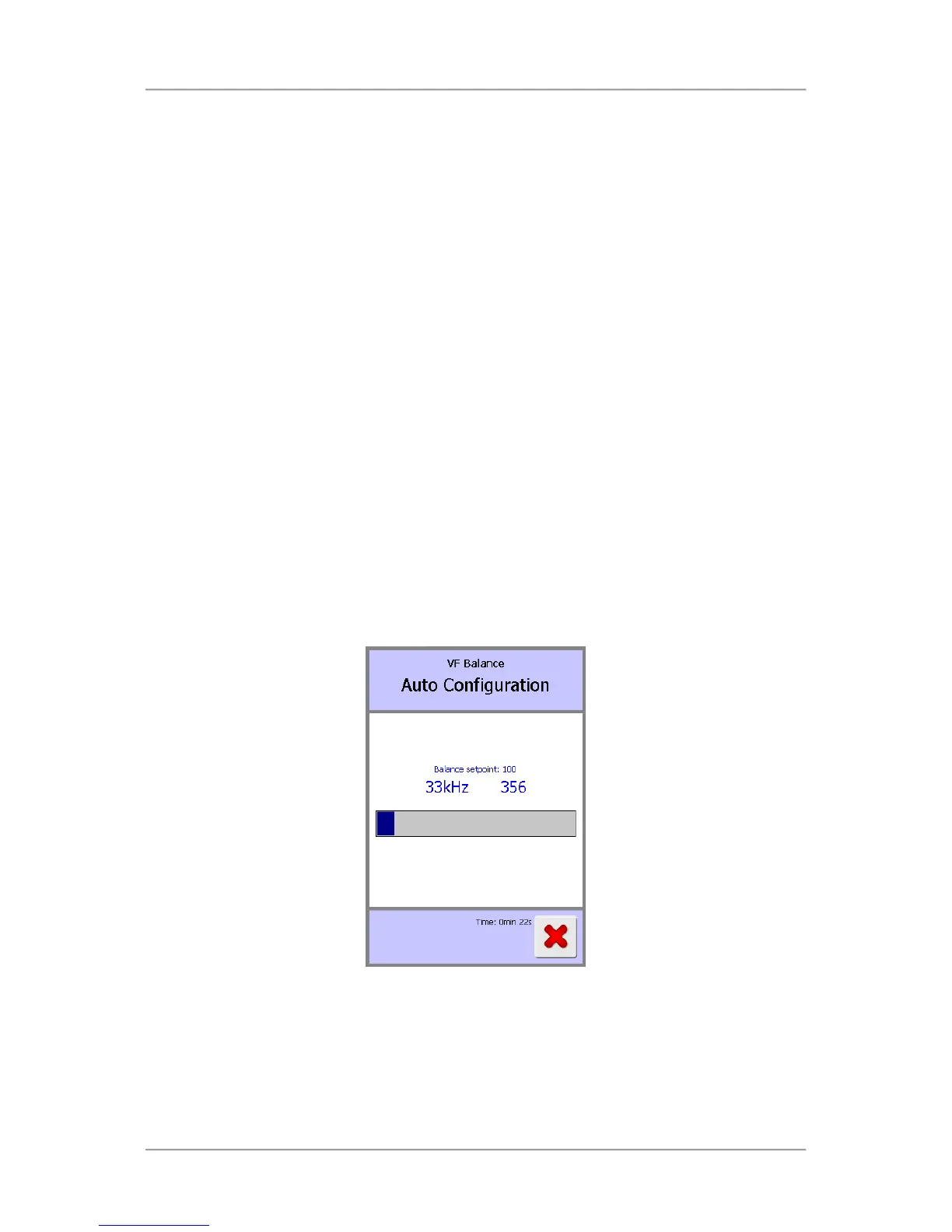
Balance setpoint
The target value for the balance between the P and Q channels is displayed. The default value
is 100.
■
Balance
The measured balance between the P and Q channels on the receiver board is displayed as a
read-only value.
When the detector has been configured correctly, the measured balance will generally be lower
than the balance setpoint.
If in doubt contact your local Loma service centre for assistance.
■
Auto configure
Selecting this option starts the AutoBalance process for all operating frequencies. The process
commences by resetting the potentiometer positions for the P and Q channels for each
frequency to 50. The configuration progress is displayed and will close automatically upon
completion.
Tap on the button to start the auto configure process.
■
Balance reset
Selecting this option resets the potentiometer positions for the P and Q channels for each
frequency to 50. This will often be done prior to manually balancing the head (usually at 31kHz).
Remember to run the Auto configure process afterwards.
Tap on the button to start the balance reset process.



 To Next Page