Logs and Reports
222
Learn Report
Purpose
The Learn Report is automatically created and sent each time the product Learn function is completed
or it can be manually requested from the Setup Report screen. The report contains product and learn
setup data. See the Learning a Product
for further details.
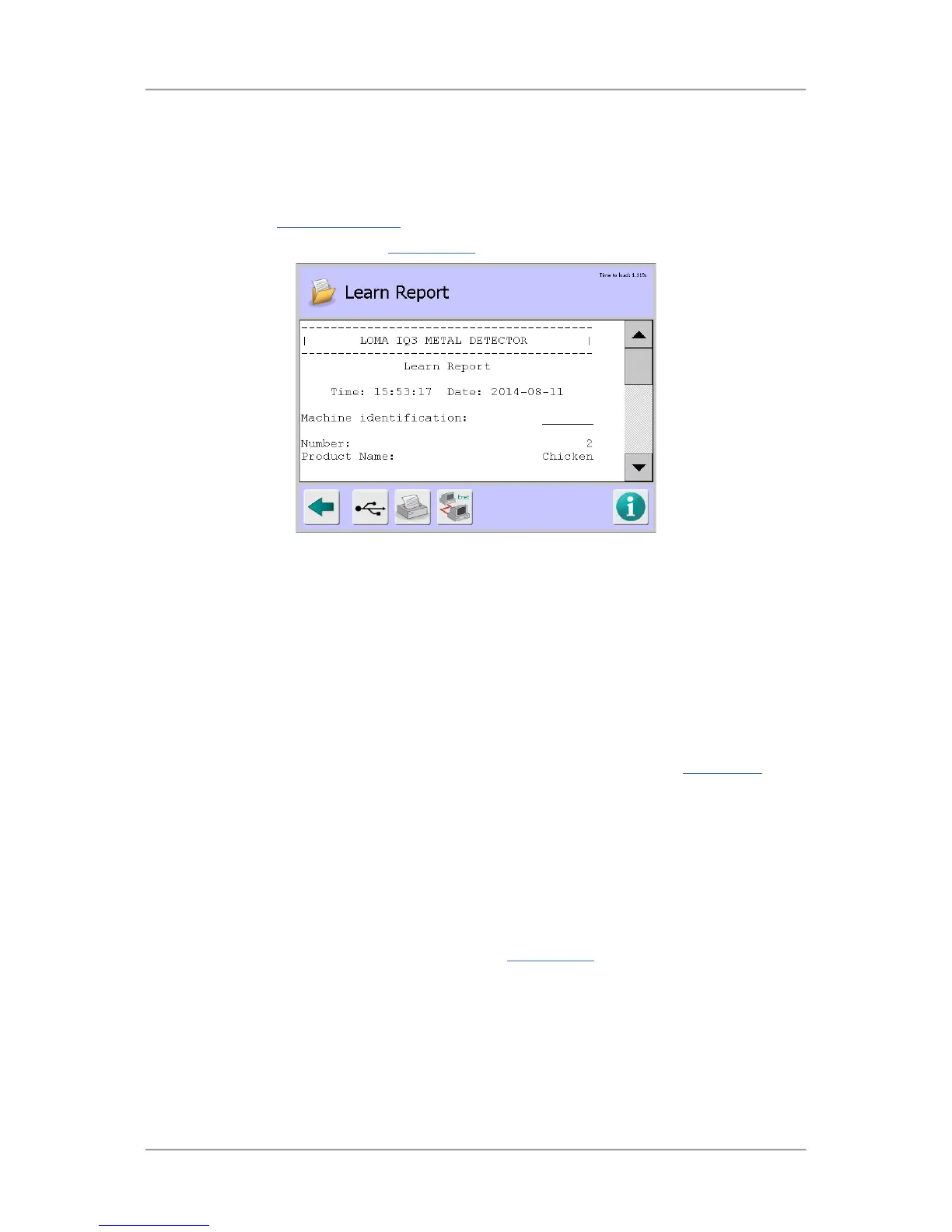
Select the Learn Report option in the Logs/Reports screen to display the Learn Report screen.
Screen Contents
The report contains information in several sections as described below.
■
Learn Report - This section contains the following general information:
O
Time – Displays the time that the report was generated.
O
Date – Displays the date that the report was generated.
O
Machine Identification – Displays the machine ID.
O
Number – Displays the product number.
O
Product Name – Displays the product name.
■
Learn Setup – This section includes a list of the parameters available in the Learn Setup
screen and their associated values and selections
Status Report
Purpose
The Status Report contains accumulated product run data for the currently running product at the time
it is sent. It contains similar information to the batch Report. Sending a Status Report does not reset
the batch values. Select the Status Report option in the Logs/Reports
screen to display the Status
Report screen



 To Next Page