The User Interface
103
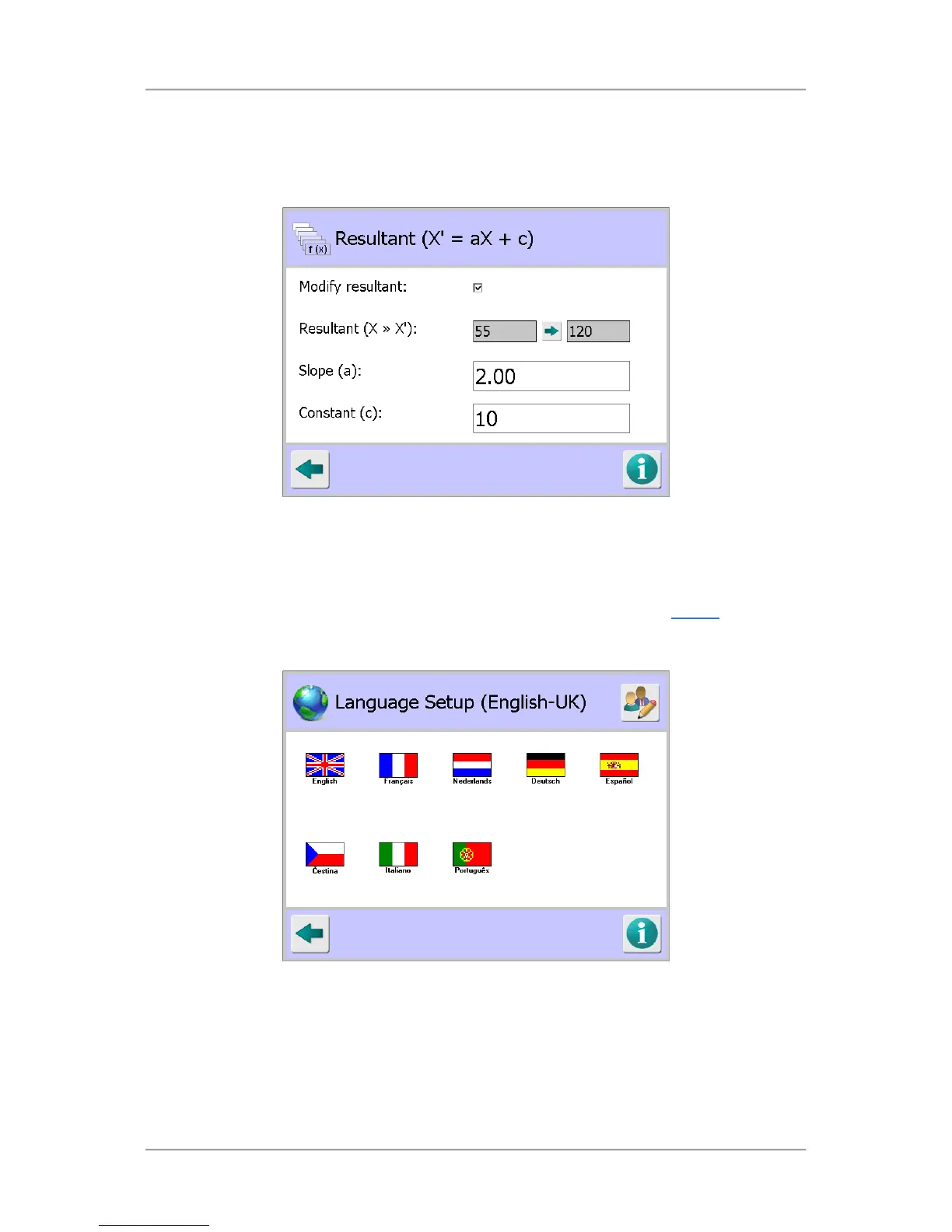
The formula for calculating the Resultant value (X
1
) to be displayed is Slope (a) x X (Product Signal) +
Constant (c) or X
1
= aX + c, as shown in the screen title bar..
So if we change the the Resultant value of 55 shown in the screenshot above to 120, we need to add
a Slope (a) value of 2 and a Constant (c) value of 10, so that X
1
= 2 x 55 + 10 = 120, as shown in the
screenshot below.
Once the changes are saved, the product signal in the Main Run screen will now be changed from 55
to display 120.
Language Setup
Purpose
The Language Setup screen is displayed by tapping on the Language icon in the Display
screen.
The purpose of the screen is to enable you to select the language to be used by the metal detector.
Once selected all screens are then displayed in that language.
Screen Contents
The screen contains the following controls for selecting a language:
■
Country Flags
Tapping on a flag selects it for use when you save the setting changes on exiting the screen.



 To Next Page