The User Interface
121
■
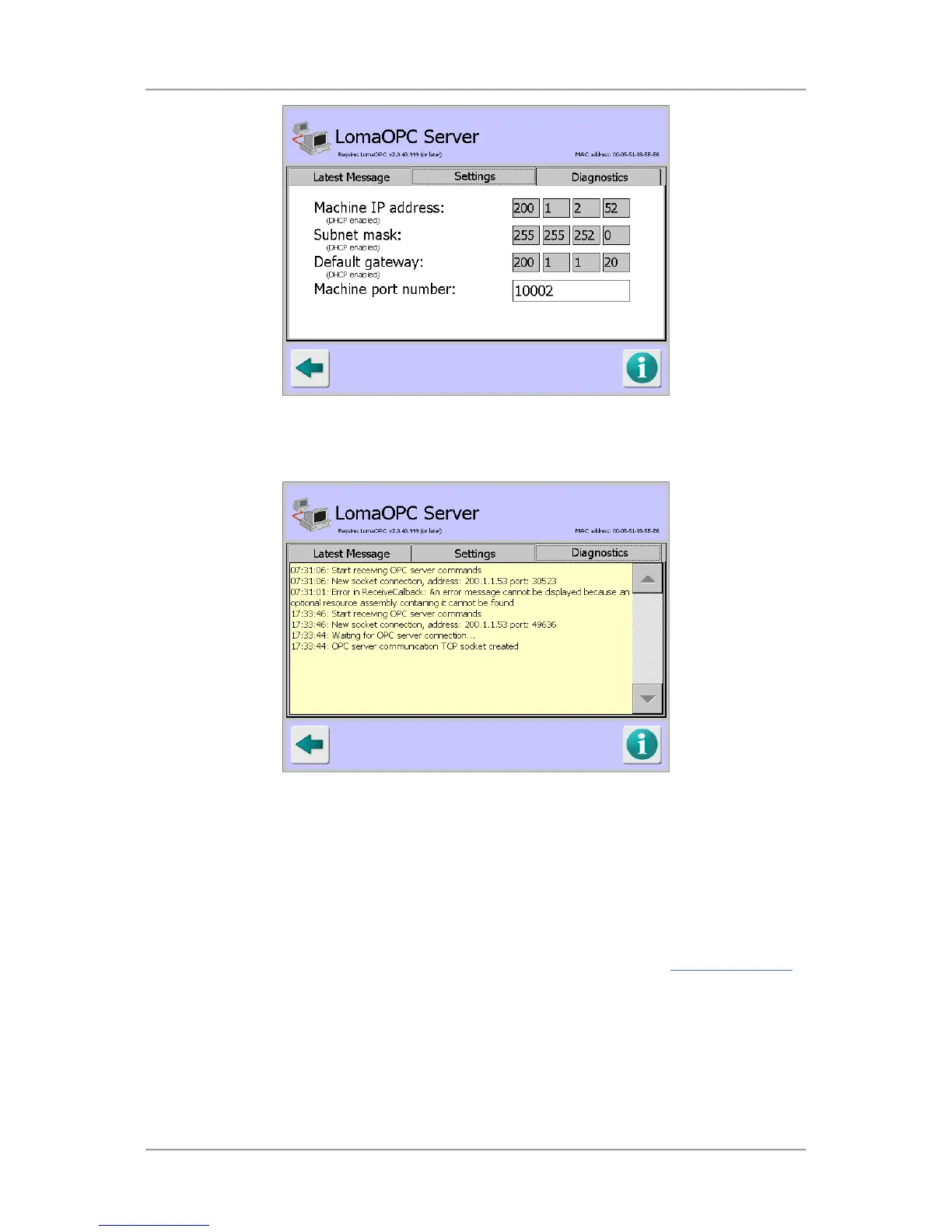
Diagnostics
This tab displays advanced diagnostic messages about reports sent and communications with
the LomaOPC application. The last 50 diagnostics messages are displayed.
Serial Comms Setup
Purpose
The IQ
3
+ Metal Detector has built in Ethernet capabilities for LomaEnet and LomaOPC but for
transmitting and receiving LomaLink and resultant data, a serial connection is required.
The Serial Comms Setup screen is displayed by tapping on the Serial icon in the Advanced Settings
screen and its purpose is to allow you to set up a serial connection, selecting what data type is to be
transmitted and/or received and the data protocol to be used.



 To Next Page