Getting Started
62
The user interface has been carefully designed to be as intuitive as possible, using common actions
and symbols that you will see and use for operating other machines and computers.
You may not have access to a computer or printed copy of the User Guide when operating the
machine, so some guidance and help is provided which is accessible within the user interface.
When the IQ
3
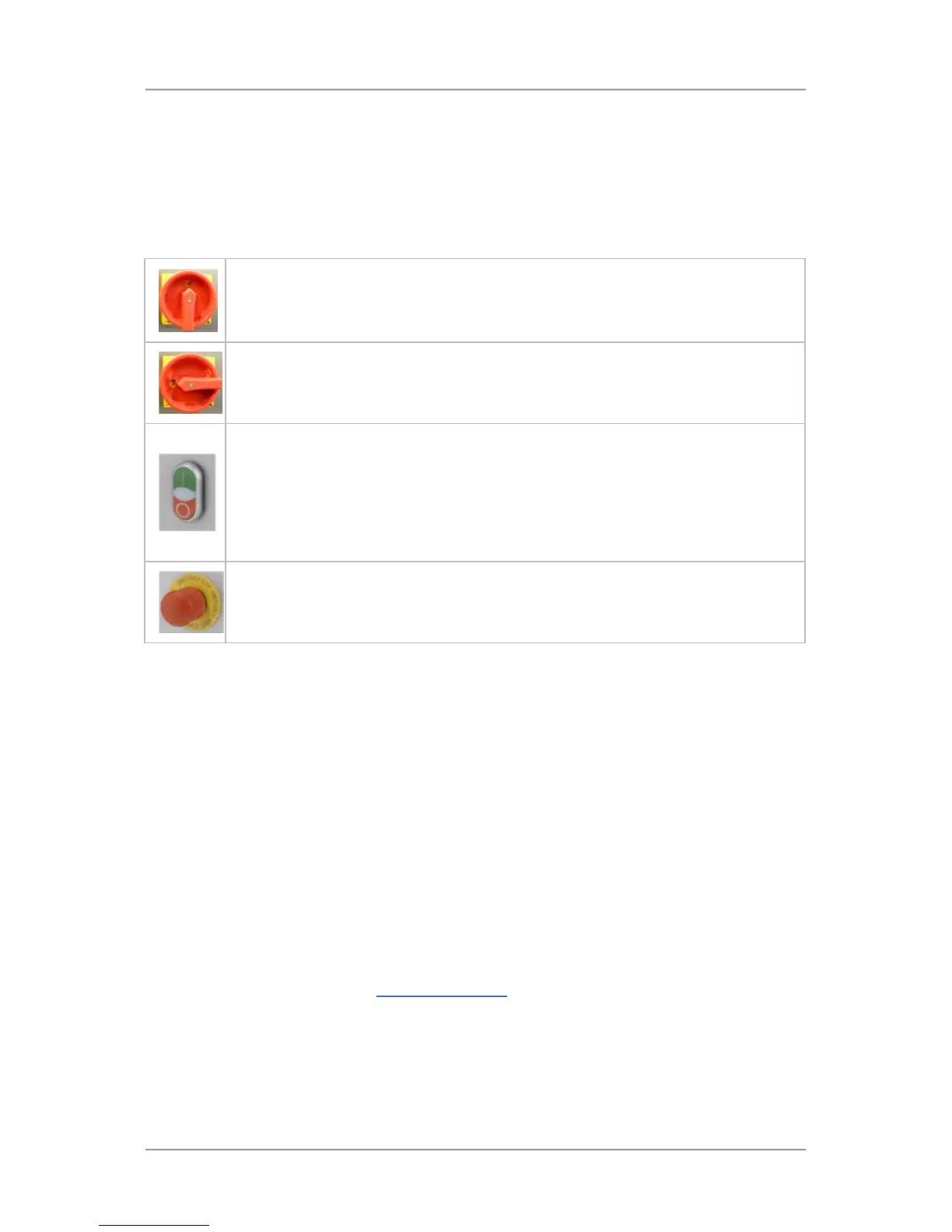
+ Metal Detector head is supplied fitted to a Loma conveyor, the following switches and
buttons are also provided, mounted on the Electrical Services Box:
The Isolator Switch
here in the ON position. Power is being supplied to the machine.
The Isolator Switch is shown here in the OFF position. Power is NOT being supplied
to the machine.
The conveyor Start/Stop button is located on the front of the Electrical Services Box
and is used to start and stop the conveyor.
Pushing the green section at the top of the button starts the conveyor and the white
LED located in the middle of the button is lit to indicate this.
Pushing the red section at the bottom of the button stops the conveyor and the white
LED is extinguished.
The Emergency Stop button is located on the front of the Electrical Services Box and
is to be used in EMERGENCIES ONLY to stop the machine.
User Access
User access to the features and functionality of the IQ
3
+ Metal Detector is managed through one
general and four password protected levels, listed and described below, with each level providing
access based on the user function.
During installation and commissioning, the Loma Engineer will set and provide you with passwords for
accessing all user levels, which you can then provide to staff as required.
Named accounts may then be set up for each user, selecting a specific access level for them, with a
unique password for each user to log in to the machine.
If you attempt to access a screen that is only available to user levels above your current logged in
level, you will be prompted to enter a valid password for the required user level.
■
Log Off - (Level 0)
This is the general access level used for selection when the machine is not being used but is to
be left powered up. It provides no access to any features or functions. Any attempt to access
other screens will display the Select Access Level
screen
■ Operator - (Level 1)
This level of access is aimed at operators who need to use the machine functionality and
features to carry out routine product inspections and remove any contaminated products from
the production line. Users can view the Main Run Screen and are also able to open the Select
Access Level screen.



 To Next Page