Operating Instructions
189
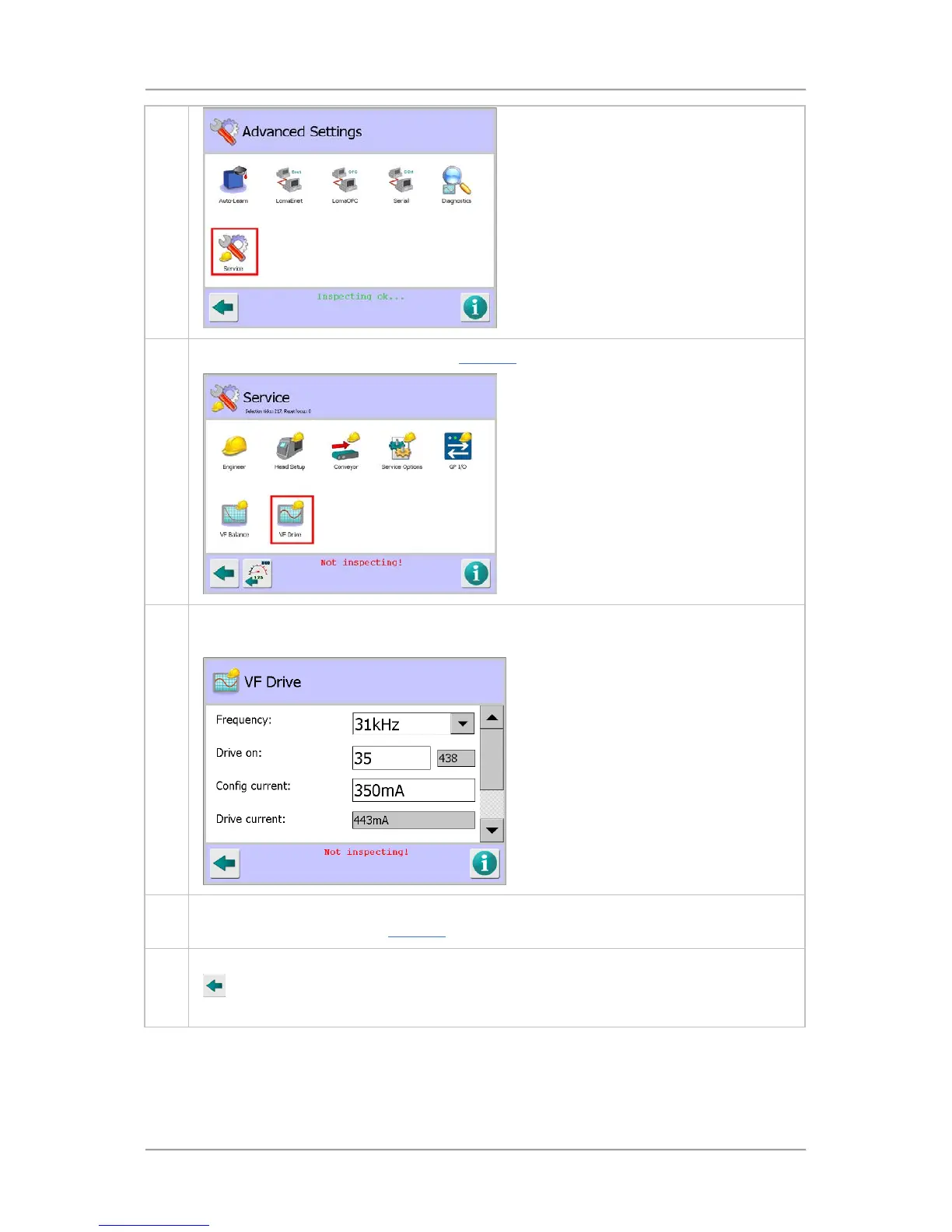
3. Tap on the VF Drive icon to display the VF Drive screen.
4. Note that the detector will stop inspecting whilst you are in any Service screen, as indicated
by the red message Not Inspecting!displayed at the bottom of the screen.
5. You can now now select the required options and enter the appropriate parameter values to
set up the VF drive. See the VF Drive
screen section for further details.
6. Once you have entered details and selected the required options, tap on the Back button
to display the Save Settings pop-up screen. Then tap on the green tick 'OK' button to
save the changes.
Setting Up the User Options
User Options are set up in the User Options screen which enables/disables many of the detector
functions using a tick box system. If a function is unavailable because perhaps a setting in another



 To Next Page